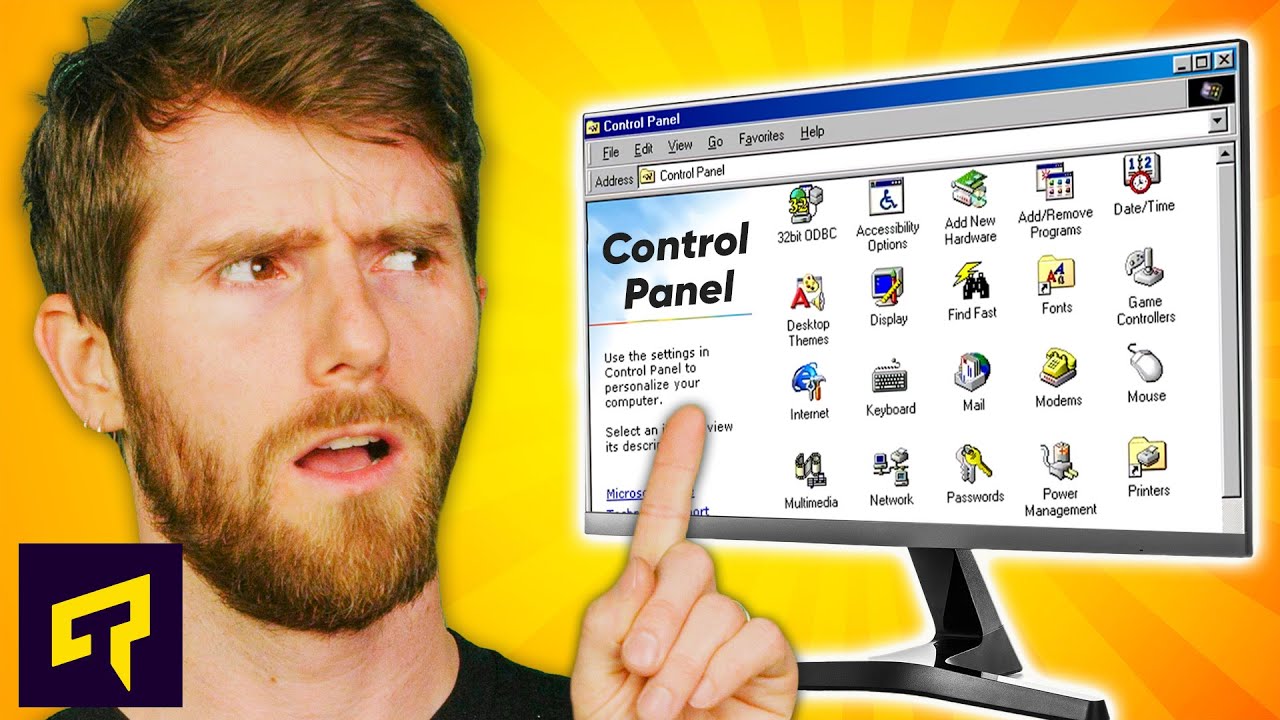
Why Windows Still Has The Old Control Panel
Your rating
Reactions
AudioEnglish (original)Auto-dubbed: French, German, Spanish, Hindi, Indonesian, Italian, Portuguese
Promos
Play Enlisted for FREE on PC, Xbox Series X|S and PS5: enplay.link Follow the link to download the game and get your exclusive bonus now. See you in battle! Why are there so many old icons and user interface (UI) elements in Windows 10 and 11 - some of them even from the days of Windows 95? Leave a reply with your requests for future episodes. ► GET MERCH: lttstore.com ► LTX 2023 TICKETS AVAILABLE NOW: lmg.gg ► GET EXCLUSIVE CONTENT ON FLOATPLANE: lmg.gg ► SPONSORS, AFFILIATES, AND PARTNERS: lmg.gg FOLLOW US ELSEWHERE --------------------------------------------------- Twitter: twitter.com Facebook: @LinusTech Instagram: @linustech TikTok: @linustech Twitch: twitch.tv
AI Overview
Windows still ships with a mixed user interface, where the familiar old Control Panel sits alongside the new Settings app. The video explains that this isn’t a simple oversight but a result of Microsoft’s large, multi-team development process and the long history of Windows, which has evolved in a piecemeal fashion over three decades. Each team follows a modernization guide to keep their feature in line with the rest of the OS, which means incremental updates rather than a full rewrite. The result is a gradual migration strategy that prioritizes what to redesign and what to leave alone, all while collecting user feedback to determine which elements get attention. Core elements like the taskbar and Task Manager have evolved through user needs, but older UI components that rely on legacy software frameworks can resist a big overhaul without a full rewrite. The video also notes that some users, particularly in business environments, rely on legacy controls and custom scripts, so Microsoft ostensibly preserves certain Panel elements to avoid breaking compatibility. In short, the old Control Panel remains visible because it is still relied upon by certain workflows and because a complete rewrite would risk widespread disruption, even as Microsoft continues to push more settings into the newer Settings interface. The host concludes that while the company is chipping away at migration, a complete phase-out is not imminent and the old UI may persist for some time to come, with ongoing debates about the balance between familiarity and modernization.
Topics · technology · operating systems · user interfaces · enterprise software · software engineering
Questions answered
- Why does Windows still include the old Control Panel alongside the Settings app?
- Because Windows is developed by many teams over decades, using legacy frameworks for some features, which makes a full rewrite impractical. Redesigns happen incrementally and are guided by user feedback and compatibility needs, keeping legacy elements available for continuity and to avoid breaking existing workflows.
- Will the Control Panel ever be fully phased out?
- Microsoft has not committed to a timeline for phasing out the Control Panel; the company continues to migrate features to Settings as resources allow, while preserving certain legacy elements for compatibility and enterprise use.
- What guides the redesign of Windows components like Settings and Task Manager?
- Redesign decisions are driven by user interaction data, business requirements, and the goal of keeping elements congruent with the rest of the OS, while balancing the benefits of modernization with the risks of disrupting existing software and workflows.


