Your rating
Reactions
Description
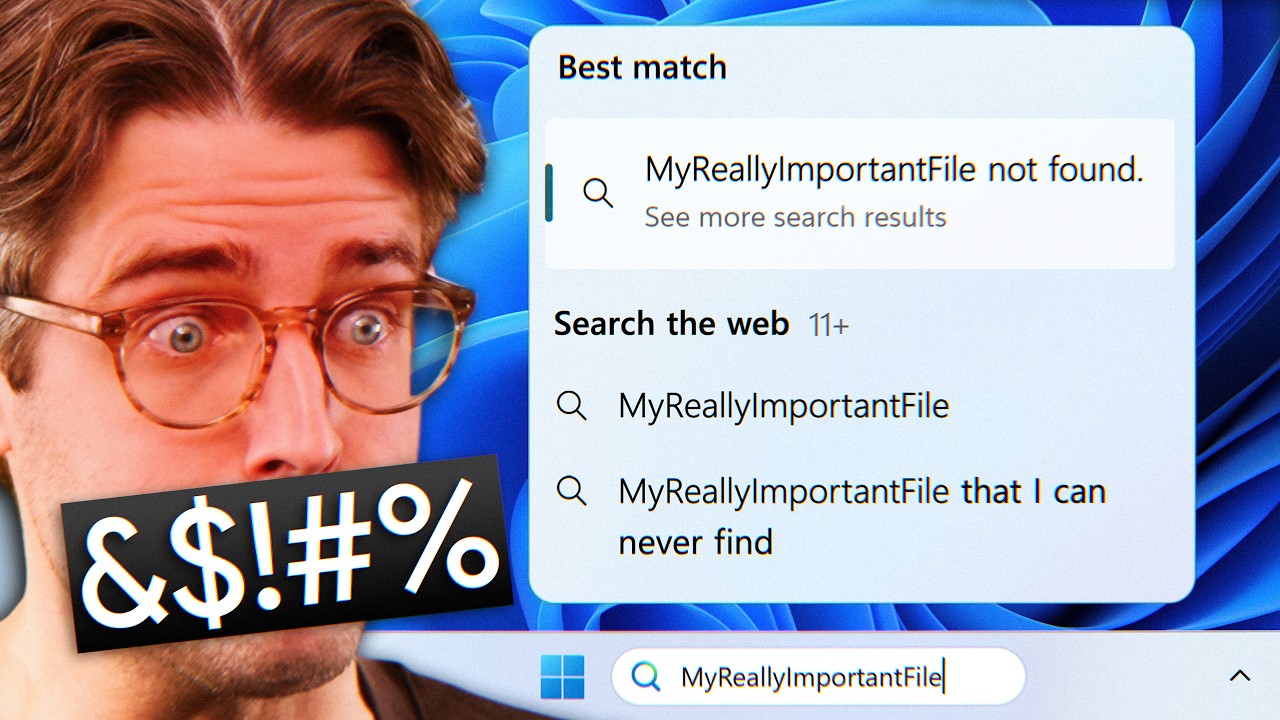
Get a free 15-day trial of Odoo’s all-in-one business solution and see how it can make your life easier! Check it out at odoo.com Your PC’s search bar isn’t actually searching your files. It’s checking something called an inverted index, which it’s been quietly building since the day you first booted up. So what is an inverted index, and how does it make search so fast? Why does Windows Search still miss files you KNOW exist? And how can you get search working better, including free tools that find what Windows can’t? To find out why, We spoke to search researcher and absolute search legend Justin Zobel of the University of Melbourne. Leave a reply with your requests for future episodes. ► SHOP OUR PRODUCTS: lttstore.com ► GET A VPN: piavpn.com ► GET EXCLUSIVE CONTENT ON FLOATPLANE: lmg.gg ► SPONSORS, AFFILIATES, AND PARTNERS: lmg.gg Chapters -------------------------- 0:00 - Your search bar's secret 0:48 - How an index works 2:26 - The inverted index and its limits 3:49 - Positional data and compression 5:24 - So why does Windows search feel so bad? 6:22 - Why search misses your files 8:10 - Fixing search with third-party apps
AI Overview
A computer usually does not search every file from scratch when you type a query. It checks an inverted index that maps words to the files containing them, and some search tools also store word positions and counts to improve matching and ranking. The video compares this structure to the index at the back of a book, distinguishing it from a forward index like a table of contents. Positional data can help distinguish a search for “Miles Davis” from separate mentions of Miles and Davis in unrelated contexts. Although richer indexes use more space, compression can make them smaller and faster to process.
Topics · science & technology · information retrieval · file search · search algorithms · windows indexing
Questions answered
- How does an inverted index make computer file searches faster?
- It maps words to the files where they appear, so search can check those recorded locations instead of opening every file one by one.
- What does positional data add to a file search index?
- It records where words appear within files, helping a search tool tell whether terms such as “Miles Davis” occur next to each other and in the requested order.
- Why can Windows Search fail to find a file that exists?
- The file may be outside the locations Windows indexes, the query may use different wording from the file's contents, or the search program or its index may not be working properly.
- How can Windows Search index more folders?
- Windows settings can be changed to include more locations, or Enhanced search mode can be enabled to index the whole PC.
- Which alternative apps can find files on a PC?
- Everything is a free Windows option for finding file names, fsearch is an Everything-style option for Linux, and DocFetcher can search inside files on Windows, Mac, and Linux.