Your rating
Reactions
Promos
iOS 16, coming to an iPhone (8 or later) near you MKBHD Merch: shop.mkbhd.com Wallpapers: unsplash.com highrises.hythacg.com unsplash.com unsplash.com twitter.com unsplash.com unsplash.com twitter.com Intro Track: youtube.com Playlist of MKBHD Intro music: goo.gl ~ twitter.com @MKBHD @MKBHD
AI Overview
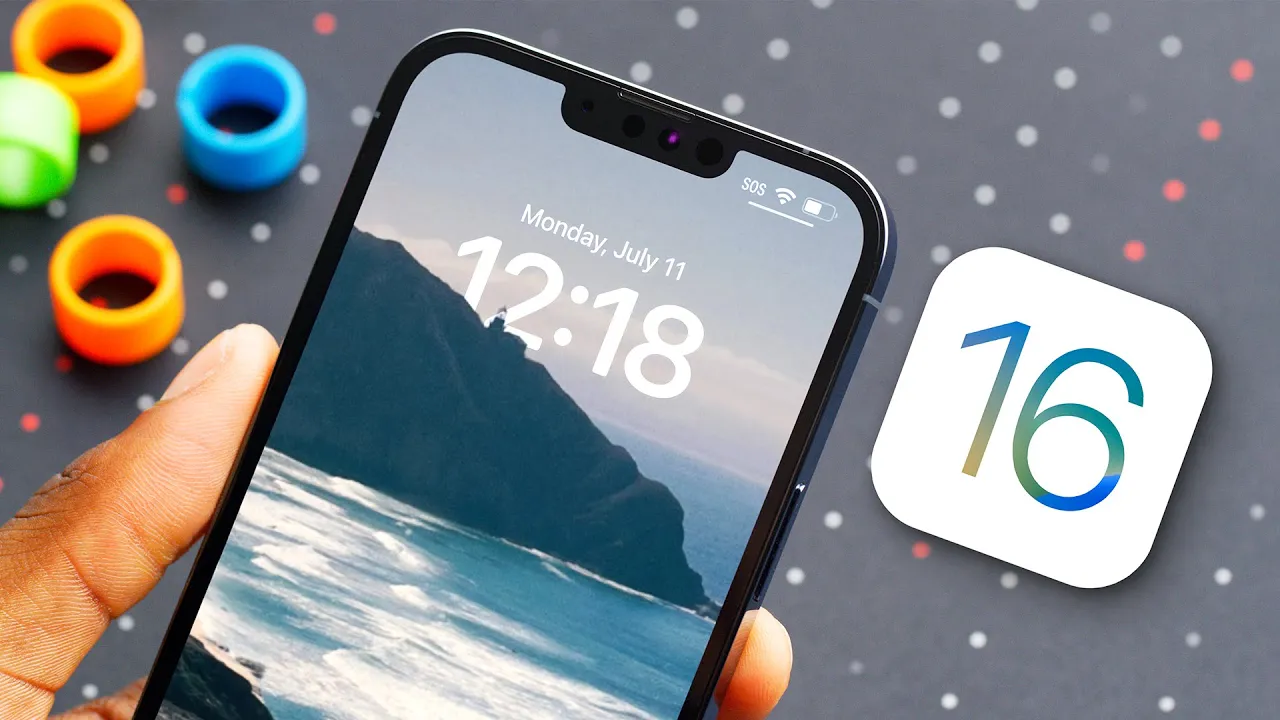
iOS 16 is introduced with a mix of refinements and bold new capabilities, and this hands-on covers the five standout features in a practical, user-focused way. The video opens by setting expectations about the beta's stability while highlighting the core improvements Apple pitched on stage and a few extras discovered through hands-on exploration. The host walks through the list in descending order of impact, starting with the ability to edit and unsend messages, a feature that finally brings iMessage in line with user expectations for correction and clarity, while clearly noting behavior when the recipient is on an older iOS version. The discussion then shifts to Live Objects, a new capability that extends Live Text from photos to videos and even allows you to separate a subject from its background in a still image to copy and paste with impressive masking. The speaker also emphasizes how these small, cumulative improvements,like a refined Weather app forecast visualization, a streamlined video-watching UI in Safari, and a tactile haptic keyboard,combine to refresh the experience without a dramatic overhaul. Finally, the video delves into the marquee feature of the release, the redesigned lock screen, detailing customization options for fonts, colors, and widgets, multiple saved layouts, and the new Focus-linked lock screens along with Live Activities for real-time updates, which the host argues will become the feature most interacted with on a daily basis. The conclusion invites viewers to share their favorite feature and promises further discussion in future videos, underscoring the balance between substantial new capabilities and thoughtful refinements that feel like a natural evolution for iOS.
Topics · technology · mobile · operating systems · apple · user-experience · video-reviews
Questions answered
- What is the first feature highlighted in the iOS 16 hands-on review and how does it work?
- The first feature discussed is the ability to edit and unsend messages in iMessage. You can long-press a sent message for up to 15 minutes to edit it, with the edit reflected to the recipient but without showing edit history. If you choose to unsend, a notification still indicates an action occurred, and the feature does not work if the recipient is not on iOS 16.
- How does Continuity Camera enhance the Mac experience according to the video?
- Continuity Camera turns the iPhone into a wireless webcam for the Mac, delivering higher quality video with features like Portrait mode, Studio Light, and Center Stage. The standout is Desk View, which uses the iPhone’s ultra-wide camera mounted above the workspace to produce a top-down view of the desk, effectively providing a sophisticated alternative to traditional webcams.
- What lock screen customization capabilities are introduced in iOS 16 as described in the video?
- iOS 16 introduces a redesigned lock screen with new clock fonts and colors, widget slots, and the ability to save multiple lock screen layouts. Users can customize fonts, colors, and widget placement, switch between layouts easily, and link lock screens to Focus modes. An AI-based feature allows the clock to carve out a cutout from the wallpaper, especially when no bottom widgets are added, creating a more integrated look.




