Your rating
Reactions
AudioEnglish (original)Auto-dubbed: French, German, Spanish, Hindi, Indonesian, Italian, Portuguese
Description
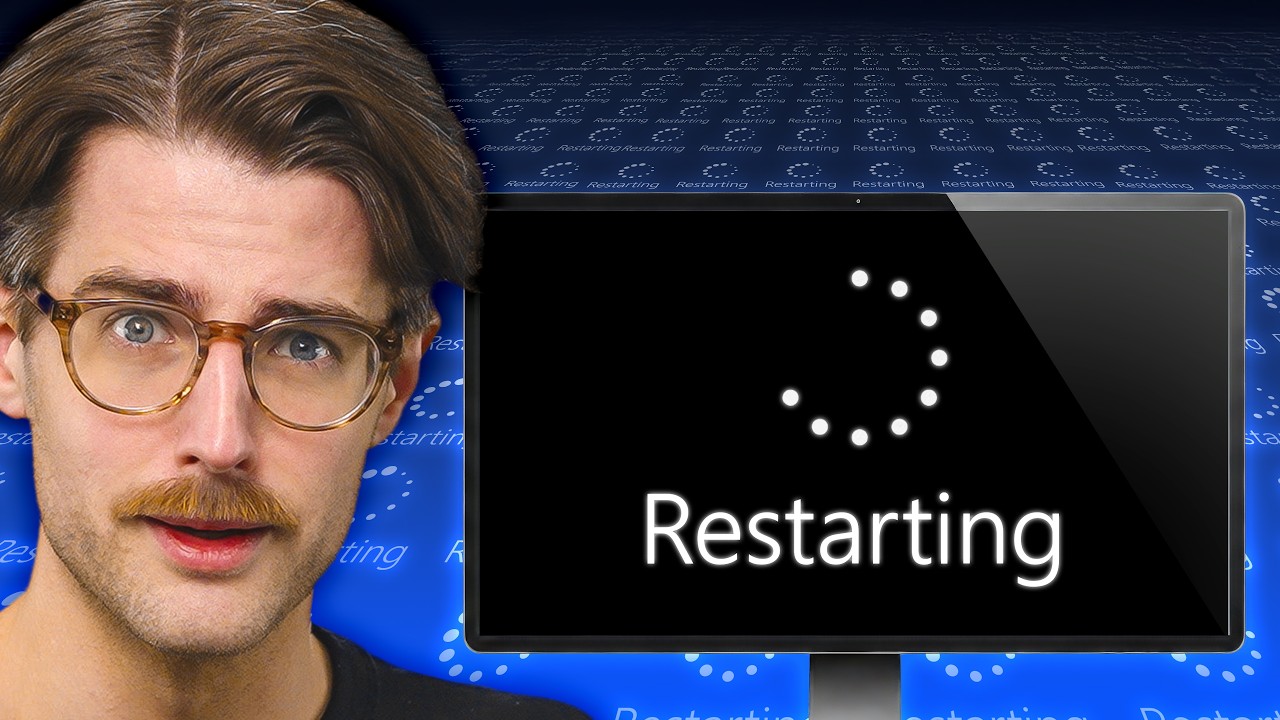
Thanks to Micro Center for sponsoring this video! Shop Micro Center's Laptop Savings Event: micro.center Sign up for a FREE 128 gig Flash Drive at Micro Center Austin, TX: micro.center Sign up for a FREE 128 gig Flash Drive at Micro Center Columbus, OH: micro.center Visit Micro Center News: micro.center Why does turning your computer off and on again actually fix things? We explain what rebooting does to RAM, memory leaks, crashed services, and the weird little problems that build up while your PC is running. Leave a reply with your requests for future episodes. ► SHOP OUR PRODUCTS: lttstore.com ► GET A VPN: piavpn.com ► GET EXCLUSIVE CONTENT ON FLOATPLANE: lmg.gg ► SPONSORS, AFFILIATES, AND PARTNERS: lmg.gg Chapters ------------------------ 0:00 Have You Tried Restarting? 0:37 RAM vs. Storage 1:18 Why Your PC Slows Down 2:03 Memory Leaks Explained 2:50 Buggy Drivers Can Break Everything 3:55 Sponsor 4:29 Why Phones Need Fewer Reboots 6:24 Micro-Reboots, Rust, and the Future of Restarting 8:03 Credits
AI Overview
The familiar advice to turn a computer off and on again works because a reboot clears volatile memory, including RAM. RAM is a fast temporary workspace, while an SSD or hard drive stores data persistently. When RAM fills up, the computer can move data to storage through swapping, which is slower than accessing RAM. Programs that fail to release memory can cause memory leaks, and browsers such as Chrome and third-party hardware drivers are cited as possible sources. As these problems accumulate, the computer may slow down or become unstable. Restarting clears the contents of RAM, which can remove some of those temporary problems.
Topics · science & technology · computers · computer troubleshooting
Questions answered
- Why can restarting a computer fix slowdowns or other temporary problems?
- Restarting clears volatile memory, removing accumulated RAM contents that can include leaked memory or corrupted temporary data.
- What happens when a computer runs short of RAM?
- It can move data that does not fit in RAM to an SSD or hard drive through swapping, but accessing that storage is slower.
- What is a memory leak in a computer program?
- A memory leak occurs when a program holds on to memory it is no longer using instead of releasing it.
- Why might phones need fewer reboots than Windows PCs?
- Android and iOS use automatic memory-management features and aggressively clear out apps that are not in use, while Windows is described as allowing programs to remain active and use memory.
- How can micro-reboots reduce the need to restart an entire computer?
- Modular software can isolate failures, allowing a browser to reload one crashed tab or an operating system to restart a crashed service without rebooting the whole system.


