Your rating
Reactions
AudioEnglish (original)Auto-dubbed: French, German, Spanish, Bangla, Indonesian, Italian, Malayalam, Ukrainian
Promos
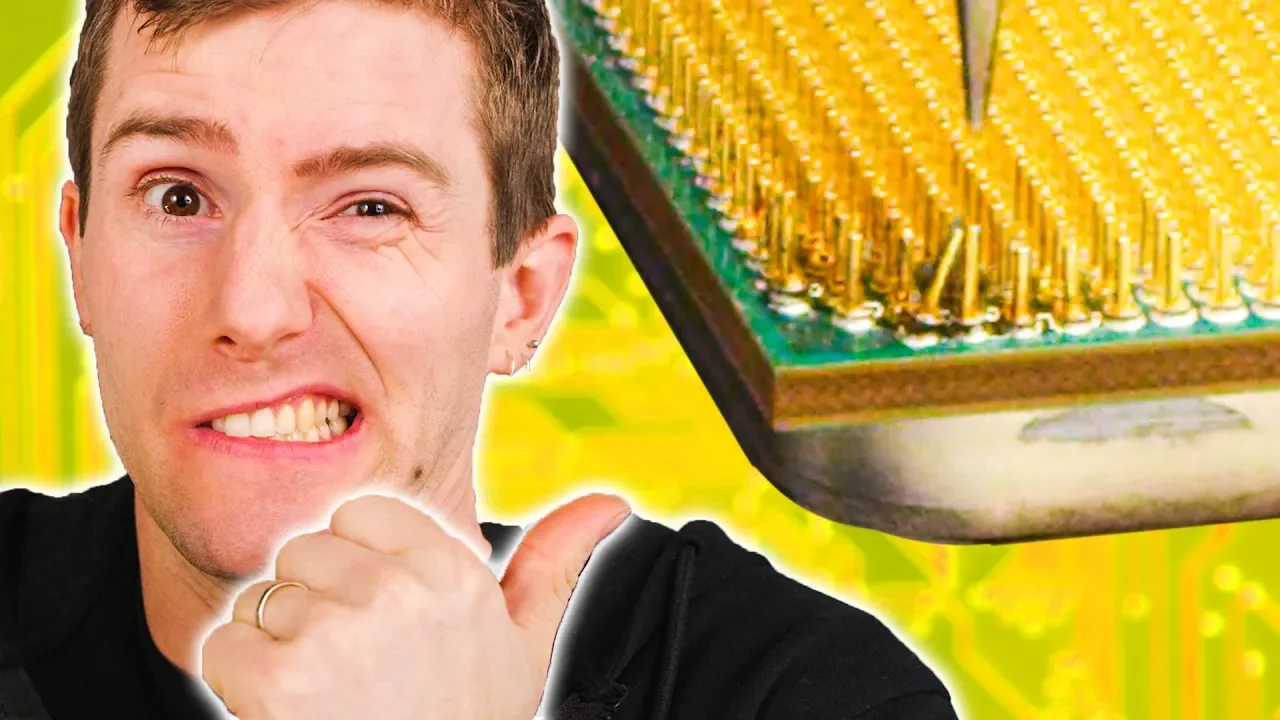
Visit squarespace.com and use offer code LTT for 10% off Thanks to Thermal Grizzly for sponsoring today's episode! Buy Thermal Grizzly Conductonaut on Amazon (PAID LINK) at lmg.gg Pulled a Linus and dropped your CPU? Got a couple busted pins and want to fix them? Want to save a whole lot of money? We got you fam, we walk you through the process of fixing a Ryzen 3700x with broken pins and get it up and running again. Big thanks to Zettabit. lab and their video: lmg.gg Also Ethan for trading the CPU for us to work on. Solder mask: lmg.gg Buy F2C 858D SMD Rework Station On Amazon (PAID LINK): geni.us Buy Brightech LightView PRO On Amazon (PAID LINK): geni.us Buy MG Chemicals 8341 No Clean Flux Paste On Amazon (PAID LINK): geni.us Buy Isopropyl Alcohol 99% On Amazon (PAID LINK): geni.us Buy Heavy Duty Aluminium Foil On Amazon (PAID LINK): geni.us Purchases made through some store links may provide some compensation to Linus Media Group. Discuss on the forum: lmg.gg Our Affiliates, Referral Programs, and Sponsors: linustechtips.com Displate metal posters: lmg.gg Linus Tech Tips merchandise at lttstore.com Our Test Benches on Amazon: amazon.com Our production gear: geni.us Our Chrono.gg game store: ltt.chrono.gg Twitter - twitter.com Facebook - @LinusTech Instagram - @linustech Twitch - twitch.tv Intro Screen Music Credit: Title: Laszlo - Supernova Video Link: youtube.com iTunes Download Link: itunes.apple.com Artist Link: soundcloud.com Outro Screen Music Credit: Approaching Nirvana - Sugar High youtube.com
AI Overview
This video chronicles a high-stakes DIY repair of a dead Ryzen 7 3700x with multiple broken pins. The hosts walk through a methodical salvage operation using a donor CPU, specialized tools, and careful heat control to reattach pins and restore functionality. They begin by outlining the required tools, including a hot air rework station, magnification, flux, tweezers, solder mask, and safety measures to protect both the CPU and the operator. The repair process involves harvesting intact pins from a donor chip, then reattaching them to the broken CPU using flux and hot air reflow, with frequent checks on pin alignment and cooling between steps. After initial attempts, they pivot to testing with a known-good motherboard and socket to verify the repaired CPU, revealing the tension between persistence and the risk of further damage. The video closes with the CPU revived and functioning, followed by a reflection on the motivations for DIY fixes, such as saving money, learning new skills, and honoring the experimental spirit of tech tinkering. The hosts also acknowledge sponsorships and point viewers to related content and sponsor links, emphasizing a practical, hands-on approach to hardware repair rather than quick, throwaway solutions.
Topics · science & technology · diy · computers · hardware
Questions answered
- What tools are essential for reattaching CPU pins in this repair, and why are they used?
- Essential tools include a hot air rework station, flux, tweezers, magnification, solder mask, isopropyl alcohol, and a heat source. The hot air station allows controlled heating of the pins and pads without direct contact, reducing the risk of damaging surrounding components. Flux improves solder flow and pin adhesion, while tweezers help place and reorient pins precisely. Magnification and good lighting are critical to see tiny pins and ensure proper alignment.
- Why is a donor CPU used in this repair, and what risks does it address?
- A donor CPU provides intact pins that can be desoldered and then reattached to the dead CPU, enabling the repair to proceed when the original pins are missing or severely damaged. This addresses the core problem of missing electrical connections on the target CPU and helps restore a functional contact surface without replacing the entire processor.






