Your rating
Reactions
Promos
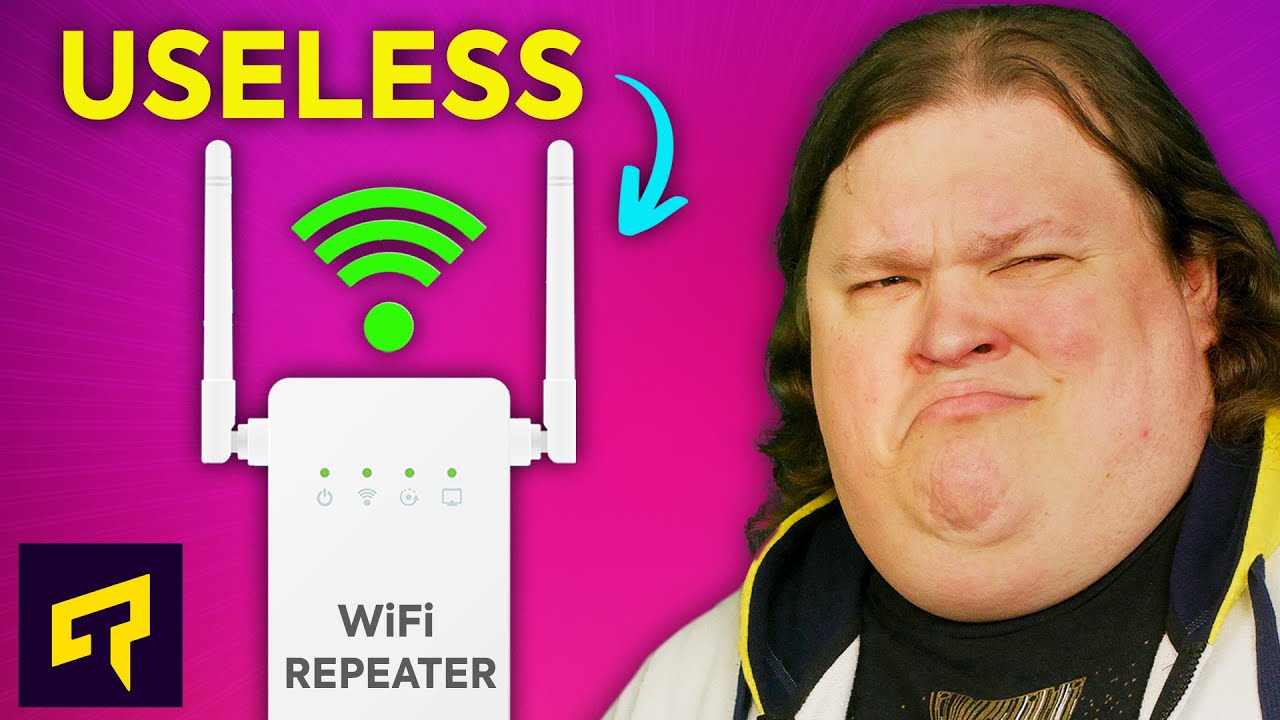
Get 4 months free on all Nord products at nordsecurity.com If you're not getting a good Wi-Fi signal, you might be tempted to buy a range extender or repeater - but is almost certainly a bad idea. We'll tell you why in this video. Leave a reply with your requests for future episodes. ► GET MERCH: lttstore.com ► AFFILIATES, SPONSORS & REFERRALS: lmg.gg ► PODCAST GEAR: lmg.gg ► SUPPORT US ON FLOATPLANE: floatplane.com FOLLOW US ELSEWHERE --------------------------------------------------- Twitter: twitter.com Facebook: @LinusTech Instagram: @linustech TikTok: @linustech Twitch: twitch.tv
AI Overview
The video begins by challenging the common instinct to fix a weak Wi-Fi signal with a cheap range extender, arguing that range extenders generally underperform and introduce new problems. It explains how a range extender works by grabbing an existing router signal and retransmitting it, which can result in a weaker overall network and unreliable coverage depending on placement. The presenter highlights several concrete downsides, such as extenders broadcasting a separate SSID that forces manual switching between networks, and in some setups creating a scenario where devices stubbornly stay connected to a weaker access point instead of roaming to a stronger one. The discussion also notes that mixing different Wi-Fi generations or antenna configurations between router and extender often worsens performance. After laying out the problems, the host offers practical, higher-quality alternatives: upgrading to a more capable router with better antennas and more spatial streams, or replacing with an additional access point wired back to the main router, ideally via Ethernet. The video then introduces mesh router systems as a scalable option, where multiple nodes coordinate to provide better roaming and potentially free up bandwidth by routing inter-node traffic on a separate frequency. Throughout, the host emphasizes that paying more for quality can deliver meaningful improvements, and he closes by reiterating the sponsored plug and inviting viewers to share future episode requests. The overall message is clear: if you want reliable, fast Wi-Fi across a home, consider wired APs or a mesh solution rather than a budget range extender.
Topics · technology · networking · home improvement · consumer electronics
Questions answered
- Should I buy a Wi-Fi range extender to improve home coverage?
- No, range extenders typically underperform, can require manual network switching, and may halve or degrade bandwidth. Better options include upgrading to a higher quality router, adding wired access points, or using a mesh system.
- What are the main downsides of using a Wi-Fi range extender?
- Key downsides include a separate SSID that complicates roaming, stubborn device connections to weaker signals, potential incompatibilities between router and extender, and reduced overall speed due to retransmission of the signal.
- What are effective alternatives to range extenders for better home Wi-Fi?
- Use a more capable router with better antennas, add wired access points connected via Ethernet, or deploy a mesh Wi-Fi system that coordinates multiple nodes for seamless roaming and optimized bandwidth.


