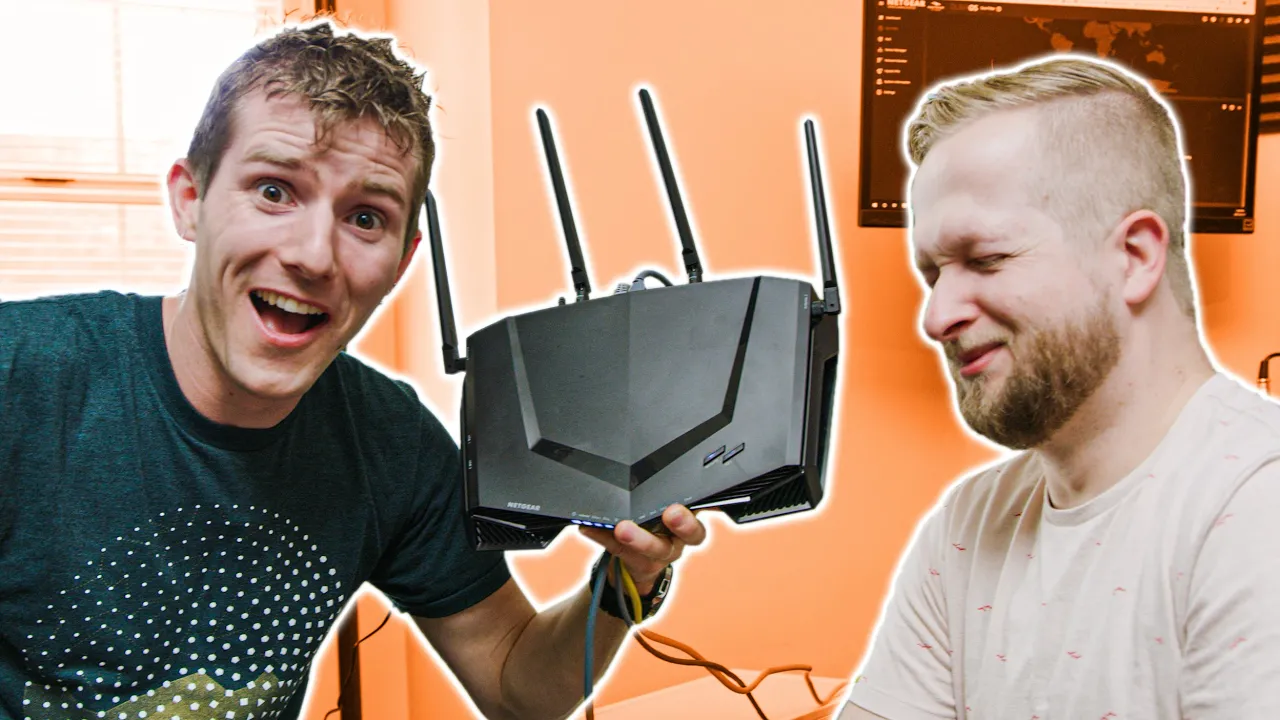
Upgrading our WORST Wifi Setup - NETGEAR Nighthawk Pro Gaming Router Showcase
Your rating
Reactions
AudioEnglish (original)Auto-dubbed: Italian
Promos
Thanks, NETGEAR for sponsoring this video! Pick up a NETGEAR Nighthawk Pro Gaming Router on Amazon at lmg.gg We drove all the way out to Colton’s house to upgrade his WIFI with networking hardware from NETGEAR, including the XR500 router and Nighthawk X6S Mesh Extender. Buy XR500 Gaming Router: On Amazon: geni.us On Newegg: geni.us Buy X6S Mesh Extender: On Amazon: geni.us On Newegg: geni.us Buy XR300 Gaming Router: On Amazon: geni.us On Newegg: geni.us Buy XR700 Gaming Router: On Amazon: geni.us On Newegg: geni.us #NighthawkProGaming #PowerToWin #NoLagCrew Discuss on the forum: linustechtips.com Our Affiliates, Referral Programs, and Sponsors: linustechtips.com Get Private Internet Access today at geni.us Displate metal posters: lmg.gg Rover Pet Sitters: lmg.gg Linus Tech Tips merchandise at lttstore.com Linus Tech Tips posters at crowdmade.com Our Test Benches on Amazon: amazon.com Our production gear: geni.us Twitter - twitter.com Facebook - @LinusTech Instagram - @linustech Twitch - twitch.tv Intro Screen Music Credit: Title: Laszlo - Supernova Video Link: youtube.com iTunes Download Link: itunes.apple.com Artist Link: soundcloud.com Outro Screen Music Credit: Approaching Nirvana - Sugar High youtube.com
AI Overview
The video opens with Linus and Colton inspecting Colton’s existing home setup, humorously highlighting a dusty factory router and the ensuing wifi chaos that affects both gaming streams and Netflix playback. They frame the project as upgrading the “worst wifi setup” with NETGEAR gear, including the XR500 gaming router and a Nighthawk X6S mesh extender, funded by a sponsorship. The hosts then show the baseline network environment, using a wifi analyzer to gauge coverage across 2.4 and 5 GHz bands, noting surprisingly strong signal strength despite the remote location, and uncovering a password management oversight that leaves the network insecure. The first major technical pivot arrives with the XR500 router running DOUMA OS, a specialized networking platform by NetDuma designed to provide advanced features plus ease of use for non-experts, which raises expectations for improved control and performance. They discuss the stock password, the DOUMA OS interface, and the promise of a robust feature set aimed at reducing lag and optimizing gaming traffic. The team then demonstrates how to reconfigure the network for optimal results, including a quick SSID rename to something memorable, and begins testing the new setup in earnest. The reveal comes as Colton’s download speeds and overall latency show noticeable gains, and the duo emphasizes the goal of creating a seamless, mesh-based network rather than separate subnets, setting the stage for a deeper dive into the software features.
Topics · technology · hardware · networking · consumer electronics
Questions answered
- What router and features were highlighted as key upgrades?
- The Netgear XR500 gaming router running DOUMA OS and the Nighthawk X6S mesh extender were showcased as core upgrades, offering advanced QoS, geofiltering, and a single mesh network.
- How did the reviewers test the new setup’s performance?
- They used wifi signal analysis for baseline coverage and conducted real-world speed tests across the home to compare before and after the upgrade, noting improvements in both wireless throughput and stability.
- What is the purpose of DOUMA OS in this setup?
- DOUMA OS provides advanced networking controls that are accessible to non-experts, enabling features like anti-bufferbloat, QoS bandwidth allocation, and geofilter to optimize gaming traffic and reduce latency.






