Your rating
Reactions
Promos
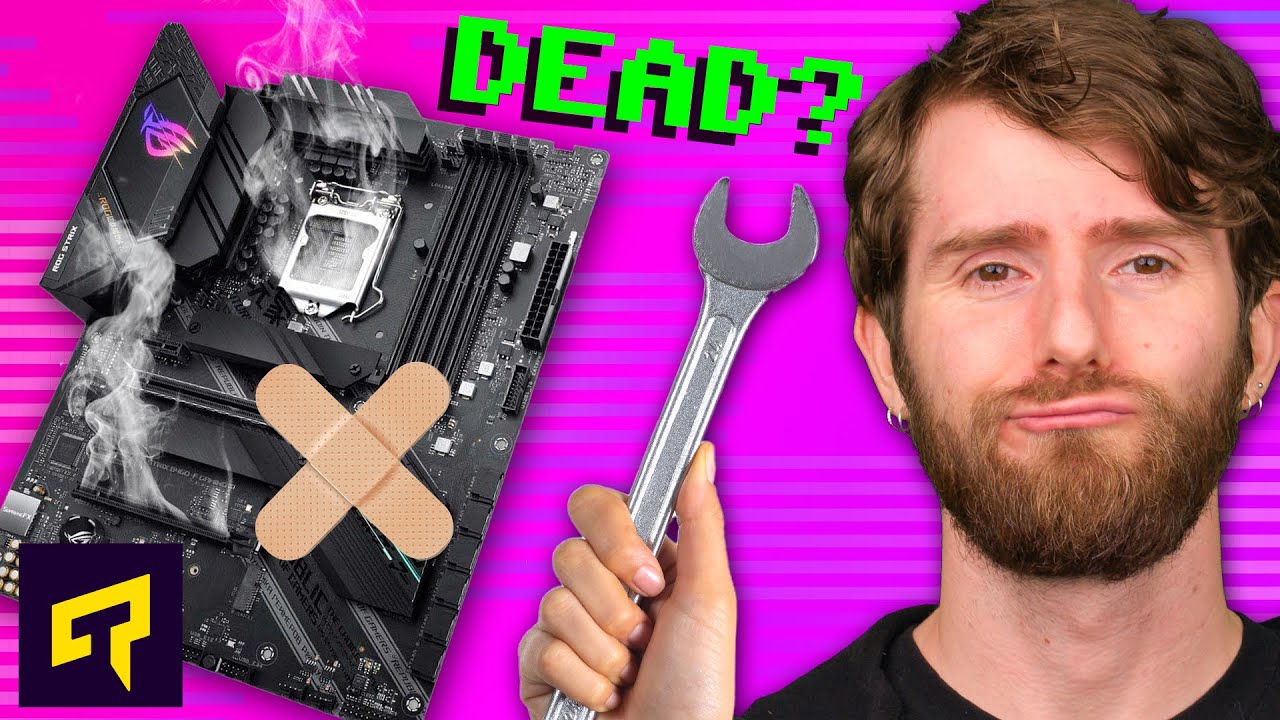
Check out the new Drop x Sennheiser PC38X at dro.ps It turns out it's possible to fix a broken motherboard that's been bricked. Here are several different ways to do it, depending on your situation. Leave a reply with your requests for future episodes, or tweet them here: twitter.com ►GET MERCH: lttstore.com ►SUPPORT US ON FLOATPLANE: floatplane.com ►LTX EXPO: ltxexpo.com AFFILIATES & REFERRALS --------------------------------------------------- ►Affiliates, Sponsors & Referrals: lmg.gg ►Private Internet Access VPN: lmg.gg ►MK Keyboards: lmg.gg ►Secretlabs Gaming Chairs: lmg.gg ►Nerd or Die Stream Overlays: lmg.gg ►Green Man Gaming lmg.gg ►Amazon Prime: lmg.gg ►Audible Free Trial: lmg.gg ►Our Gear on Amazon: geni.us FOLLOW US ELSEWHERE --------------------------------------------------- Twitter: twitter.com Facebook: @LinusTech Instagram: @linustech Twitch: twitch.tv FOLLOW OUR OTHER CHANNELS --------------------------------------------------- Linus Tech Tips: lmg.gg Mac Address: lmg.gg TechLinked: lmg.gg ShortCircuit: lmg.gg LMG Clips: lmg.gg Channel Super Fun: lmg.gg Carpool Critics: lmg.gg
AI Overview
This video explains practical methods to recover a motherboard that has become bricked during a BIOS update or power loss. It begins by emphasizing preventative measures, such as using a UPS during BIOS updates and selecting a motherboard with recovery options like a dual BIOS or easy BIOS recovery features. The presenter then details several recovery pathways: dual BIOS with a built-in automatic recovery that copies from the secondary to the primary, a physical toggle to switch to a secondary BIOS, and online BIOS flash methods that let you overwrite a corrupted BIOS via a USB drive using features such as BIOS flashback or crash-free BIOS. When a motherboard lacks these recovery options, the video covers more invasive options like replacing a BIOS chip, which is risky and requires precision soldering, versus a safer alternative using an external BIOS programmer (for example CH341A) and a clamp to connect to the motherboard, enabling you to flash a good BIOS image from a working PC. The guide then walks through the steps: download a fresh BIOS from the manufacturer, format the USB if needed, connect the programmer to the bricked board, load the BIOS image with software like AsProgrammer, and finally write the good BIOS back to the defective chip. Throughout, the emphasis is on methodical, careful execution to avoid further damage and to avoid expensive hardware replacements. The video closes with a promo segment for a gaming headset and a reminder to like, comment, and suggest future topics, underscoring the channel’s focus on practical, budget-conscious tech repair and quick recovery techniques.
Topics · technology · computers · hardware · repair · how-to
Questions answered
- What is a dual BIOS and how does it help recover a bricked motherboard?
- A dual BIOS setup includes a primary BIOS and a secondary recovery BIOS. If the primary BIOS becomes corrupted, the system automatically or manually switches to the secondary BIOS to boot and restore the primary BIOS, minimizing downtime.
- What steps can you take if your motherboard does not have a recovery feature?
- If recovery features are absent, you can use an external BIOS programmer (like a CH341A) with a clamp to physically attach to the bricked BIOS chip, then write a good BIOS image from a working PC using software such as AsProgrammer.
- What precautions should you take before attempting BIOS recovery using a programmer?
- Ensure the motherboard is disconnected from power, identify pin 1 on the BIOS chip, and follow the programmer’s instructions carefully to avoid damaging nearby components or the motherboard.


