HomeFeatured videos and new releasesBrowseLatest videos, playlists, and topicsCreatorsYouTube creators and their videosNewsHeadlines from publishers' feedsHistoryResume recently watched videos
Theme
Language
AccountAccountSign in
PrivacyCookiesTermsAboutContactRemovalMethodology
Account
Sign in
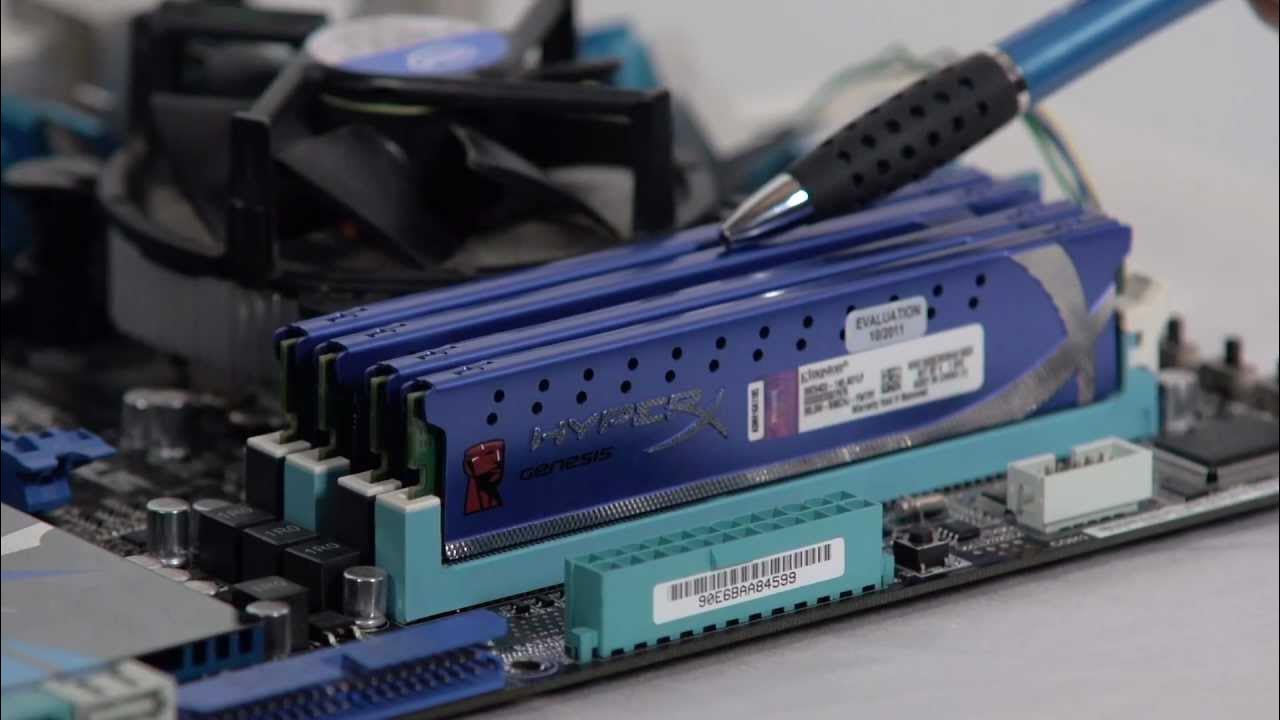
Install DDR3 RAM Memory As Fast as Possible
Video · 0:00

Install DDR3 RAM Memory As Fast as Possible

Techquickie@techquickie•362.7K views•Feb 4, 2013•3:39

Your rating

Rate this video from 1 to 5

Reactions

Reactions to this video

Share

WhatsAppXReddit
Source
YT
Views
362.7K
Subscribers
4.3M
vs. channel typical
0.8x
Likes per 100
2.1
Comments
564

Description

This how to guide for memory installation helps you pick your memory and install it in only a few minutes. FORUM LINK: linustechtips.com

Start

AI Overview

Install DDR3 RAM Memory As Fast as Possible provides a concise, step by step guide to selecting compatible memory and installing it into a dual channel motherboard. The host emphasizes matching memory specifications to the motherboard, suggesting memory speeds up to 1866 MHz and voltages at or below 1.65 V, with 1.5 V memory commonly being a safe choice. It covers practical hardware cues such as identifying memory slots by color and ensuring you populate sticks in the correct slots to maximize dual channel performance. The video walks through how to align the memory module notch with the slot, how to handle boards with one versus two retention tabs, and how to verify successful installation by booting the system and checking memory detection in both the BIOS/UEFI and Windows. The demonstration also touches on common real-world nuances like slot labeling on some boards, the effect of memory speed on actual detected MHz, and how to visually confirm that memory is firmly seated. By the end, the presenter reinforces essential checks, such as ensuring the RAM is recognized and the memory configuration aligns with the motherboard’s specifications, and encourages viewers to share future quickie ideas for more hardware tasks.

Topics · how_to · computer_hardware · pc_building · technology

More from Techquickie

  • Why PlayStation Controllers Don’t Just Work On PC
    6:54

    Why PlayStation Controllers Don’t Just Work On PC

    303.6K views•2 days ago
  • What is Tailscale?
    9:16

    What is Tailscale?

    190.6K views•last week
  • Why Can’t Search Find My File?!
    9:22

    Why Can’t Search Find My File?!

    93.5K views•2 weeks ago
  • Why Is Your Monitor Set to 59.94 Hz?
    8:03

    Why Is Your Monitor Set to 59.94 Hz?

    96K views•4 weeks ago

Related videos

  • Why does this PC fit into a PCIe slot? #SHORTS #pcbuilding
    0:22

    Why does this PC fit into a PCIe slot? #SHORTS #pcbuilding

    13M views•4 years ago
  • This PC SHOULDN'T Be Possible
    16:45

    This PC SHOULDN'T Be Possible

    3.9M views•6 years ago
  • How to Install a CPU
    14:31

    How to Install a CPU

    2.2M views•8 years ago
  • THIS is a power supply??
    10:03

    THIS is a power supply??

    1.9M views•7 years ago
  • This Beautiful PC has an UGLY Secret…
    22:07

    This Beautiful PC has an UGLY Secret…

    1.5M views•3 years ago
  • MasterCase Pro 5 from Cooler Master – A very moddable case?
    6:45

    MasterCase Pro 5 from Cooler Master – A very moddable case?

    665.9K views•11 years ago