Your rating
Reactions
AudioEnglish (original)Auto-dubbed: Dutch, French, German, Spanish, Arabic, Bangla, Hebrew, Hindi, Indonesian, Italian+10 more
Promos
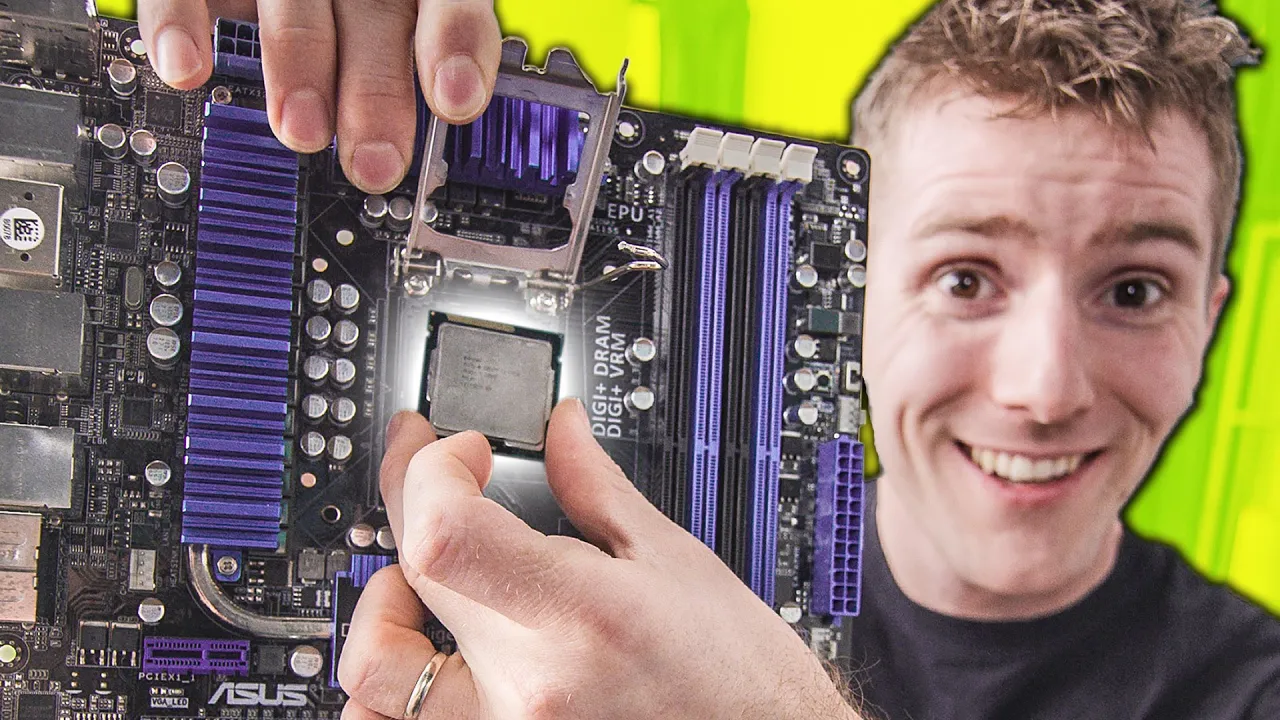
Check out the Hexgears Impulse Keyboard at hexgears.live It's time to get back to basics. How do I install a CPU? We accidentally used an old page for our Private Internet Access integration. Pricing has increased, please see the most up to date, accurate pricing here: lmg.gg GOOD VALUE CPU + MOTHERBOARD: Buy Intel Core i5 8400: On Amazon: geni.us On Newegg: geni.us Buy Gigabyte H370 HD3 (for Intel CPU above) On Amazon: geni.us On Newegg: geni.us BUDGET RYZEN OPTION: Buy AMD Ryzen 3: On Amazon: geni.us On Newegg: geni.us Buy B350 AM4 motherboard (for Ryzen CPU above) On Amazon: geni.us On Newegg: geni.us Discuss on the forum: linustechtips.com Our Affiliates, Referral Programs, and Sponsors: linustechtips.com Get Private Internet Access today at geni.us Displate metal posters: lmg.gg Linus Tech Tips merchandise at lttstore.com Linus Tech Tips posters at crowdmade.com Our Test Benches on Amazon: amazon.com Our production gear: geni.us Twitter - twitter.com Facebook - @LinusTech Instagram - @linustech Twitch - twitch.tv Intro Screen Music Credit: Title: Laszlo - Supernova Video Link: youtube.com iTunes Download Link: itunes.apple.com Artist Link: soundcloud.com Outro Screen Music Credit: Approaching Nirvana - Sugar High youtube.com
AI Overview
Paragraph 1: The video grounds beginners in the basics of CPU installation by first clarifying the fundamental hardware interfaces involved. It explains the two main socket families, LGA (pins on the motherboard socket) and PGA (pins on the CPU), and highlights why compatibility goes beyond the physical fit, stressing that a CPU may fit a socket but still require a BIOS update or a motherboard that supports the processor. The host emphasizes the importance of checking compatibility on the motherboard manufacturer’s site before purchasing, and notes that mixed generations or mismatched chipsets can cause non-boot issues without proper BIOS support. After establishing this groundwork, the presenter demonstrates the initial preparation steps, such as working on a non-conductive surface and using an anti-static strap to minimize static discharge. He also reminds viewers that socket pins are fragile and that care must be taken to avoid bending or damaging them during installation. This sets the stage for a careful, methodical approach rather than a rushed, risky handling of components.
Topics · technology · computer_hardware · pc_building · assembly · bios · cooling
Questions answered
- What are the two main CPU socket families and how do they differ?
- The two main families are LGA (land grid array) where pins are on the motherboard socket, and PGA (pin grid array) where pins are on the CPU itself. LGA sockets touch flat contacts on the CPU, while PGA sockets involve aligning the pins with holes in the CPU. Compatibility also depends on chipset and BIOS support, not just physical fit.
- Why is BIOS compatibility important when upgrading or swapping CPUs?
- BIOS compatibility matters because some CPUs require a BIOS update to function with a given motherboard. Without a compatible BIOS, the system may fail to boot or recognize the CPU or memory properly.
- What precautions should be taken before installing a CPU?
- Before installation, work on a non-conductive surface, use an anti-static strap or ground yourself, unplug any existing coolers, and handle the CPU by the edges to avoid touching the pins or contacts.






