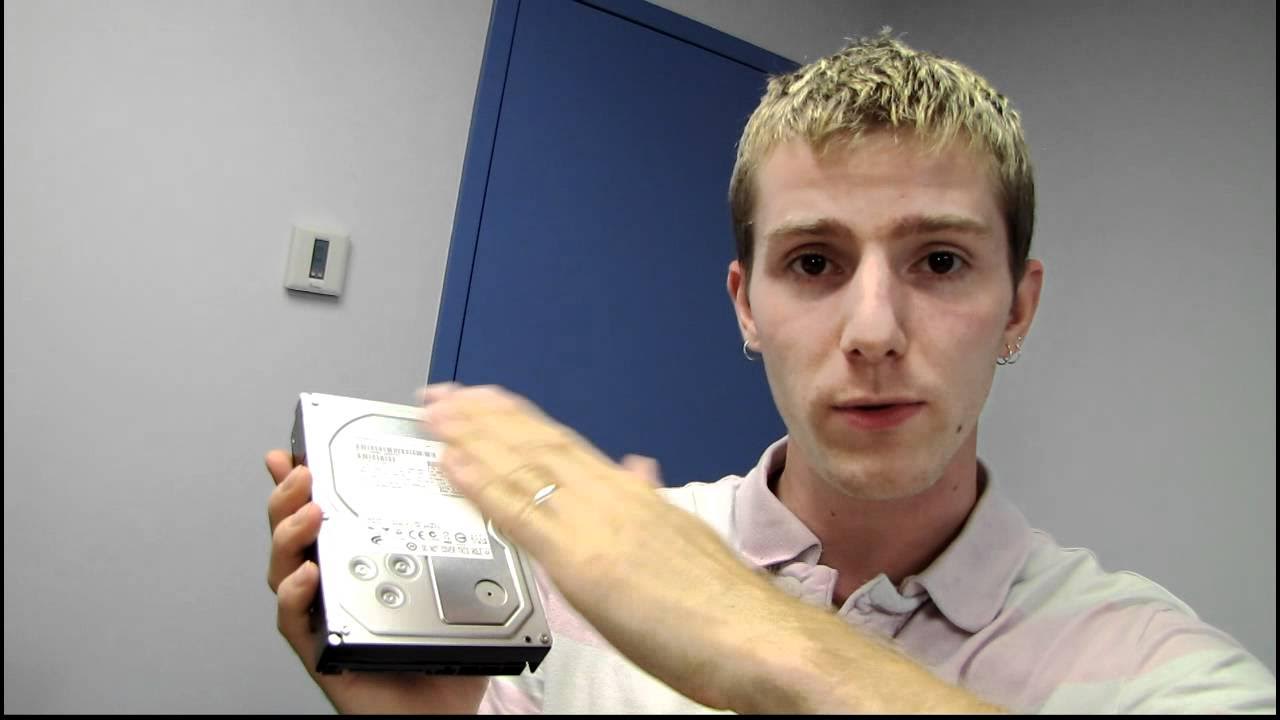
Hitachi Deskstar 0S03208 3TB SATA3 7200RPM 3.5IN Hard Drive Unbagging & First Look Linus Tech Tips
Your rating
Reactions
Description
ncix.com This is the 7200RPM version. It's fast, it's cheap, it's awesome.
AI Overview
This video presents an unbagging and first-look at the Hitachi Desk Star 3TB SATA drive, emphasizing that it is a full-speed desktop drive spinning at 7200 RPM, which the creator contrasts with slower “green” drives designed to save power. He notes the drive’s 3 TB capacity and SATA 3 interface, and explains why higher density platters can boost performance because data is physically closer and easier to reach. The host discusses compatibility considerations, advising viewers to check that their motherboard BIOS or NAS devices support 3 TB plus drives, and mentions that some systems may require firmware updates or hardware upgrades to recognize the full capacity. He frames the drive as competitively priced and high-performing for the time, and shares his intent to use multiple units for a demo of a media server project (Javelin S4). The unboxing is framed as a practical purchase guide and a snapshot of technology availability at the time, with a reminder to subscribe for future Linus Tech Tips content. Overall, the video blends hardware facts with practical buying tips, targeting viewers who want to understand drive speed, capacity, and system compatibility before upgrading or building a NAS or media server. The tone is informative and practical, aimed at tech enthusiasts who value price-to-performance considerations. The segment concludes with a closing reminder to subscribe, reinforcing the channel’s ongoing coverage of PC hardware.
Topics · technology · hardware · product_unboxing · computer_hardware
Questions answered
- What is the Hitachi Desk Star 3TB drive’s spindle speed and interface?
- The drive spins at 7200 RPM and uses a SATA 3 interface.
- Why should a buyer verify 3 TB support on their motherboard or NAS before purchasing a 3 TB drive?
- Because not all motherboards or NAS devices support 3 TB+ densities and may require firmware updates or hardware upgrades.






