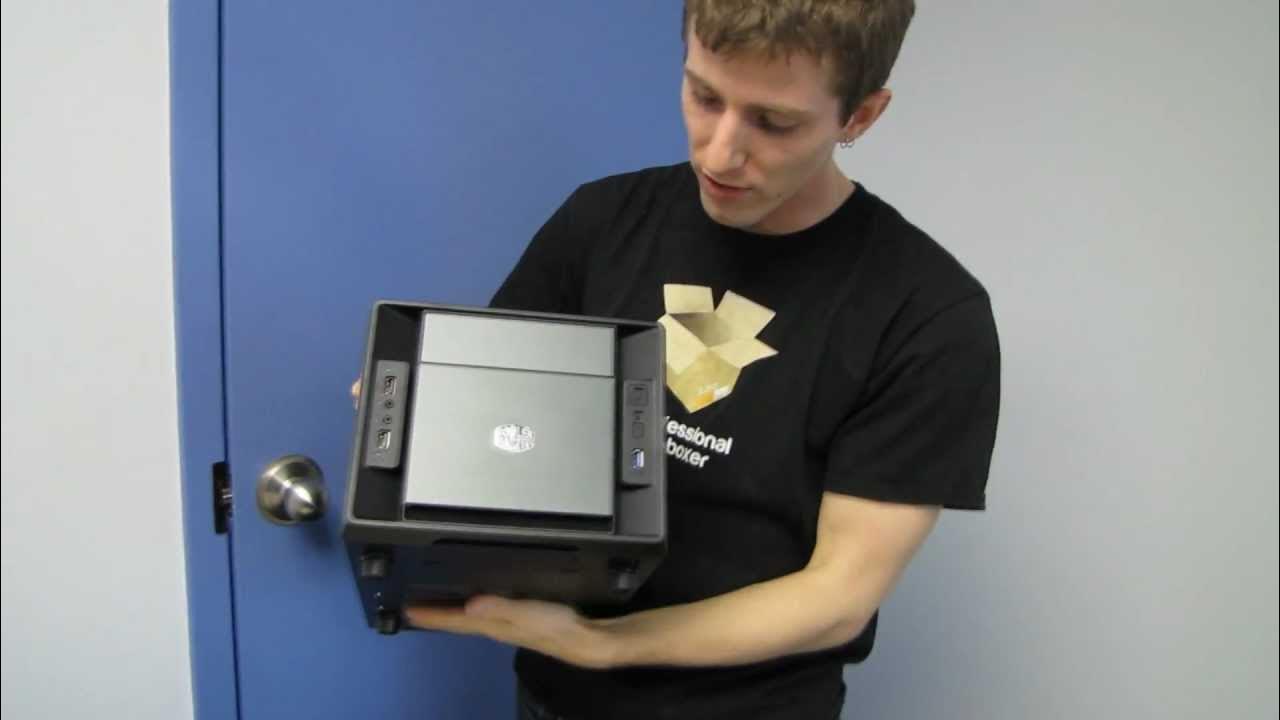
Cooler Master Elite 120 Advanced ITX Case Unboxing & First Look Linus Tech Tips
Your rating
Reactions
Description
The Elite 120 Advanced from Cooler Master has been... UNBOXED! CA: ncix.com US: us.ncix.com
AI Overview
The video presents an unboxing and first look at the Cooler Master Elite 120 Advanced ITX case, focusing on its compact form factor and feature set designed for small builds. The host compares the Elite 120 Advanced to other ITX cases, noting its ability to support an ATX power supply and a relatively generous internal layout for its size. He highlights the front panel materials, USB and audio connections, and the overall aesthetic, emphasizing a blacked-out interior with black power cables for a sharp appearance. Throughout the review, the host examines expansion options, including three 3.5" drive bays with adapters for 2.5" drives, and explains how the case accommodates multiple drives and potential cooling configurations. He also discusses cooling potential, pointing out the front 120 mm intake, an optional second 120 mm fan, and an 80 mm exhaust near the CPU area, all arranged to maximize airflow without compromising the compact footprint. The unboxing sequences segue into practical considerations about assembly, tool-less options (noting where they exist or are missing), and the overall value proposition given the price and feature set. By the end, the host positions the Elite 120 Advanced as a strong contender for budget ITX builds focused on balanced cooling, accessible upgrades, and a clean internal layout, while signaling ongoing testing and comparisons within Linus Tech Tips’ broader mini-ITX lineup.
Topics · technology · computer_hardware · product_unboxing · mini_itx · pc_cooling · pc_building · reviews · hardware_performance
Questions answered
- What are the key cooling options of the Cooler Master Elite 120 Advanced, and how many fans can it accommodate?
- It supports up to four fans in total: one front 120 mm intake, an additional 120 mm can be mounted on the other side, and an 80 mm exhaust near the CPU area, plus the PSU fan, for a combined cooling configuration.
- How does the Elite 120 Advanced handle drive storage, and what are the drive mounting options?
- The case provides three 3.5" drive bays with adapters for 2.5" drives, and it can also mount up to four 2.5" drives using the adapters and internal sleds.






