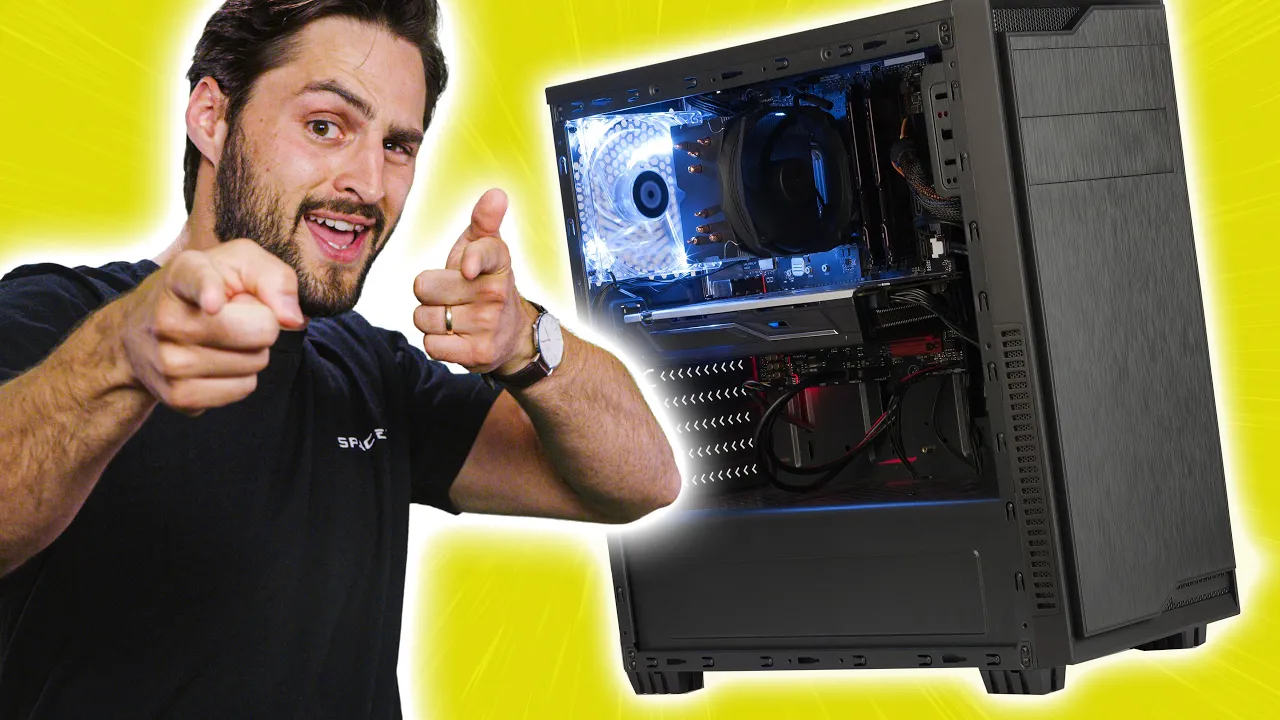
Avoiding Common PC Building Traps - Episode 6
Your rating
Reactions
Promos
Monitor and manage your PC in real-time with Pulseway! Create your free account today at lmg.gg More things to look out for when building your PC - minus the Ewoks. Power Supply Calculators Seasonic - lmg.gg OuterVision - lmg.gg MSI - lmg.gg be quiet! - lmg.gg Techquickie Merch Store: lttstore.com Follow: twitter.com Leave a reply with your requests for future episodes, or tweet them here: twitter.com
AI Overview
Avoiding Common PC Building Traps - Episode 6 walks through practical guidelines to save money and avoid common pitfalls when assembling a PC. The host argues against overspending on high-wattage power supplies, noting that modern components are more power-efficient and a 500-watt unit is often sufficient for a standard build with a single GPU and CPU. He emphasizes that water cooling is not a must for high-end setups unless you’re overclocking, and that even enthusiast CPUs and GPUs can operate reliably with basic air cooling if run at stock speeds. The video also highlights the importance of cooling strategy beyond the processor, such as considering the number of case fans and matching them with motherboard fan headers so BIOS or OS-based controls can regulate speeds rather than wiring everything directly to the PSU. In addition, the host covers monitor configuration, reminding viewers to ensure monitors are connected to the graphics card and to verify that high-refresh features are enabled in both display settings and the GPU control panel. A software plug is included for Pulseway, a real-time remote monitoring solution that can manage multiple systems, deploy scripts, and provide remote desktop functionality from mobile devices. The overall takeaway is a balanced approach to PC building: buy only what you need, optimize cooling and settings from the start, and use software tools to maintain and troubleshoot the system on the go. The episode closes with a call to action to like, subscribe, and share suggestions for future topics.
Topics · technology · computing · hardware · gaming · software · consumer electronics
Questions answered
- Is a high wattage power supply worth it for a mid range gaming PC?
- No, not typically. Modern CPUs and GPUs are more power efficient, and a 500 watt power supply is often sufficient unless you plan multiple GPUs or exotic setups.
- Should I always use water cooling for high end CPUs?
- Not necessarily. Water cooling is more effective but not required for stock operation; a good air cooler can be adequate unless you are overclocking or chasing extreme temperatures.
- How can I ensure my monitors deliver the advertised refresh rate?
- Ensure the monitor is connected to the graphics card, then check both the display settings and the GPU control panel to enable the desired refresh rate and any premium features.