Your rating
Reactions
Description
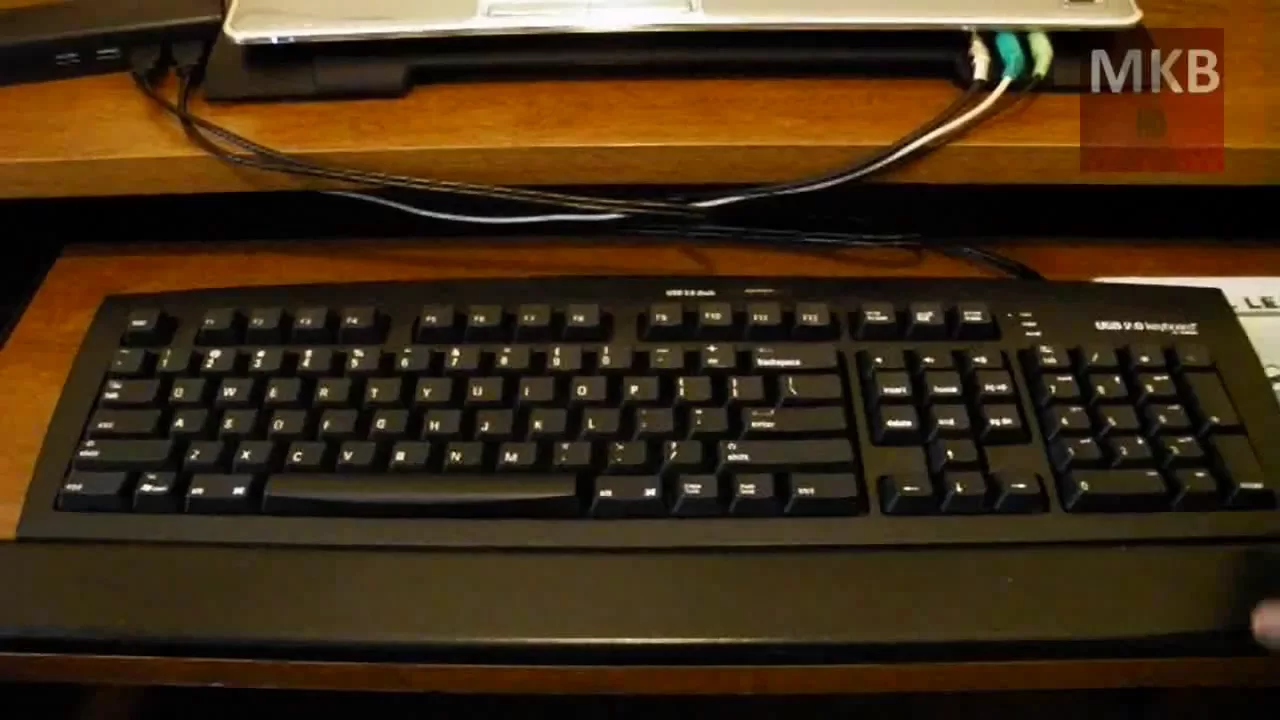
***WATCH IN HD*** Here is my overall review and final impressions video of the USB 2.0 Keyboard with Hub and Dock kindly sent out to me by Matias. It's a decent keyboard. It has a very soft feel, sturdy build, and although it isn't jam-packed with unique features, it has a few things that are unique about it that separate it from the rest of the keyboards in this price range. A Tab key on the number pad allows one-handed number entry into forms and spreadsheets, leaving your other hand free to hold or flip through information being entered. The USB 2.0 Keyboard has two USB plugs - One connects the Keyboard and USB 1.1 hub to your computer, and the second connects the USB 2.0 Dock directly to a USB 2.0 port on your computer, providing full power and speed to the Dock. Overall Rating: 7.5/10 Here's your link: matias.ca Enjoy - SUBSCRIBE
AI Overview
The Matias USB 2.0 Keyboard with Dock is presented as a solid, well built peripheral that stands out in its price range thanks to a few thoughtful design choices. The reviewer demonstrates that the keyboard connects via USB and requires two USB cables, one for the keyboard and built in hub and a second for the USB 2.0 dock, which provides full power and speed to the docked devices. A notable physical feature is the USB 2.0 dock on top, with a three port USB hub on the back, allowing convenient peripheral expansion without clutter. The keyboard itself emphasizes a soft typing feel and a long, flexible cord, with height adjustment to tailor the typing angle. In practice, setup is described as plug and play, with volume and media keys readily accessible on the right side. There is some critique about the soft key travel which may slow typing for long essays, and the long cord is tucked away under the desk to minimize visibility. Overall, the reviewer concludes the keyboard is simple, well designed, and a strong addition to a desktop, noting a Mac and PC version and scoring it 7.5 out of 10 as a final impression.
Topics · hardware · peripherals · input_device · usb
Questions answered
- Does the Matias USB 2.0 Keyboard require two USB connections to function?
- Yes, the keyboard uses two USB connections: one for the keyboard and USB hub and a second to connect the USB 2.0 dock to the computer, enabling full power and speed to the docked devices.
- What is a key selling point of this keyboard besides typing?
- A key selling point is the USB 2.0 dock on top, plus a back USB hub that provides additional ports, making peripheral expansion convenient while keeping the desk tidy.




