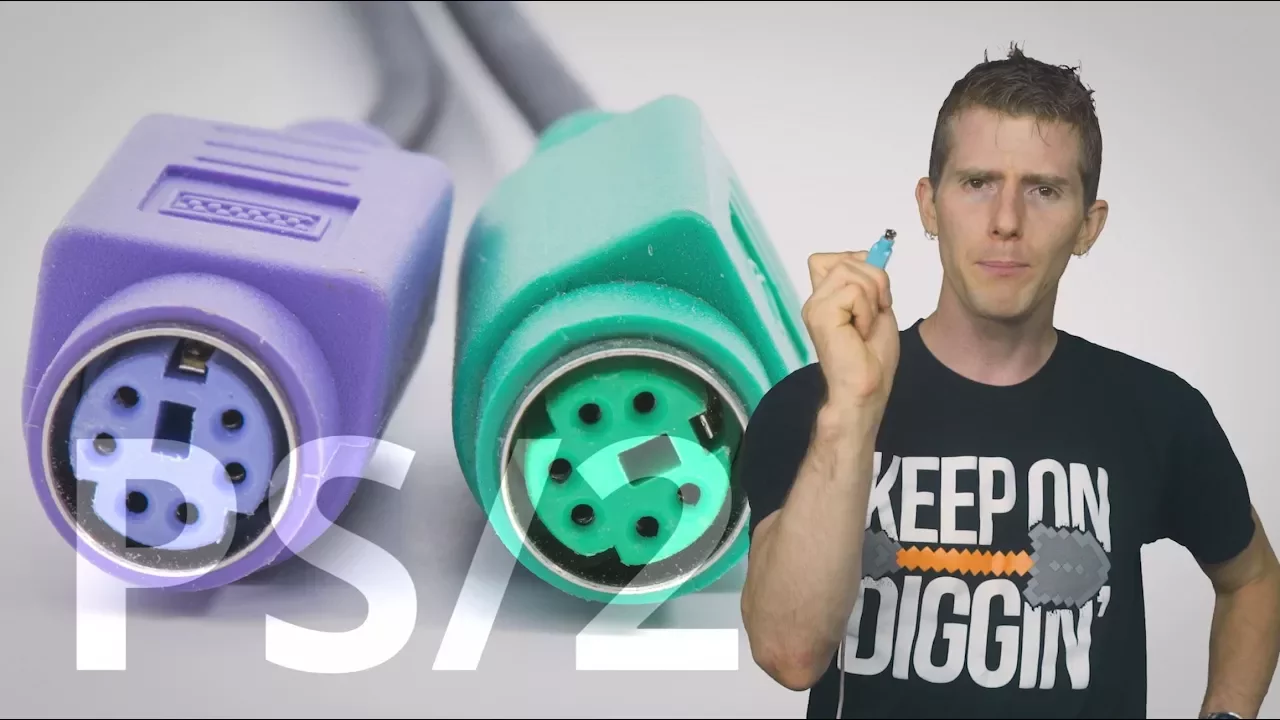
Is PS/2 or USB Better for Keyboards and Mice?
Your rating
Reactions
Promos
Should you still be using those old PS/2 ports for your keyboards and mice? Visit tunnelbear.com and start your 7-day free trial today! Buy Mechanical Keyboard On Amazon (Paid Link): geni.us On Newegg (Paid Link): geni.us On Walmart (Paid Link): geni.us Buy Gaming Mouse On Amazon (Paid Link): geni.us On Newegg (Paid Link): geni.us On Walmart (Paid Link): geni.us Purchases made through some store links may provide some compensation to Linus Media Group. Techquickie Merch Store: designbyhumans.com Techquickie Movie Poster: shop.crowdmade.com Follow: twitter.com Leave a reply with your requests for future episodes, or tweet them here: twitter.com
AI Overview
The video explains the longstanding debate between PS/2 and USB connections for keyboards and mice, highlighting how USB relies on a polling model where the host repeatedly asks devices for their state, while PS/2 uses a dedicated interrupt-driven channel that notifies the CPU as input changes occur. This distinction matters because PS/2 devices can, in theory, offer lower perceived latency and support true n-key rollover, since the protocol is dedicated to keyboards and mice and is not easily impeded by other USB devices or drivers. The host BIOS and early boot stages tend to be more reliable with PS/2, since USB devices can sometimes fail to initialize until after the system loads drivers, whereas PS/2 is less prone to these recognition issues. However, PS/2 has clear drawbacks: it is not hot-swappable, physically delicate, and more space-consuming on the motherboard panel, making modern USB a much more practical default for most users. The video ultimately argues that for the vast majority of people, USB keyboards and mice are the sensible choice, with PS/2 remaining a niche option for specific cases or enthusiasts who place a premium on isolated input pathways and potential latency benefits. The host also explains that current high-end USB keyboards that advertise advanced features often emulate multiple keyboards to achieve rollover, which can introduce its own limitations and compatibility concerns at boot or with certain software. The bottom line is that USB provides broad compatibility and convenience, while PS/2 offers targeted advantages but comes with real hardware trade-offs that limit its everyday usefulness. Concluding, unless you have a very specific requirement, adopting USB peripherals is the recommended path for most modern systems.
Topics · technology · hardware · peripherals
Questions answered
- What is the fundamental difference between USB polling and PS/2 interrupt signaling for keyboards and mice?
- USB uses a polling model where the host queries devices repeatedly to determine their state, while PS/2 uses interrupts that actively alert the CPU when input changes occur.
- Does PS/2 truly offer better latency and n-key rollover in all cases?
- PS/2 can offer lower perceived latency and true n-key rollover because it is a dedicated interface, but many USB keyboards emulate rollover and real-world latency differences are often negligible for most users.
- Why is PS/2 not commonly used on modern systems despite its potential benefits?
- PS/2 is not hot-swappable, is more fragile physically, and does not integrate as smoothly with modern BIOS/UEFI and driver ecosystems, making USB the more practical default for most users.


