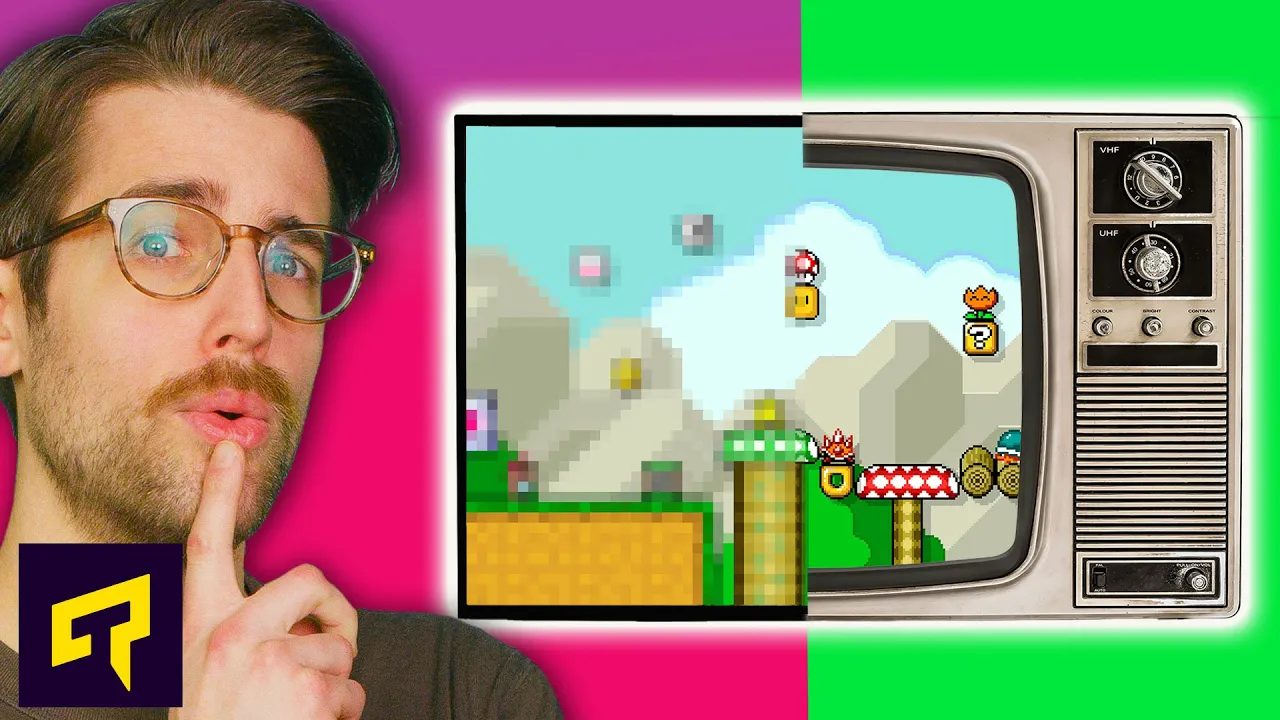
When Worse Graphics Are Actually BETTER
Your rating
Reactions
Promos
Set up your own server today and get a $100 60-day credit at: linode.com Here's why retro video games looked better on old CRT displays! Leave a reply with your requests for future episodes. ► GET MERCH: lttstore.com ► LTX 2023 TICKETS AVAILABLE NOW: lmg.gg ► GET EXCLUSIVE CONTENT ON FLOATPLANE: lmg.gg ► AFFILIATES, SPONSORS & REFERRALS: lmg.gg ► OUR WAN PODCAST GEAR: lmg.gg FOLLOW US ELSEWHERE --------------------------------------------------- Twitter: twitter.com Facebook: @LinusTech Instagram: @linustech TikTok: @linustech Twitch: twitch.tv
AI Overview
The video investigates why old CRT displays can make retro video games look better than when viewed on modern flat-panel screens. It begins by framing the mystery: newer screens are technically superior, yet many players remember a richer, more detailed look from CRTs. The host explains that retro consoles produced low-resolution images with limited color palettes, and that CRT technology introduced deliberate and natural imperfections. These imperfections included analog signal blending, color blending through the tube, and dithering which unintentionally added perceived detail and depth. The discussion then dives into how developers historically embraced these effects, sometimes tweaking game visuals to take advantage of CRT artifacts, a process often guided by trial and error. A crucial point is that the very limitations of CRTs acted as a form of built-in post-processing, softening edges and blending colors in ways modern displays struggle to replicate. The segment concludes by outlining practical ways to recapture this look today, including emulator settings that simulate analog effects and hardware solutions that approximate CRT output, while noting that real CRTs remain a gold standard for curvature, motion, and light bloom that flat panels find hard to match.
Topics · technology · gaming · retro-computing · display-artifacts
Questions answered
- What makes CRTs contribute to the perceived detail in retro games?
- CRTs blend analog signals and blur edges, which creates softer transitions and hidden color artifacts that add depth and perceived detail not present on flat-panel displays.
- How can modern setups simulate the CRT look for retro games?
- Use emulator settings that emulate analog blurring, dithering, and color blending, or install hardware solutions between the console and display to replicate CRT-like artifacts.


