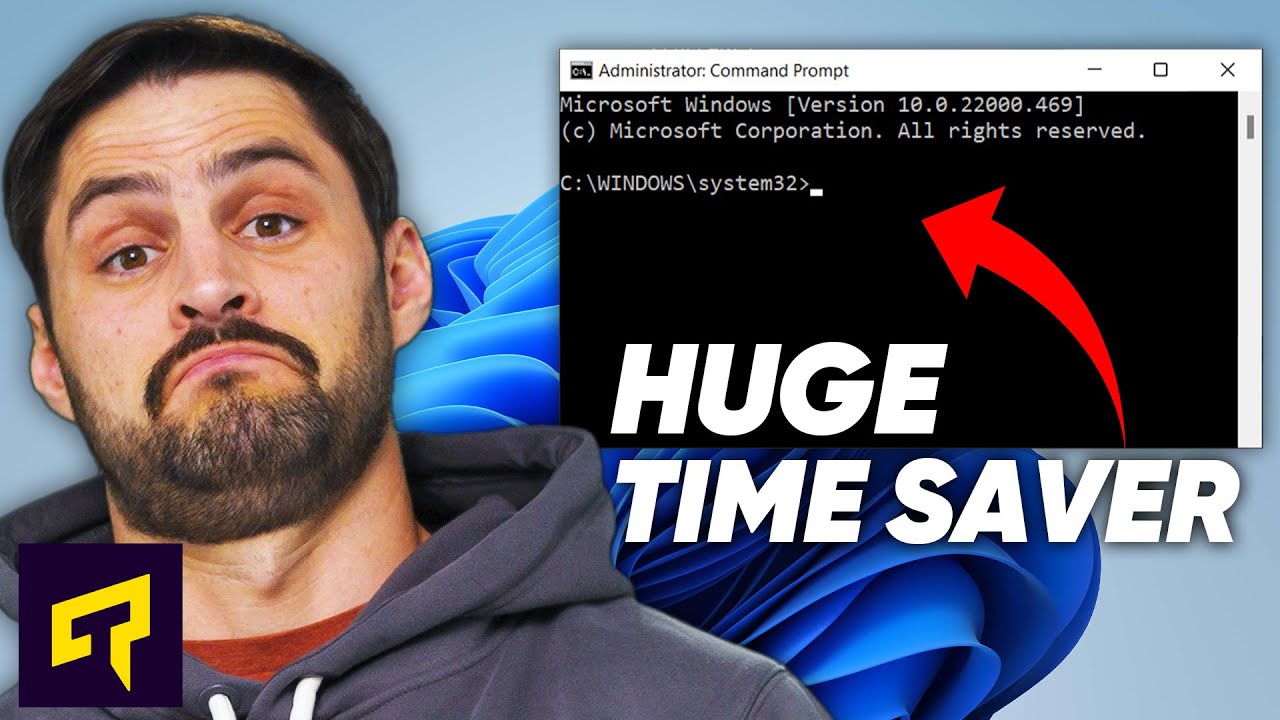
The Best Windows Feature You’re Not Using
Your rating
Reactions
Promos
Check out the MSI MPG Z890 CARBON WIFI at lmg.gg You may be missing out on some efficiency in Windows if you're not using a package manager, like Winget. Watch James explain how it could help you! Leave a reply with your requests for future episodes. ► GET MERCH: lttstore.com ► GET A VPN: piavpn.com ► GET EXCLUSIVE CONTENT ON FLOATPLANE: lmg.gg ► SPONSORS, AFFILIATES, AND PARTNERS: lmg.gg
AI Overview
The video introduces Windows package manager Winget as a powerful yet underutilized feature. It begins by comparing Winget to the familiar Linux package management experience, explaining that Windows now has a built in command line tool for installing and updating software. The host emphasizes Winget’s ability to rapidly show a comprehensive list of all installed programs with a single command, making it easier to manage updates across the entire system whether or not software is from the Microsoft Store. Winget pulls from both Microsoft hosted and third party repositories, meaning popular tools like OBS, VLC, Zoom, Discord, and various game launchers can be updated in one streamlined workflow. The narrative demonstrates how to export a list of installed packages to a USB drive, enabling easy migration to a new PC by importing that list and reinstalling everything with one command. There is also guidance on how Winget can install new programs without navigating through multiple installer screens, and instructions for uninstalling using command line, while highlighting the potential risk of removing dependencies inadvertently if used carelessly. The host adds a caveat that Winget is aimed at advanced users, not casual or novice users, and encourages careful use or sticking to the Settings app for standard uninstalls. The video closes with a quick nod to related Windows performance discussions and a sign-off that invites viewer requests for future topics, while hinting at the ongoing exploration of Windows features and efficiency improvements.
Topics · technology · windows · software-management · linux-interoperability


