HomeFeatured videos and new releasesBrowseLatest videos, playlists, and topicsCreatorsYouTube creators and their videosNewsHeadlines from publishers' feedsHistoryResume recently watched videos
Theme
Language
AccountAccountSign in
PrivacyCookiesTermsAboutContactRemovalMethodology
Account
Sign in
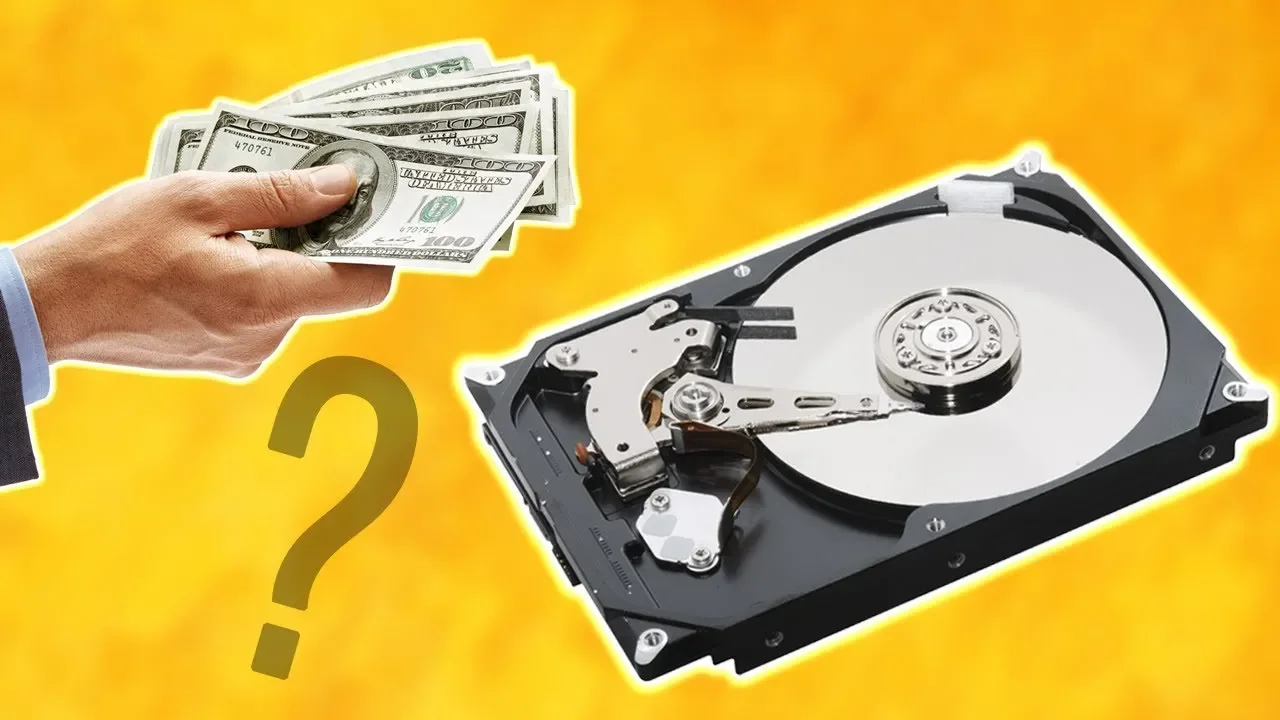
Hard Drives Are NOT All The Same
Video · 0:00

Hard Drives Are NOT All The Same

Techquickie@techquickie•642.9K views•Jan 14, 2019•6:04

Your rating

Rate this video from 1 to 5

Reactions

Reactions to this video

Share

WhatsAppXReddit
Source
YT
Views
642.9K
Subscribers
4.3M
vs. channel typical
1.4x
Likes per 100
4.1
Comments
810

Promos

Sign up for Private Internet Access VPN at lmg.gg There's a lot more that separates different hard drives than how much they hold... Techquickie Merch Store: designbyhumans.com Techquickie Movie Poster: shop.crowdmade.com Follow: twitter.com Leave a reply with your requests for future episodes, or tweet them here: twitter.com Join the community: linustechtips.com Intro Theme: Showdown by F.O.O.L from Monstercat - Best of 2016 Video Link: youtube.com iTunes Download Link: itunes.apple.com Listen on Spotify: open.spotify.com

Start

AI Overview

Hard drives come in a range of designs that affect more than just capacity. The video explains that spindle speed, measured in rpm, is a key factor in how quickly data can be read or written, but other design choices also matter for performance and reliability. It details how NAS and enterprise drives are built to handle 24/7 operation in dense server environments, with stabilization features that attach the motor to both the top and bottom of the drive housing to reduce vibration from nearby spinning disks. The discussion continues with how high-end drives use more precise actuators, stronger magnets, and narrower read/write heads to improve accuracy and resilience to shocks, enabling larger safe margins between data tracks. Additional mechanisms like sensors for shock, vibration, and temperature help drives adjust head positioning in real time to maintain performance under demanding workloads. The video also notes that for typical home use, consumer-grade drives are often sufficient, especially if the workload doesn’t involve constant, heavy write operations. It then contrasts different drive types, including surveillance and shingled magnetic recording drives, highlighting how firmware optimizations tailor drives to specific tasks such as multi-stream data handling or archival writing. In closing, the host suggests that for most home NAS setups, a balance of performance, capacity, and price will guide the choice, and cautions that the strongest value may come from selecting drives intended for the intended workload rather than chasing the fastest single-spec spec sheet.

Topics · technology · hardware · storage · computers

More from Techquickie

  • Why PlayStation Controllers Don’t Just Work On PC
    6:54

    Why PlayStation Controllers Don’t Just Work On PC

    303.6K views•3 days ago
  • What is Tailscale?
    9:16

    What is Tailscale?

    190.6K views•last week
  • Why Can’t Search Find My File?!
    9:22

    Why Can’t Search Find My File?!

    93.5K views•2 weeks ago
  • Why Is Your Monitor Set to 59.94 Hz?
    8:03

    Why Is Your Monitor Set to 59.94 Hz?

    96K views•4 weeks ago

Related videos

  • This blows away the competition - JONSBO N1 NAS Build
    17:35

    This blows away the competition - JONSBO N1 NAS Build

    4M views•5 years ago
  • Old vs New Storage Drives - SSD & HDD All-out Slugfest!
    5:48

    Old vs New Storage Drives - SSD & HDD All-out Slugfest!

    384.8K views•12 years ago
  • Intel X25-M G2 80GB Postville SSD Solid State Drive Unboxing Linus Tech Tips
    2:20

    Intel X25-M G2 80GB Postville SSD Solid State Drive Unboxing Linus Tech Tips

    51.8K views•17 years ago
  • OCZ Vertex 3 Sandforce SF-2281 SSD Solid State Drive Unboxing & First Look Linus Tech Tips
    5:13

    OCZ Vertex 3 Sandforce SF-2281 SSD Solid State Drive Unboxing & First Look Linus Tech Tips

    50.9K views•16 years ago
  • Mediasonic Probox 4x Docking Station HDD Dock Unboxing & First Look Linus Tech Tips
    6:43

    Mediasonic Probox 4x Docking Station HDD Dock Unboxing & First Look Linus Tech Tips

    42.1K views•15 years ago
  • NCIX Tech Tips Preview - SSD vs Hard Drive Performance - Teaser #1 Linus Tech Tips
    1:26

    NCIX Tech Tips Preview - SSD vs Hard Drive Performance - Teaser #1 Linus Tech Tips

    37.4K views•17 years ago