Mionix Naos 5000 Review High Performance Laser Mouse Unboxing & Review Linus Tech Tips
Your rating
Reactions
Description
ncix.com A pretty impressive looking mouse by all accounts. The NAOS 5000 features advanced hardware and advanced software with a very clean and ergonomic design.
AI Overview
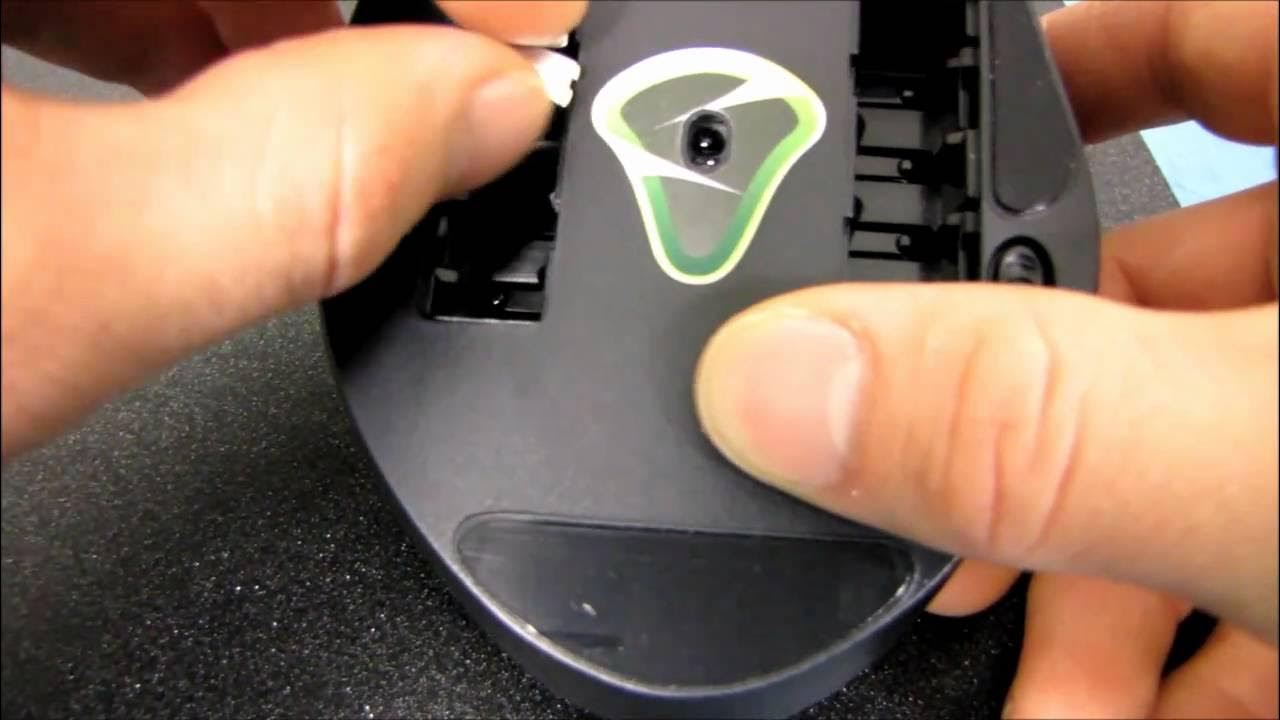
The video presents an unboxing and hands-on review of the Mionix Naos 5000 high performance laser gaming mouse. It opens with a minimalistic matte black box and a quick tour of the packaging, then reveals the removable weight system that differentiates the Naos 5000 from the Naos 3200. The presenter discusses the build quality and the inclusion of gold-plated USB connectors, highlighting the premium cable sleeving and the overall emphasis on durability and ergonomics. He demonstrates how the weight weights slide into the sides of the mouse, explaining that up to 40 grams can be added to optimize balance and feel, and notes the similarity in ergonomics to the Naos 3200. The unboxing then shifts to the device in use, where the DPI indicators, scroll wheel, side buttons, and the Mionix branding are called out, while also comparing it to other models in the lineup. Finally, the software portion is explored, including the driver interface, sensor options, and new features such as angle snapping and a surface quality analyzer, with a live experiment on different desk surfaces and a color customization exercise to show macro and profile options.
Topics · peripherals · hardware · technology · product review
Questions answered
- What feature sets the Mionix Naos 5000 apart from its predecessor?
- The Naos 5000 adds a removable adjustable weight system, allowing up to 40 g of weight to be balanced on either side for a customized feel, which the Naos 3200 does not have.
- What software features are highlighted for the Naos 5000?
- The software includes angle snapping, a surface quality analyzer, macro and profile customization, and color adjustable lighting, along with built-in memory for settings.
- How is the build quality of the mouse described?
- The presenter notes premium construction, a gold-plated USB connector with high-quality sleeving, and an ergonomic, rubber-coated grip designed for comfort.






