PCI Express (PCIe) 3.0 - Everything you Need to Know As Fast As Possible
Your rating
Reactions
Description
PCIe compatibility and performance generates a LOT of confusion. In about 2 minutes we'll tell you everything you need to know!. FORUM LINK: linustechtips.com
AI Overview
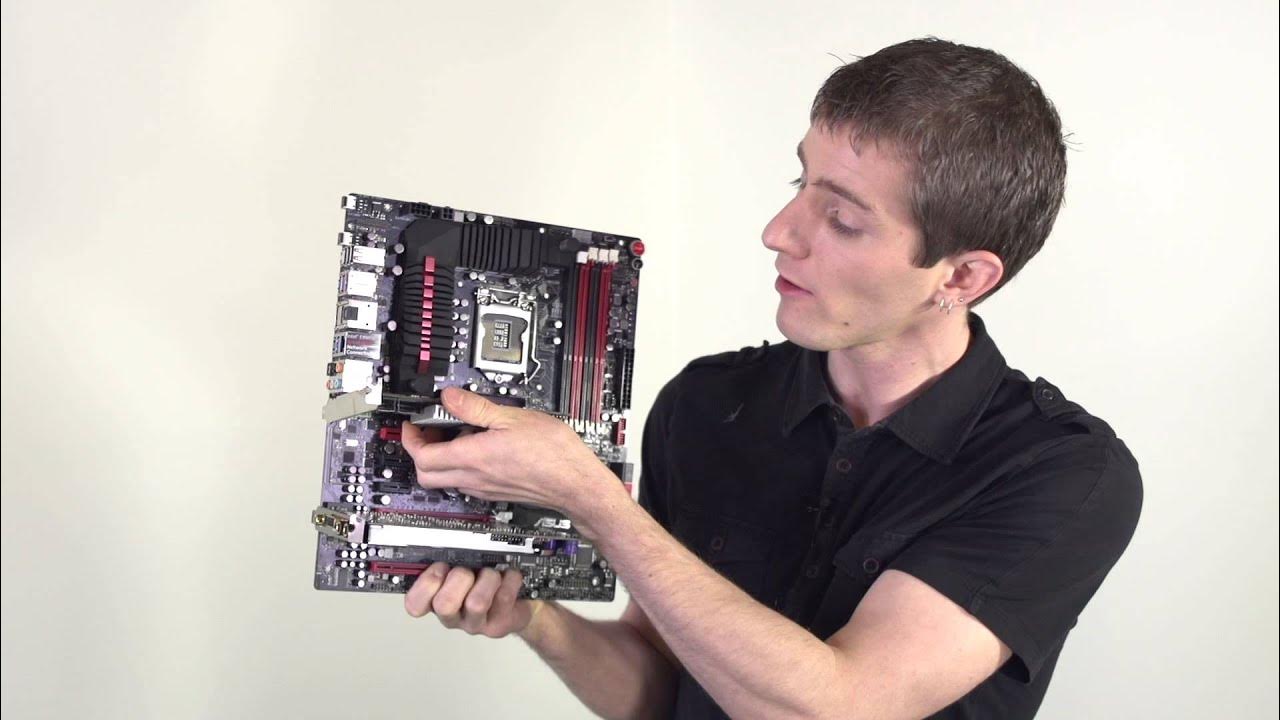
PCI Express 3.0 is explained in a compact, fast paced format aimed at demystifying how PCIe works and how it affects hardware compatibility and performance. The video establishes PCIe as the successor to PCI and AGP, describing PCIe as the universal interface for expansion cards like sound cards, network cards, RAID controllers, and GPUs. It then clarifies the impact of slot sizes (1x, 4x, 8x, 16x) and the rule that slots are backwards compatible with smaller cards, albeit at reduced bandwidth. A key emphasis is placed on the role of generations; newer generations provide higher bandwidth per lane, so a Gen 3 card in a Gen 2 slot will run at Gen 2 speeds, and overall performance is constrained by the lowest generation among the card and slot. The video also explains that bandwidth is affected by both lane count and slot length, giving concrete examples such as a quad-port gigabit NIC requiring approximately 500 MB/s for peak efficiency, which dictates minimum slot requirements on older motherboards. In closing, the host encourages viewers to subscribe, like, and participate in community forums for more rapid topic coverage, while reinforcing the practical takeaway that PCIe performance scales with generation and lane count, with compatibility largely governed by mechanical fit and generation intersection. The overall message is that PCIe is flexible and widely compatible, but real-world performance is bounded by slot size, card type, and generation pairing, not merely by physical fit. The video uses simple demonstrations and real-world examples to convey how to select slots and cards without getting lost in technical minutiae.
Topics · technology · computer-hardware · networking · hardware-standards
Questions answered
- What does PCIe stand for and what is its basic purpose in a computer system?
- PCIe stands for Peripheral Component Interconnect Express, and it serves as the universal interface to connect expansion cards such as GPUs, sound cards, network adapters, and storage controllers to the motherboard.
- How do slot size and lane count affect PCIe performance?
- Slot size (1x, 4x, 8x, 16x) determines the number of lanes and thus available bandwidth. Lane count and the generation of the card/slot together determine peak throughput, with higher generations doubling per-lane throughput in each step.
- What happens if a newer PCIe card is placed in an older PCIe slot?
- If a newer generation card is placed in an older generation slot, the system will operate at the performance of the older generation, limited by the lowest generation among card and slot, and bandwidth will be reduced accordingly.


