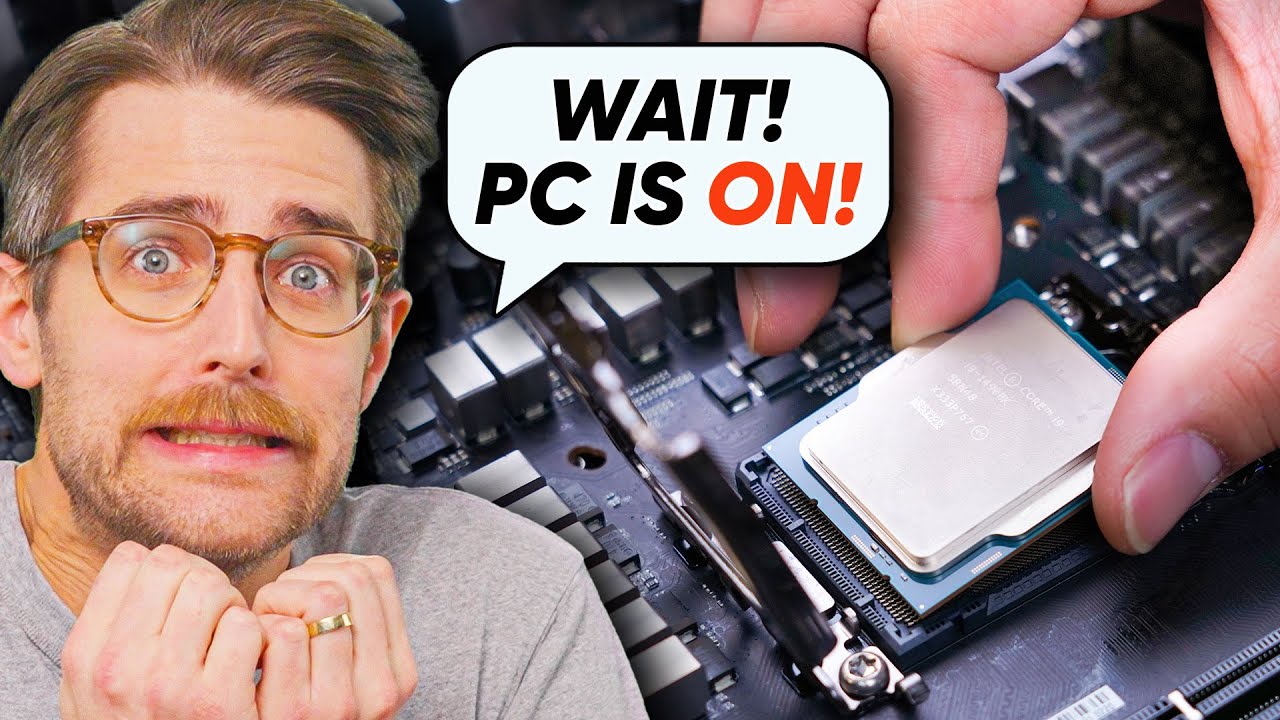
What If You Pull Your CPU Out While The PC Is On?
Your rating
Reactions
Promos
Remove your personal information from the web at joindeleteme.com and use code Techquickie for 20% off. Thanks to Wendell of Level1Techs for his help with this episode: youtube.com What happens if you remove your CPU, RAM, SSD, hard drive, or graphics card while your computer is still running? Leave a reply with your requests for future episodes. ► GET MERCH: lttstore.com ► LTX 2023 TICKETS AVAILABLE NOW: lmg.gg ► GET EXCLUSIVE CONTENT ON FLOATPLANE: lmg.gg ► SPONSORS, AFFILIATES, AND PARTNERS: lmg.gg FOLLOW US ELSEWHERE --------------------------------------------------- Twitter: twitter.com Facebook: @LinusTech Instagram: @linustech TikTok: @linustech Twitch: twitch.tv
AI Overview
The video explores what happens when you remove major computer components while the system is running, starting with the CPU. It explains that pulling out the CPU would cause an immediate shutdown because the CPU is essential for normal operation, and many parts of the system expect the CPU to be present. However, the rest of the PC can still exist in a powered-off state, so removing the CPU while the machine is running is physically risky for other components. The host notes that heat sinks and socket contacts can be damaged, since modern CPU sockets are rated for only a limited number of insertions and are not designed for hot removal. The discussion then shifts to RAM, highlighting how memory stores active data and how removing RAM often causes an immediate freeze or crash, with the exact outcome depending on RAM generation. DDR5 systems may detect an error and halt, while DDR4 might lack such robust error checking, leading the CPU to lose its place and crash. The video also covers how servers with memory mirroring can continue operating after RAM removal, and how some specialized systems keep functioning with data stored in cache rather than RAM, though such setups are not typical for home PCs. The host moves on to other components, explaining that removing an SSD or HDD can cause data corruption or a blue screen if the OS is actively using the drive, while Linux is typically more tolerant of drive removals in certain configurations. Finally, the risks of hot swapping M.2 drives, GPUs, and the broader implications for Windows versus Linux handling of these events are discussed, concluding that hot unplugging is generally ill-advised but may be less catastrophic for non-critical components like GPUs under some circumstances.
Topics · technology · computer_hardware · hardware_risks · operating_systems · computer_science
Questions answered
- Why is a CPU socket rated for a limited number of insertions, and does that rating mean it will fail exactly after that many insertions?
- CPU sockets have a designed life cycle for mechanical insertions, typically indicating a higher risk of damage beyond that number rather than a guaranteed failure. The rating reflects wear tolerance, not a hard cutoff, and careful handling may extend usefulness, though hot removal is still not recommended.
- What happens to a running system if RAM is removed, and how does RAM generation affect the outcome?
- Removing RAM while running usually causes a freeze or crash. Newer DDR5 systems may detect an error and halt to prevent further damage, while DDR4 lacks some error detection, causing the CPU to lose track of its instructions and crash or behave unpredictably.


