Your rating
Reactions
Promos
Squarespace link: Visit squarespace.com and use offer code TECHQUICKIE to save 10% off your first order. Password managers can both keep your passwords secure and prevent you from having to remember dozens of them - but how do they work, and how do you use one properly? Techquickie Merch Store: designbyhumans.com Techquickie Movie Poster: shop.crowdmade.com Follow: twitter.com Leave a reply with your requests for future episodes, or tweet them here: twitter.com Join the community: linustechtips.com Intro Theme: Showdown by F.O.O.L from Monstercat - Best of 2016 Video Link: youtube.com iTunes Download Link: itunes.apple.com Listen on Spotify: open.spotify.com
AI Overview
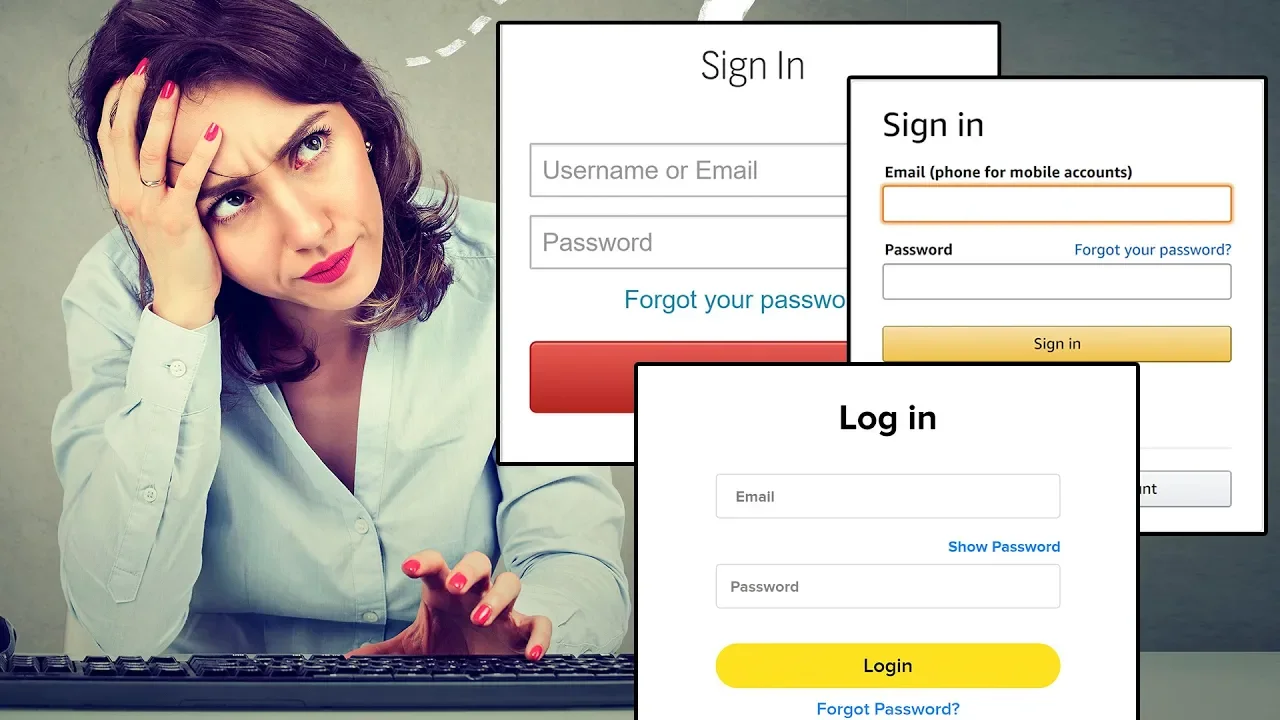
Password managers exist to solve a common problem: people have to manage dozens of different passwords, security questions, and pins for numerous services, which is easy to forget or write down insecurely. The video explains that a password manager stores all of your credentials behind a single master password, so you only need to remember one strong password while still keeping the rest securely accessible. It covers the distinction between local and cloud-based solutions, noting that local managers keep data on your own device but may risk loss if the device is damaged or stolen, while cloud-based options keep data on secure servers and can provide convenient access from multiple devices. A core feature highlighted is the ability to auto-generate pseudo-random passwords and auto-fill them via browser extensions or mobile apps, which helps avoid reusing weak passwords and reduces the risk of credential-stuffing attacks. The video also mentions other useful capabilities like sharing access with trusted people, temporarily granting access, and responding to breaches by changing affected passwords, all while integrating two-factor authentication to add an extra layer of security. Beyond the benefits, the presenter cautions viewers to pick a strong master password because the encryption protecting all other passwords often hinges on the master password’s strength. They advise using two-factor authentication for the password manager itself, while also keeping a separate 2FA method on individual accounts as a safeguard against a potential breach of the password manager. The discussion reinforces practical usage tips, such as avoiding weak patterns and emphasizing unique, randomly generated passwords. The segment concludes with a sponsor note and a quick plug for Squarespace, reminding viewers of the importance of security-minded practices in everyday online life while showcasing real-world tools that can assist with website building and online presence. Overall, the video balances explaining how password managers work with practical guidance on selecting features, adopting strong master passwords, and maintaining layered authentication for robust digital security.
Topics · technology · cybersecurity · privacy · education


