Your rating
Reactions
Promos
Get 20% off the 3DEXPERIENCE SOLIDWORKS for Makers Offer at lmg.gg What's the difference between a desktop graphics card and a laptop GPU? Leave a reply with your requests for future episodes, or tweet them here: twitter.com ► GET MERCH: lttstore.com ► AFFILIATES, SPONSORS & REFERRALS: lmg.gg ► PODCAST GEAR: lmg.gg ► SUPPORT US ON FLOATPLANE: floatplane.com FOLLOW US ELSEWHERE --------------------------------------------------- Twitter: twitter.com Facebook: @LinusTech Instagram: @linustech TikTok: @linustech Twitch: twitch.tv
AI Overview
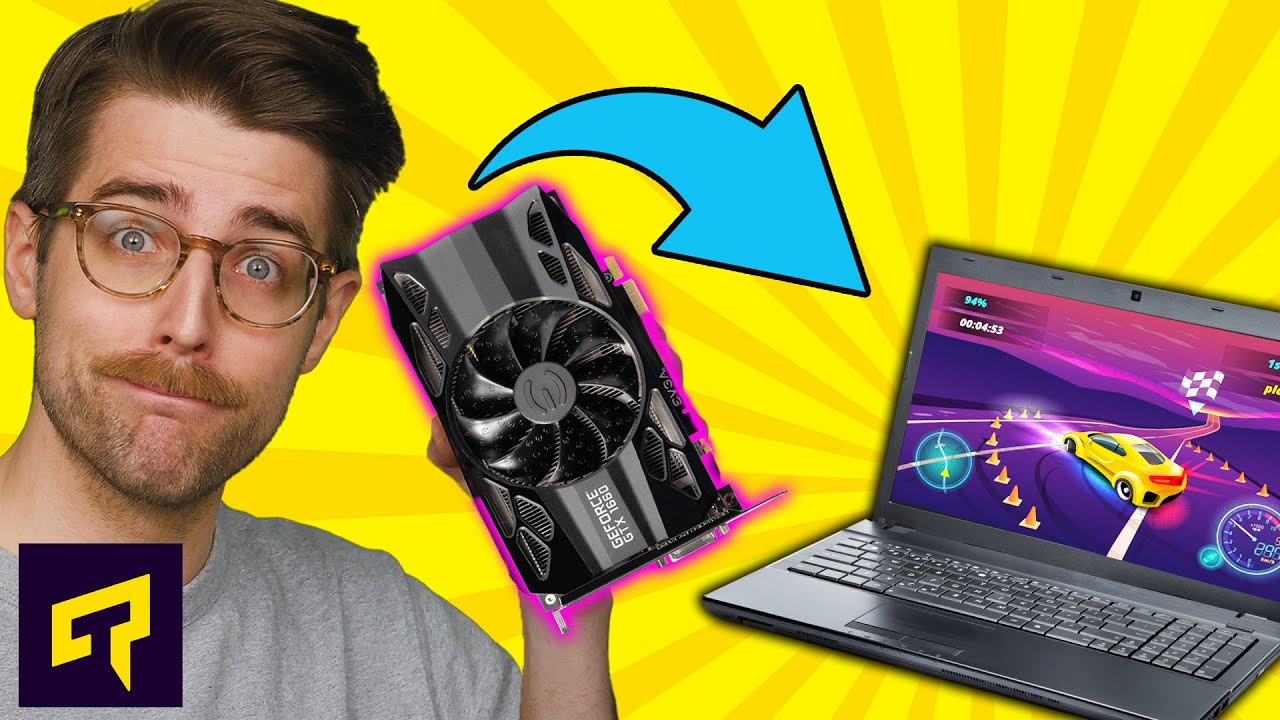
Desktop vs. Laptop GPUs Explained examines how laptops manage to rival desktop graphics performance despite not housing full-sized cards. The video starts by noting that you cannot fit a full desktop GPU into a laptop, yet modern gaming laptops still pack discreet GPUs that can run demanding titles fairly close to desktop rigs. It explains the core driver of progress in both desktops and mobile GPUs: shrinking transistor sizes and improving performance per watt, which enables more powerful chips with lower power draw. A concrete example is given with NVIDIA's GTX 1080 from 2016, where desktop and mobile variants were nearly identical, illustrating how laptop designs can achieve comparable horsepower. The host then dissects how laptops balance power, cooling, and size, pointing out that desktops achieve bulk and robust cooling, while laptop GPUs run at lower clock speeds and tighter power limits to fit mobile form factors. The segment also clarifies that even high-end gaming laptops may rely on external power bricks, delivering hundreds of watts while the mobile GPU itself remains within compact thermal and power envelopes. Finally, the video cautions viewers about branding quirks, showing that GPU model names do not always map cleanly between desktop and mobile variants, and urges relying on reviews for real performance expectations rather than trusting branding alone. The host wraps with reminders to read reviews, acknowledge the ongoing branding confusion in the industry, and invites further viewer input for future topics, closing with a call to like, subscribe, and check other videos.
Topics · computer_hardware · graphics · laptops · gaming · power_efficiency · performance
Questions answered
- What factors allow modern laptop GPUs to approach desktop performance while staying within a portable form factor?
- Laptop GPUs achieve near-desktop performance by shrinking transistor sizes, improving performance per watt, and using optimized power limits and cooling. They often run at lower clock speeds and may use external power bricks to supply additional headroom, enabling powerful mobile GPUs without full desktop-sized power delivery.
- Why should viewers not rely solely on GPU model names when assessing performance for laptops?
- GPU branding can be inconsistent between desktop and mobile variants within the same family, so model names do not guarantee identical performance. It’s important to read independent reviews and checks of the exact laptop GPU, its cooling solution, clock speeds, and power limits to understand real-world performance.


