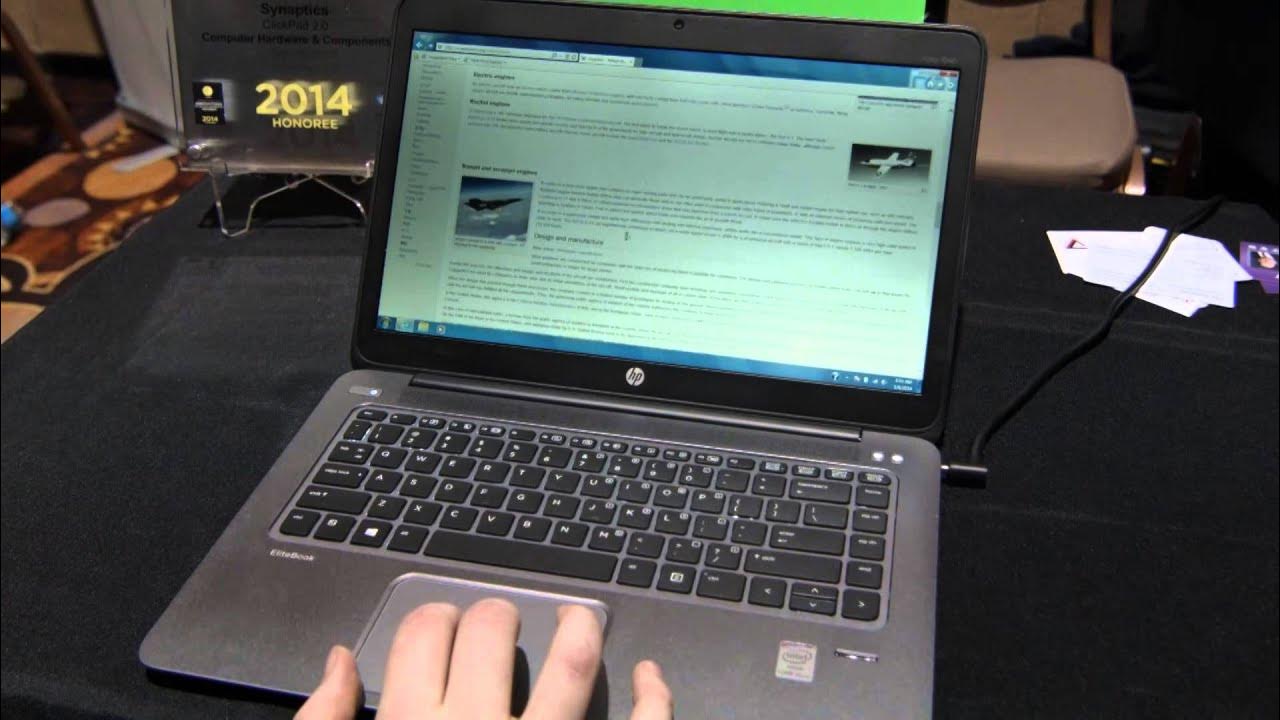
New Touch-pad Technologies from synaptics - CES 2014
Your rating
Reactions
Channels and socials
Synaptics is one of those brands that have a hand in so many devices you use everyday yet most people wont know who they are... Either way we happened to walk by their booth by chance(all good things happen this way don't they) and noticed they had some pretty cool touch pad tech to show off! My favorite is the touch pad replacement for windows 8 touch functionality. Thanks to our sponsors! linustechtips.com twitter.com twitter.com @LinusTech
AI Overview
The video provides a concise CES 2014 briefing from Linus Tech Tips on Synaptics touchpad innovations. Linus introduces two notable demonstrations: a force-sensing touchpad that changes scroll speed based on how hard you press, and a touchpad with edge zones that emulate on-screen gestures for Windows 8. In the force-sensing example, the user can perform a two-finger swipe to scroll and increase scroll speed by pressing harder, yielding a fast, dynamic scrolling experience, or press more lightly for slower scrolling. The edge-zone feature places functional areas on the left and right sides of the touchpad; swiping from the right opens the contextual menu, while swiping from the left switches the active application, reducing the need to touch the screen. Linus emphasizes how these innovations address common laptop usage pain points, such as screen fingerprints and awkward hand movements between touchpad, keyboard, and screen. He also expresses enthusiasm for non-traditional keyboards and gestures that enhance productivity on laptops without reaching for the touchscreen. The segment ends with a brief nod to sponsors and the ongoing CES coverage, highlighting Synaptics as a maker of widely-used touchpad technology in everyday devices.
Topics · technology · consumer electronics · computer peripherals · input devices · event-coverage
Questions answered
- What are the two main touchpad innovations shown by Synaptics at CES 2014?
- The two main innovations are a force-sensing touchpad that adjusts scrolling speed based on how hard you press, and a touchpad with edge zones that provide Windows 8 style gestures for quick access to menus and app switching.






