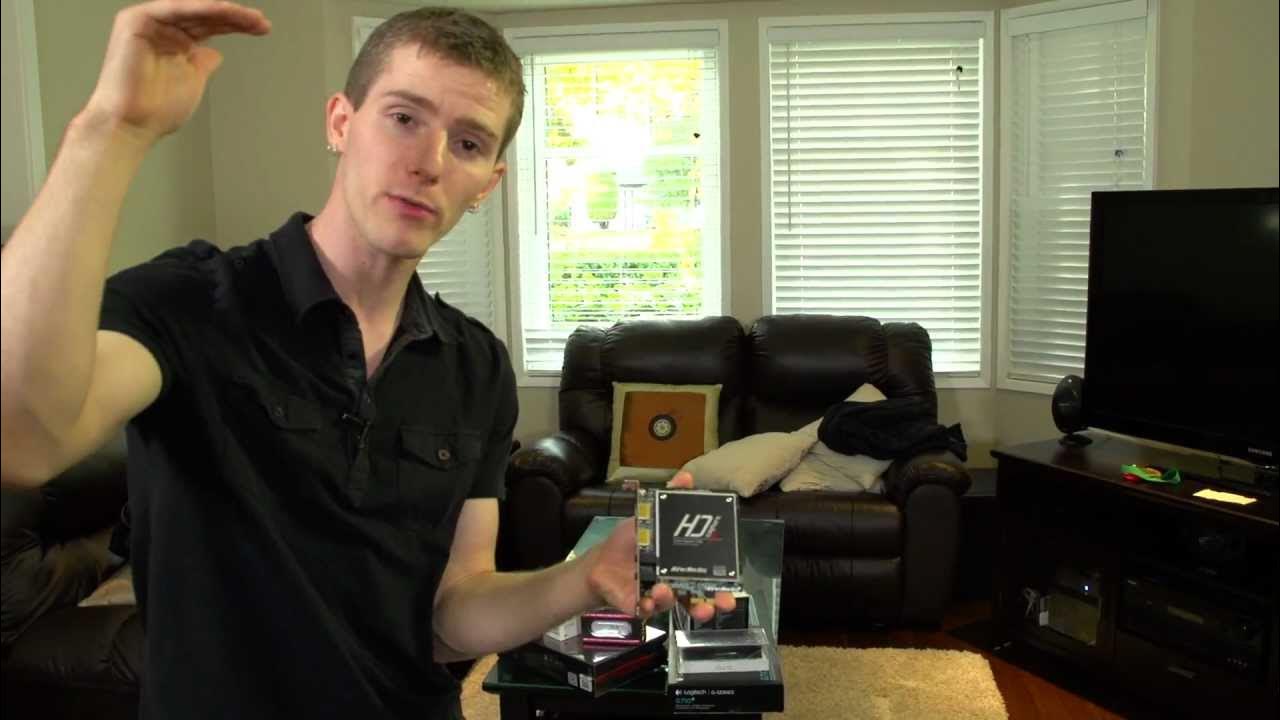
Avermedia Live Gamer HD PCIe H.264 Capture Card Unboxing & First Look Linus Tech Tips
Your rating
Reactions
Description
Perfect for streaming to Xsplit or just capturing gameplay footage from your PC or console without additional CPU overhead. It also allows you to stream at a DIFFERENT resolution than you're using to play, which can help save bandwidth (ie play on your PC at 1080p and stream at 720p) CA: ncix.com US: us.ncix.com
AI Overview
The Linus Tech Tips unboxing and first look at the Aver Media Live Gamer HD PCIe H.264 capture card showcases a compact, PCIe based device designed for easy PC game capture and streaming. The video starts with an emphasis on the practical packaging and the built-in functionality that differentiates this card from other capture solutions, including an HDMI input and DVI adapters, a dedicated record button, and the included Rec Central software. Linus explains how the device handles compression on the hardware itself via an H.264 engine, which means the CPU is free to run the game with minimal overhead, a crucial point for maintaining gameplay performance during live streams. The presenter highlights the card’s pass-through audio options, the ability to stream at a different resolution than the captured source, and the USB connector used for the control button and software integration. Throughout the unboxing, Linus also repeatedly notes the strong software support and the value of the bundled accessories, which reduce the need for additional cabling and setup time. The first look culminates in a comparison with competing capture devices like the Blackmagic Intensity Pro, arguing that the Aver Media option offers better CPU efficiency and easier console capture through its built-in engine. The video closes with a reminder to subscribe for more unboxings and Linus Tech Tips content, reinforcing the channel’s value for hardware enthusiasts and those evaluating streaming gear. The second section of the video delves into practical usage details and field considerations for prospective buyers. Linus explains the maximum recording quality options, including 1080p at 30 fps and 720p at 60 fps, clarifying when a higher frame rate might be preferable for fast-paced gameplay or streaming on lower bandwidth connections. He walks through the included accessories, such as a DVI to HDMI adapter, a 3.5mm audio cable, and an HDMI cable, emphasizing that the package is ready to go out of the box with most needed cables. The host demonstrates the device’s real-world benefits, including reduced CPU load, flexibility for external sources like consoles, and the straightforward setup process via Rec Central and its simplified wizards. He also touches on the broader streaming ecosystem, mentioning XSplit and Twitch TV, and highlights the growing popularity of streaming as a potential revenue-earning activity when combined with reliable hardware and software. The unboxing ultimately frames the Aver Media Live Gamer HD as a strong, user-friendly choice for gamers who want efficient capture with minimal performance impact, while offering commentary on situational use cases such as console capture and PC gameplay capture on a near-by machine. The closing remarks reiterate product support and the authenticity of Linus Tech Tips as a source for honest hardware impressions, inviting viewers to subscribe for more content and future reviews.
Topics · hardware · video-capture · unboxing · live-streaming · pc-technology
Questions answered
- What are the maximum recording settings of the Aver Media Live Gamer HD and when should you choose 720p60 instead of 1080p30?
- The device supports up to 1080p at 30 fps or 720p at 60 fps; choose 720p60 when you want smoother motion and higher frame rate for fast-paced gameplay or streaming over limited bandwidth, as many viewers watch at lower resolutions.






