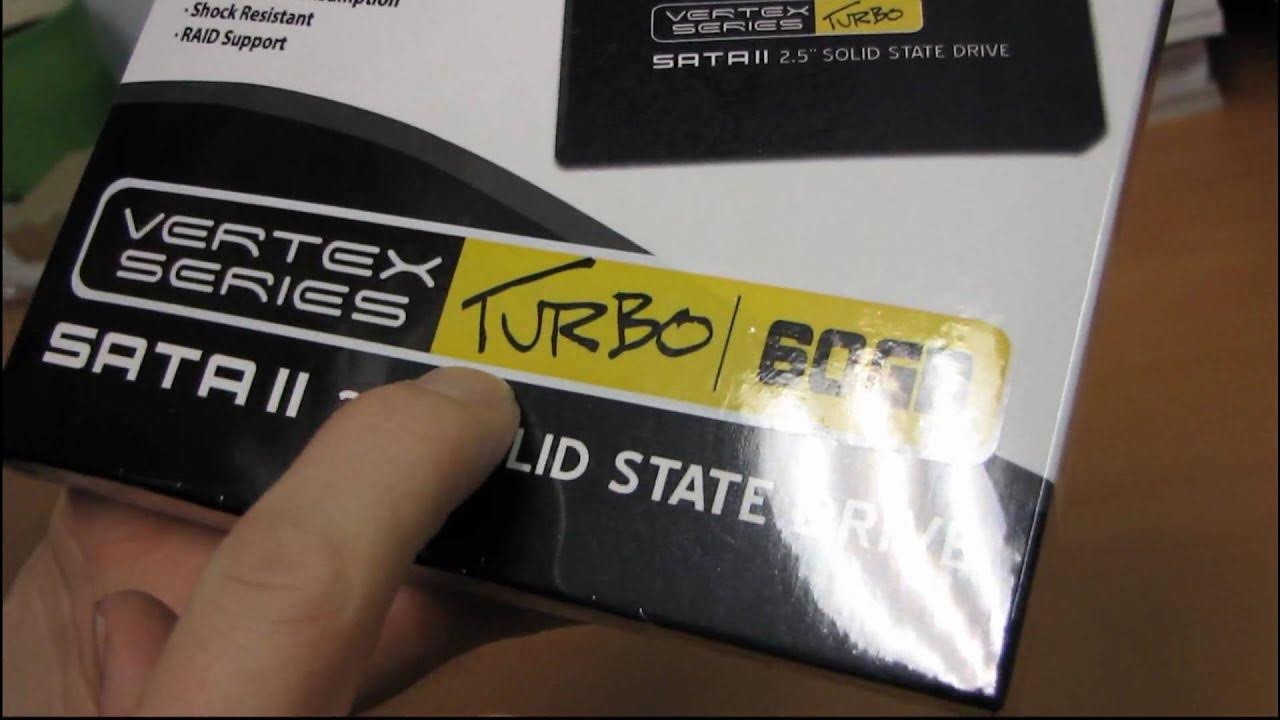
OCZ Vertex Turbo Indilinx SSD Solid State Drive Unboxing & First Look Linus Tech Tips
Your rating
Reactions
Description
Finally I take a quick look at the Vetex Turbo. Surprise surprise. It looks basically the same as the other OCZ SSD drives, but the key difference is under the hood. The Turbo series features an overclocked Indilinx controller for better performance.
AI Overview
The video provides a concise unboxing and first look at the OCZ Vertex Turbo Indilinx SSD. The host notes that the Vertex Turbo is largely similar in exterior to OCZ’s other Vertex drives, sharing the same 2.5-inch form factor and mounting options, but distinguishes itself with an overclocked Indilinx controller. Early in the segment, the presenter highlights the key performance claims, translating them into real numbers such as up to 240 MB/s read and 145 MB/s write, with sustained writes around 100 MB/s. He emphasizes that while these are notable, the more important figures for enthusiasts are the random read and write improvements, which affect everyday responsiveness more than sequential throughput. The unboxing proceeds with the inclusion of installation guides and warranty information, followed by a close look at the drive itself, including the distinctive yellow sticker and matte black top. The host demonstrates the standard 2.5-inch mounting holes and explains compatibility with notebook adapters, then points out the back of the drive where the SATA power and data connectors reside, and briefly mentions the firmware flashing jumpers that should only be used under guidance. In closing, the presenter clarifies the available capacities,30 GB, 60 GB, and 120 GB,and makes a quick remark about the drive’s era and value, setting the stage for hands-on testing to come in future videos.
Topics · technology · hardware_unboxing · ssd_storage · reviews
Questions answered
- What distinguishes the Vertex Turbo from the regular Vertex drives?
- The Vertex Turbo uses an overclocked Indilinx controller, which offers slightly faster processing and improved performance compared to the standard Vertex drives.






