Your rating
Reactions
Description
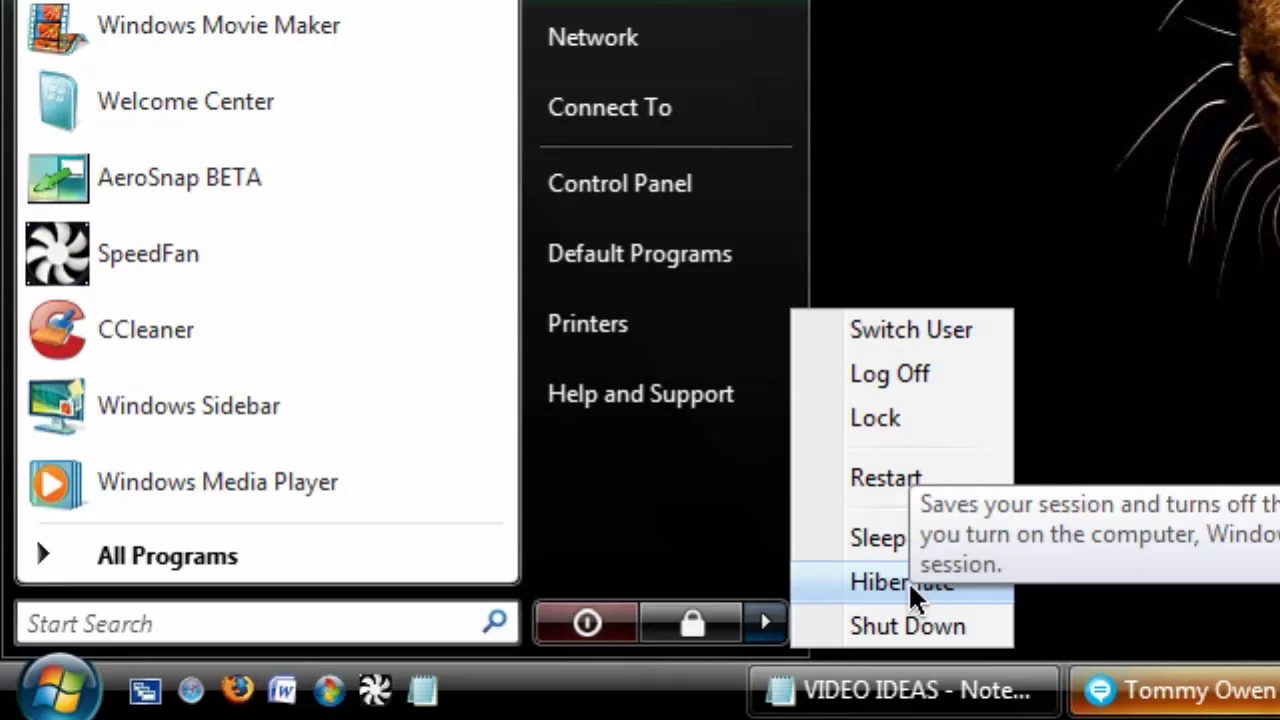
***WATCH IN HD*** Putting your computer to sleep actually uses a bit of battery to maintain the ability to start up instantly. Instead, to save a computer's place and close the lid, here I show you how to hibernate your computer - a much more battery-efficient way to hibernate your computer that actually shuts it down, completely stops all the moving parts, and saves your space - at the expense of a few extra startup seconds. This feature is built into all versions of Windows. Enjoy - SUBSCRIBE
AI Overview
HD Battery Saver #5 - Hibernate explains a practical method to extend laptop battery life by using the hibernate feature rather than sleep. The video walks through how hibernate behaves: it stores the current session, then completely powers down the machine so moving parts stop and the battery is conserved, at the cost of a slightly longer startup. The presenter demonstrates how to enable hibernate in Windows, noting that the option can be added to the power options or mapped to the power button. In Windows Vista, the path is through the start menu, extras, shutdown options, and selecting hibernate as the desired action. The core takeaway is that hibernation saves more battery life by shutting down everything, unlike sleep which keeps some power in memory. The tutorial emphasizes that hibernate is a built-in feature across Windows versions, and the creator invites viewers to adjust settings to suit when the red power button should trigger a shutdown rather than sleep, for optimal battery preservation. The closing remarks encourage subscriptions and invite questions for future installments in the series, underscoring the focus on practical, repeatable steps to extend battery life. Overall, the episode provides a concise how-to on enabling and using hibernate to maximize energy efficiency on laptops.
Topics · how-to · pc-maintenance · operating-systems
Questions answered
- What is the main benefit of using hibernate over sleep on a laptop?
- Hibernate saves more battery life by completely shutting down the computer and stopping all moving parts, at the expense of a slower startup.
- Where can you set the power button to trigger hibernate in Windows?
- In the Control Panel under Power Options, you can change what the power button does and set it to shut down or Hibernate when pressed.




