HomeFeatured videos and new releasesBrowseLatest videos, playlists, and topicsCreatorsYouTube creators and their videosNewsHeadlines from publishers' feedsHistoryResume recently watched videos
Theme
Language
AccountAccountSign in
PrivacyCookiesTermsAboutContactRemovalMethodology
Account
Sign in
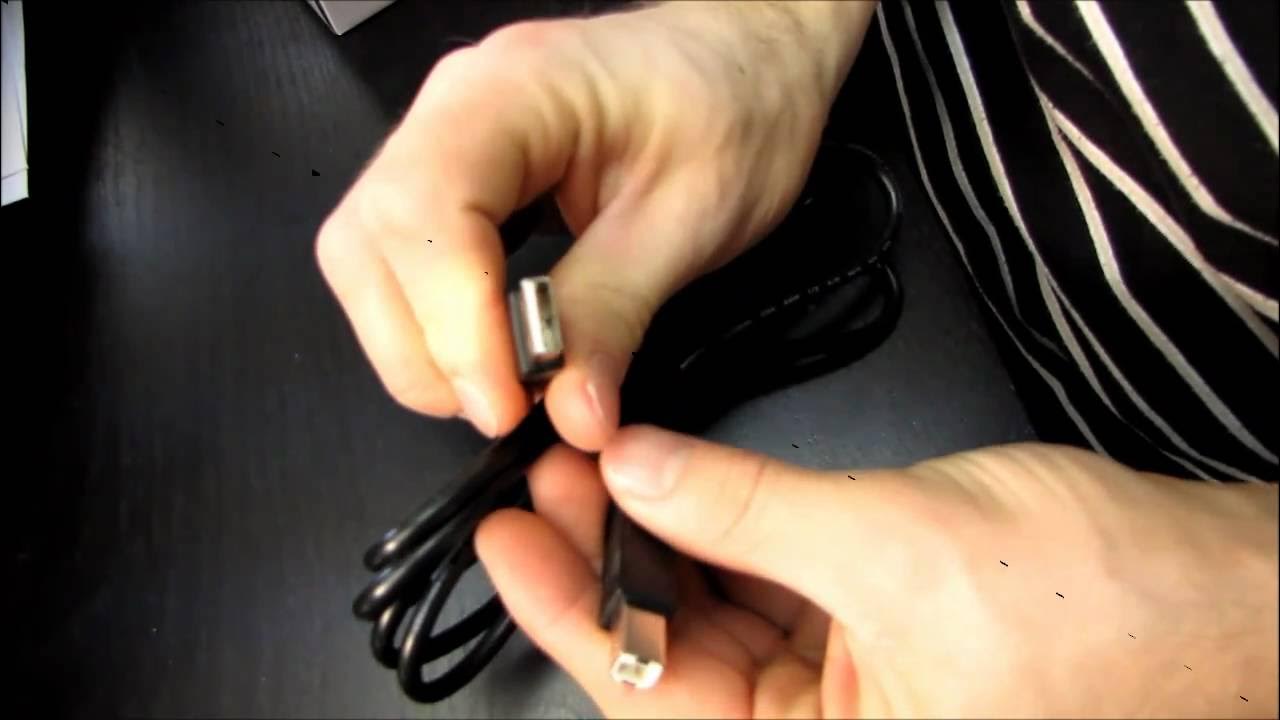
Kensington SD100 Notebook Dock Unboxing & First Look Linus Tech Tips
Video · 0:00

Kensington SD100 Notebook Dock Unboxing & First Look Linus Tech Tips

Linus Tech Tips@LinusTechTips•16.7K views•Feb 9, 2011•4:52

Your rating

Rate this video from 1 to 5

Reactions

Reactions to this video

Share

WhatsAppXReddit
Source
YT
Views
16.7K
Subscribers
16.9M
vs. channel typical
0.0x
Likes per 100
1.1
Comments
112

Description

ncix.com Neat product. Looks like a good value for the price.

Start

AI Overview

The video presents an unboxing and first look at the Kensington SD100 Notebook Dock, hosted by Linus from Linus Tech Tips. It begins with an introductory explanation of what a notebook docking station is, followed by unboxing the package contents including the power adapter, USB cables, and the docking station hardware. Linus comments on the included installation guide and drivers, highlighting the USB connectivity as a single port solution to connect a mouse, keyboard, printer, and other peripherals, with potential cooling benefits by elevating the notebook. As the device is revealed, he describes the ports on the back, including LAN, USB 2.0 ports, microphone and headphone jacks, and the power input, and notes the four rubberized feet for stability. The top surface is shown to host the notebook, with a USB A to B cable arrangement explained, and a general walkthrough of how the dock facilitates plugging in a single USB connection. The host discusses practical usage scenarios, such as how the docking station can help organize cables and improve desk space, and he tests the concept by placing a laptop on the dock to demonstrate the connection to multiple peripherals and the potential for improved cooling. He also touches on installation steps like driver setup, mentions Windows Vista/XP compatibility, and ends with a call to subscription to the channel. Overall, the video aims to demystify the product for viewers who may not be familiar with notebook docking stations and provides a quick hands-on look at its design, ports, assembly, and suggested use case in a concise unboxing format, concluding with a quick recap and a channel subscription shoutout.

Topics · hardware · unboxing · tech_reviews · peripherals

More from Linus Tech Tips

  • I am One Failure Away From Data Loss
    22:44

    I am One Failure Away From Data Loss

    56.2K views•19 hours ago
  • The $40 GTA 6 Gaming Setup is MUCH Better Than You'd Think
    18:45

    The $40 GTA 6 Gaming Setup is MUCH Better Than You'd Think

    534K views•2 days ago
  • My Investment is on SALE
    1:42

    My Investment is on SALE

    305K views•2 days ago
  • You Were Right About my Braces
    15:09

    You Were Right About my Braces

    582.4K views•3 days ago

Related videos

  • Sony got SO CLOSE! - Sony Playstation DualSense Edge
    20:40

    Sony got SO CLOSE! - Sony Playstation DualSense Edge

    819.4K views•4 years ago
  • I like the mouse - Pulsar x TenZ SE Mouse
    7:19

    I like the mouse - Pulsar x TenZ SE Mouse

    556.6K views•last year
  • I'm in LOVE with this mouse! - Logitech G Pro X Superlight
    14:39

    I'm in LOVE with this mouse! - Logitech G Pro X Superlight

    519.3K views•6 years ago
  • This Keyboard comes with EVERYTHING - Nuphy Field75
    14:47

    This Keyboard comes with EVERYTHING - Nuphy Field75

    366.5K views•3 years ago
  • This is my new daily driver! - Promise87
    13:10

    This is my new daily driver! - Promise87

    360K views•4 years ago
  • This is a STRONG recommend - Keychron M5
    12:20

    This is a STRONG recommend - Keychron M5

    348.7K views•last year


