Your rating
Reactions
Promos
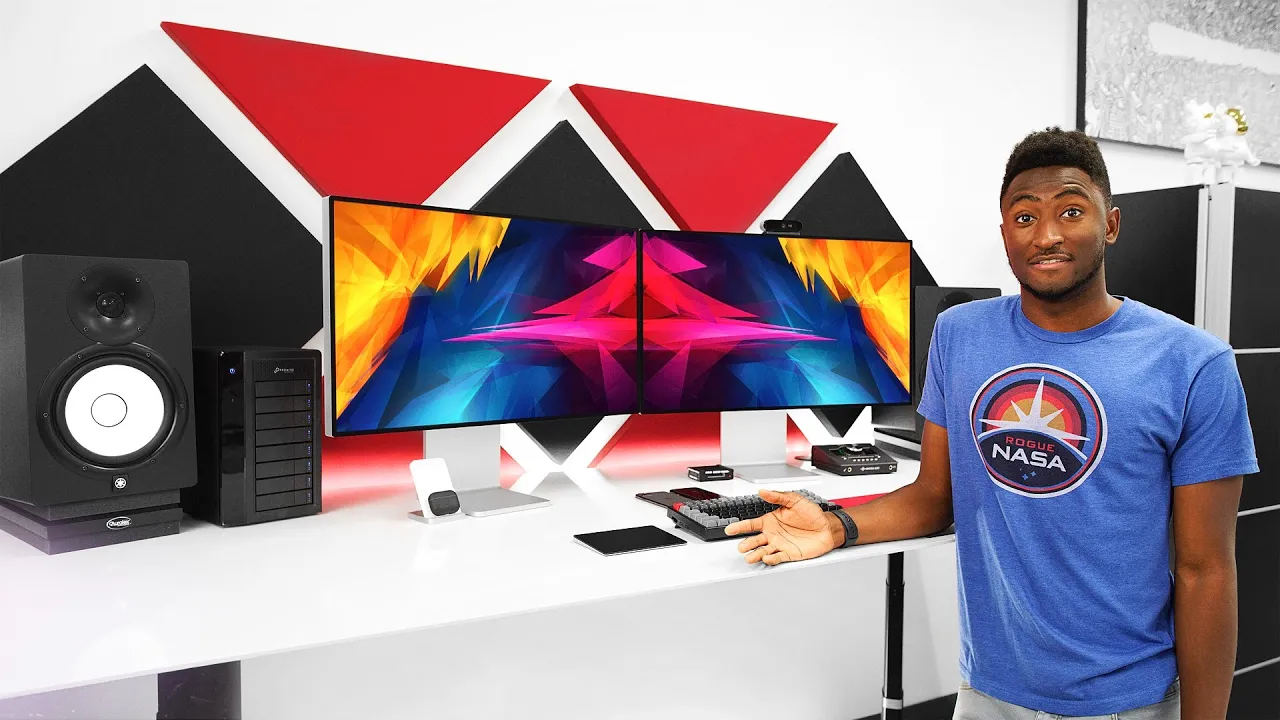
My Mac Pro setup for early 2020! Rubik's cubes: @B7OzlajowST Wallpaper: ibb.co X-Desk Air Pro: xdesk.com Herman Miller Embody: geni.us Yamaha HS8: geni.us Promise Pegasus 80TB: geni.us Xiaomi Vertical Wireless charger Colorware AirPods Pro: bit.ly Apple Pro Display XDR: apple.com Logitech 4K webcam: apple.co Logitech MX Master 3: geni.us Apollo Twin MKII: geni.us Red Artisan mousepad: geni.us Keychron K2: geni.us Mac Pro: apple.com MKBHD Merch: shop.mkbhd.com Video Gear I use: http://kit.co/MKBHD/video-gear#recom... Tech I'm using right now: amazon.com Intro Track: Mr J Medeiros Playlist of MKBHD Intro music: goo.gl ~ twitter.com @MKBHD @MKBHD
AI Overview
Marques Brownlee walks viewers through The MKBHD Setup Tour 2020, detailing a work-focused editing sanctuary rather than a home office. He explains that the space has evolved over more than a decade of building a production-friendly environment and emphasizes that the setup is designed for professional video editing, not personal use. The tour starts with the physical desk, highlighting the eight-foot by three-foot desk, a motorized Air Pro stand, and a Herman Miller Embody chair built for long editing sessions. He talks through the audio and video monitoring stack, featuring Yamaha HS8 studio monitors on acoustic pads for acoustic clarity, and a Pegasus 80TB RAID for long-term video backups. He also showcases the Pro Display XDR in a dual-monitor configuration, noting the matte nano texture helps reduce glare in bright lighting, while praising the dual-screen workflow for productivity and efficiency. The narrative moves to the desk’s accessories, including a Logitech 4K webcam, a Magic Trackpad 2, the Keychron K2 keyboard with brown switches, and a Red Artisan mousepad that has become a personal favorite lost to supply, all of which contribute to a highly tactile and responsive editing environment. Finally, Marques demonstrates the Mac Pro at the core of the rig, describing its 28-core CPU, 768 GB of RAM, and Vega II Duo GPU, while also addressing practical considerations like cable routing from the desk up to the components beneath it and how airflow remains adequate with the system placed under the desk. He closes by hinting at a forthcoming space upgrade and invites viewers to share ideas for future content, such as an everyday carry or personal setup video, while acknowledging the high cost and professional nature of the studio setup. Overall, the video blends technical detail with personal experience, offering concrete product references, practical tips, and a sense of ongoing evolution in a workspace built for high-end video production.
Topics · technology · video_production · workplace_setup · hardware_reviews




