ASUS TS Mini Windows Home Server WHS Remote Files & Desktop Access Linus Tech Tips
Your rating
Reactions
Description
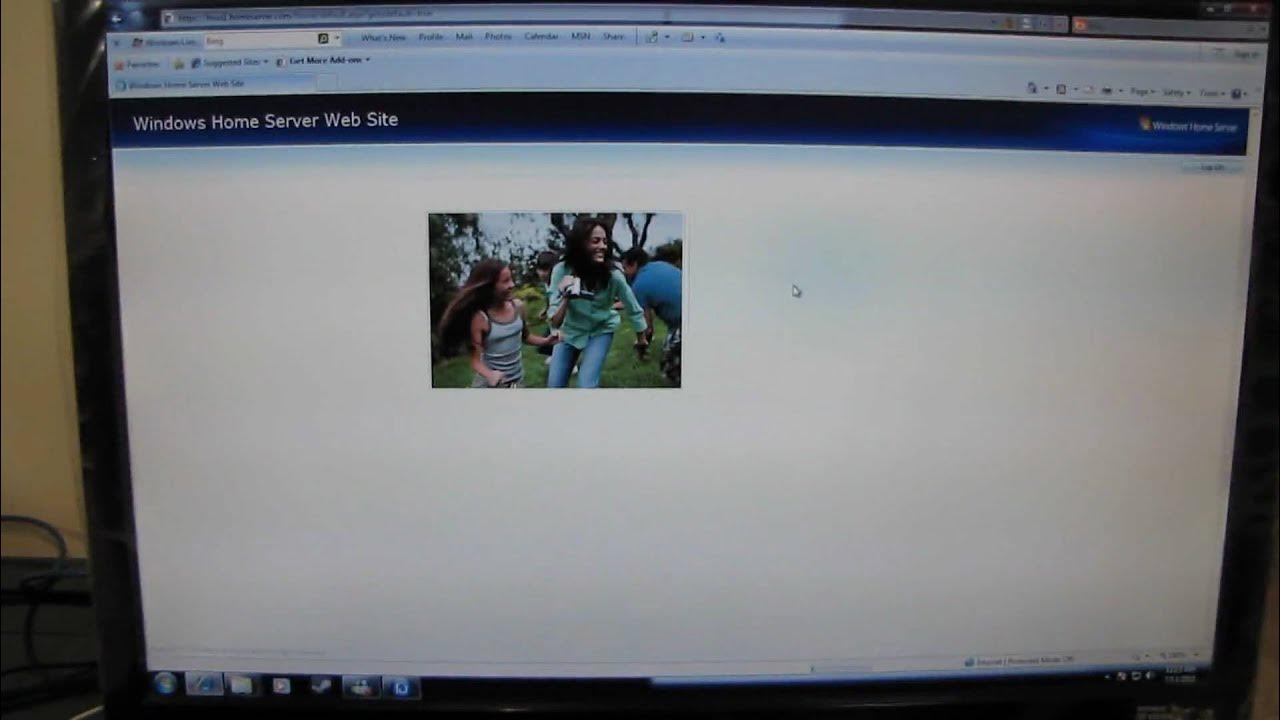
Remote access to your files and home computers through an easy web interface is yet another awesome feature of Windows Home Server.
AI Overview
The video provides a hands-on look at enabling and using remote access to a Windows Home Server (WHS) on the ASUS TS Mini. Linus demonstrates the setup flow starting from domain name configuration and Windows Live ID authentication, then moves into using the WHS web interface to access computers, shared folders, and the server console. A key part of the workflow is the requirement to install an ActiveX control and the reliance on Internet Explorer for remote desktop access, while acknowledging that other browsers (like Firefox) can handle remote folder access. Linus walks through navigating the interface, selecting between connecting to the WHS console, remote desktops of connected PCs, and browsing shared folders, including practical examples such as saving a file to the public folder or a personal desktop. He emphasizes the ease of access to the entire folder structure, mentions view options (icon, list, details), and notes potential performance considerations when displaying many files over a slower home internet connection. The segment ends with a positive summary of WHS remote capabilities as a standout feature and a reminder that proper router configuration helps the feature set up automatically, reinforcing the video’s practical, how-to nature for home users exploring remote access to their files and machines.
Topics · technology · computing · networking · home_server
Questions answered
- Is remote desktop access possible with browsers other than Internet Explorer, and how do you access WHS remotely?
- Remote desktop access requires Internet Explorer and the WHS web interface uses an ActiveX control for remote desktop. Other browsers can access shared folders via the web interface, but remote desktop typically requires IE. To access WHS remotely, you configure a domain name and Windows Live ID, then use the web interface to connect to the server or to remote desktops of connected PCs.
- What security or setup considerations are demonstrated for remote access to Windows Home Server?
- The video demonstrates using a domain name and Windows Live ID for authentication, and notes the need to configure the router for remote access. It also mentions an ActiveX control required for remote desktop access, and that access is performed through the web interface, with emphasis on choosing strong passwords. The video does not deeply cover advanced security measures beyond these setup steps.






