HomeFeatured videos and new releasesBrowseLatest videos, playlists, and topicsCreatorsYouTube creators and their videosNewsHeadlines from publishers' feedsHistoryResume recently watched videos
Theme
Language
AccountAccountSign in
PrivacyCookiesTermsAboutContactRemovalMethodology
Account
Sign in
Razer Orochi Notebook Wireless Bluetooth Gaming Mouse Unboxing & First Look Linus Tech Tips
Video · 0:00

Razer Orochi Notebook Wireless Bluetooth Gaming Mouse Unboxing & First Look Linus Tech Tips

Linus Tech Tips@LinusTechTips•78K views•Jul 26, 2010•6:40

Your rating

Rate this video from 1 to 5

Reactions

Reactions to this video

Share

WhatsAppXReddit
Source
YT
Views
78K
Subscribers
16.9M
vs. channel typical
0.1x
Likes per 100
0.7
Comments
219

Description

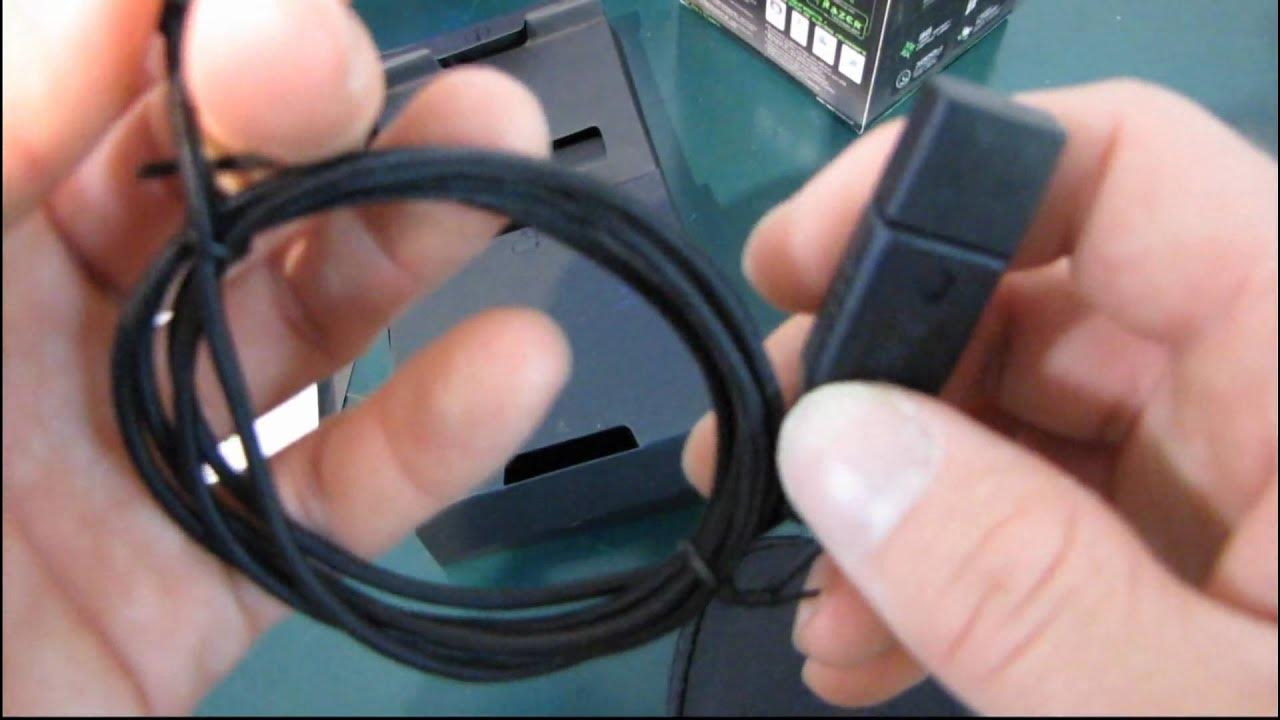
ncix.com Much like the Mamba, the Orochi comes in a cool looking box that makes it appear to be floating, and it also has the option of using either a wired or wireless interface.

Start

AI Overview

The video presents an unboxing and first look at the Razer Orochi notebook wireless Bluetooth gaming mouse. The host emphasizes the product’s target audience, highlighting the need for a compact, portable gaming mouse for notebook users as notebook GPUs improve and gaming on the go becomes more practical. The packaging is described as a design-centric experience, with notes on the floating box aesthetic, the certificate of authenticity, and the included quick start guide. The host walks through the contents in detail, including manuals for both PC and Mac usage, a carrying case, batteries, a USB wired adapter, and the various tabs that secure the mouse inside the box. He explains the dual wired and wireless capabilities, the bottom battery compartment, and the uncomplicated process of inserting and removing batteries. As the unboxing progresses, the host tests the mouse fit on a small hands, comments on the precision of the tiny form factor, and demonstrates how the wireless receiver and wired option integrate with a notebook. He also showcases the optional carry case and practical accessories, concluding with a brief demo of how to slide the USB interface into place and a closing recap of who might benefit most from the Orochi for portable gaming. Overall, the video balances packaging theatrics with practical setup details, offering viewers a clear sense of the mouse’s size, button layout, and the trade-offs between portability and comfort for longer gaming sessions.

Topics · technology · gadgets · peripherals · unboxing

More from Linus Tech Tips

  • I am One Failure Away From Data Loss
    22:44

    I am One Failure Away From Data Loss

    56.2K views•21 hours ago
  • The $40 GTA 6 Gaming Setup is MUCH Better Than You'd Think
    18:45

    The $40 GTA 6 Gaming Setup is MUCH Better Than You'd Think

    534K views•2 days ago
  • My Investment is on SALE
    1:42

    My Investment is on SALE

    305K views•2 days ago
  • You Were Right About my Braces
    15:09

    You Were Right About my Braces

    582.4K views•3 days ago

Related videos

  • This is my new daily driver! - Promise87
    13:10

    This is my new daily driver! - Promise87

    360K views•4 years ago
  • They say it has "Infinite Battery Life"...  - Angry Miao Infinity Mouse
    10:47

    They say it has "Infinite Battery Life"... - Angry Miao Infinity Mouse

    336.2K views•2 years ago
  • Belle Delphine Keyboard Combo Unboxing
    14:49

    Belle Delphine Keyboard Combo Unboxing

    257.7K views•2 years ago
  • I’m keeping this at my desk! - Womier SK75
    11:28

    I’m keeping this at my desk! - Womier SK75

    216.5K views•2 years ago
  • Unboxed: DS International Flexible Keyboard [HD]
    5:12

    Unboxed: DS International Flexible Keyboard [HD]

    14.3K views•17 years ago
  • iPhone 17/Pro/Air Unboxing: 1 Hot Take!
    13:16

    iPhone 17/Pro/Air Unboxing: 1 Hot Take!

    7.7M views•last year


