Your rating
Reactions
Channels and socials
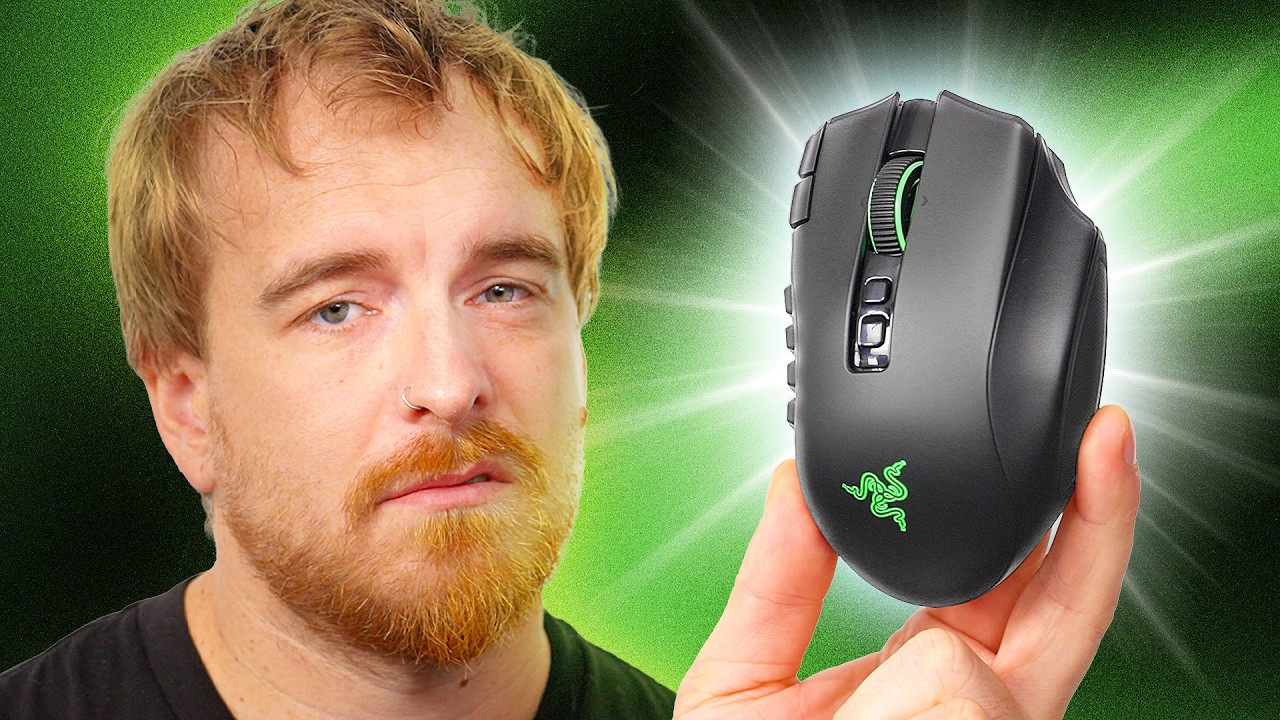
Play War Thunder for FREE on PC, PlayStation, Xbox, and mobile using the links below! New to the game, or returning after six months? You'll get a massive bonus pack on PC and consoles packed with vehicles, boosters, and more. Claim your bonus and start playing today! PC/Console: playwt.link Mobile: wtm.game David checks out the Razer Naga V3 Pro, which has up to 23 buttons, swappable side plates, and a fourth finger button he didn’t know he needed. It also costs $180, caps out at 1000Hz out of the box, wants you to buy extras for 8K polling and wireless charging, and doesn’t work with the Synapse web app. He brought in a MOBA player to see if it’s still worth it for the people it’s actually made for. Buy Razer Naga V3 Pro: razer.com Want us to unbox something? Make a suggestion at lmg.gg Thanks to our channel partner Secretlab! - Grab a TITAN Evo ergonomic gaming chair: lmg.gg - Grab an ATLAS ergonomic office chair: lmg.gg - Grab a MAGNUS Pro sit/stand gaming table: lmg.gg ► SHOP OUR PRODUCTS: lttstore.com ► GET A VPN: piavpn.com ► GET EXCLUSIVE CONTENT ON FLOATPLANE: lmg.gg ► DIVE DEEPER ON THE LTT LABS WEBSITE: lmg.gg ► SPONSORS, AFFILIATES, AND PARTNERS: lmg.gg Purchases made through some store links may provide some compensation to Linus Media Group. Affiliate links powered in part by affilimate.com Studio lighting by Aputure: aputure.com Linus Sebastian is an investor in Framework Computer, Inc and HexOS by Eshtek. CHAPTERS --------------------------------------------------- 0:00 - Intro 0:44 - Unboxing 1:58 - Shape and scroll wheel 3:55 - Button tour and side plates 5:19 - Build, sensor and charging puck 8:24 - Razer Synapse setup 10:01 - Scroll wheel modes 11:25 - Performance settings and weight 12:42 - Lighting and power options 14:01 - FPS gameplay 14:39 - MOBA testing 16:24 - Pricing and verdict
AI Overview
David reviews the Razer Naga V3 Pro, an MMO mouse with interchangeable side plates and up to 23 buttons. The side plates offer 2, 6, or 12 side buttons, and he finds the additional fourth-finger button surprisingly comfortable and useful. He likes how naturally the shape fits his hand, but criticizes the heavy feel, rubberized surfaces, recessed USB-C port, and some mushy side buttons. The Focus Pro 50K sensor is specified for up to 50,000 DPI, while the included wireless dongle supports up to 1,000 Hz polling. Reaching 8,000 Hz and using wireless charging require separately purchased accessories. He also dislikes that the mouse does not work with Razer’s Synapse web app and requires desktop software for configuration.
Topics · mmo mouse · gaming mouse review · gadget · first impression
Questions answered
- What side-button configurations does the Razer Naga V3 Pro offer?
- Its interchangeable side plates provide 2, 6, or 12 side buttons, and the mouse has up to 23 buttons overall.
- Does the Razer Naga V3 Pro support 8,000 Hz polling out of the box?
- No. The included dongle supports up to 1,000 Hz; 8,000 Hz requires a separately purchased accessory.
- Can the Razer Naga V3 Pro be configured with Razer’s web app?
- No. It does not work with the Synapse web app, so configuration requires Razer’s desktop software.
- How does the Razer Naga V3 Pro perform for FPS gaming?
- It feels responsive and its extra buttons can provide convenient access to actions, but its 113 to 117 gram weight is a drawback for fast aiming.
- Is the Razer Naga V3 Pro worth its $180 price?
- The reviewer finds it difficult to recommend at $180, especially with key performance and wireless-charging accessories sold separately and limited alternatives for MMO mice.