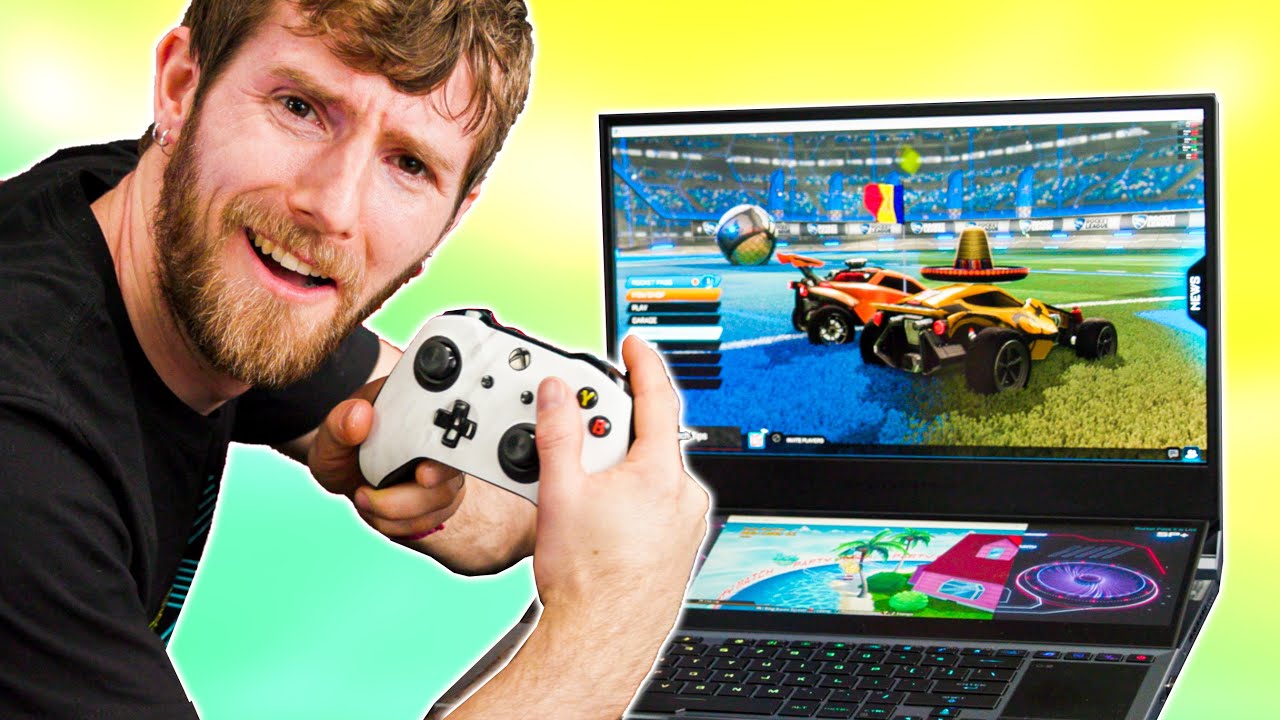
This Laptop Runs TWO Games at the Same Time!
Your rating
Reactions
Description
Thanks to ASUS ROG for sponsoring today's video!
Promos
Check out the ASUS Zephyrus Duo 15 at geni.us I've heard of playing a game and watching a movie... but playing two games at the same time... on the same device.... WHAT?!?! Buy ASUS ZEPHYRUS DUO 15 On Amazon (PAID LINK): geni.us On Newegg (PAID LINK): geni.us Purchases made through some store links may provide some compensation to Linus Media Group. Discuss on the forum: linustechtips.com GET MERCH: lttstore.com SUPPORT US ON FLOATPLANE: floatplane.com LTX EXPO: ltxexpo.com AFFILIATES & REFERRALS --------------------------------------------------- Affiliates, Sponsors & Referrals: lmg.gg Get Private Internet Access VPN at lmg.gg Get a Mech Keyboard: geni.us NEEDforSEAT Gaming Chairs: geni.us Get a Displate Metal Print at lmg.gg Use code LINUSMEDIAGROUP on Epic Games Store: lmg.gg Get a 30-day free trial of Amazon Prime at lmg.gg Our Gear on Amazon: geni.us FOLLOW US ELSEWHERE --------------------------------------------------- Twitter: twitter.com Facebook: @LinusTech Instagram: @linustech Twitch: twitch.tv FOLLOW OUR OTHER CHANNELS --------------------------------------------------- Techquickie: lmg.gg TechLinked: lmg.gg ShortCircuit: lmg.gg LMG Clips: lmg.gg Channel Super Fun: lmg.gg Carpool Critics: lmg.gg MUSIC CREDIT --------------------------------------------------- Title: Laszlo - Supernova Video Link: youtube.com iTunes Download Link: itunes.apple.com Artist Link: soundcloud.com Outro Screen Music Credit: Approaching Nirvana - Sugar High youtube.com Monitor And Keyboard by vadimmihalkevich / CC BY 4.0 lmg.gg Mechanical RGB Keyboard by BigBrotherECE / CC BY 4.0 lmg.gg Mouse Gamer free Model By Oscar Creativo / CC BY 4.0 lmg.gg
AI Overview
The video explores ASUS ROG Zephyrus Duo 15, a dual-screen gaming laptop, and pushes its capabilities by attempting to run two games simultaneously. The hosts explain the concept of productivity on a laptop with a secondary touchscreen display, and then deliberately test a two-game setup featuring Rocket League on the main 4K screen and Dragon Ball FighterZ on the secondary 1080p touchscreen display. They discuss the practicalities of running both titles at once, including windowed mode requirements and the challenge of input handling since Windows 10 tends to struggle with multi-game input. The session emphasizes that both games run, with Rocket League hitting near 60 FPS in 4K while Dragon Ball FighterZ runs on the smaller display, showcasing a unique hardware capability rather than a typical gaming setup. Throughout, the hosts highlight the hinge design, airflow, and the overall impression of this “two games at once” experiment, acknowledging that this is not a standard or recommended use case but a remarkably distinctive experience for streamers or multitasking scenarios. By the end, they frame the Zephyrus Duo 15 as a novelty with impressive performance for a two-game experiment, thanking Asus for the sponsorship and noting the fun, albeit not practical, nature of the challenge. The video closes with a nod to future content ideas and a brief segue to related builds and competitions, leaving viewers with a memorable takeaway about the laptop’s dual-screen potential and its impact on gaming workflows.
Topics · technology · gaming · hardware · video-essentials
Questions answered
- How many games were tested at the same time on the Zephyrus Duo 15 in this video?
- Two games were tested simultaneously, Rocket League on the main 4K display and Dragon Ball FighterZ on the secondary 3840 by 1100 touchscreen display.
- What input method was used for both games and why was it chosen?
- A single gamepad was used for both games because Windows has difficulties sending keyboard and mouse input to multiple games at once, and using a controller simplified input across both titles.
- What was the general performance outcome during the test?
- Both games ran at the same time, with Rocket League achieving about 60 FPS in 4K and Dragon Ball FighterZ running on the secondary display; the setup was impressive but not recommended for regular use.






