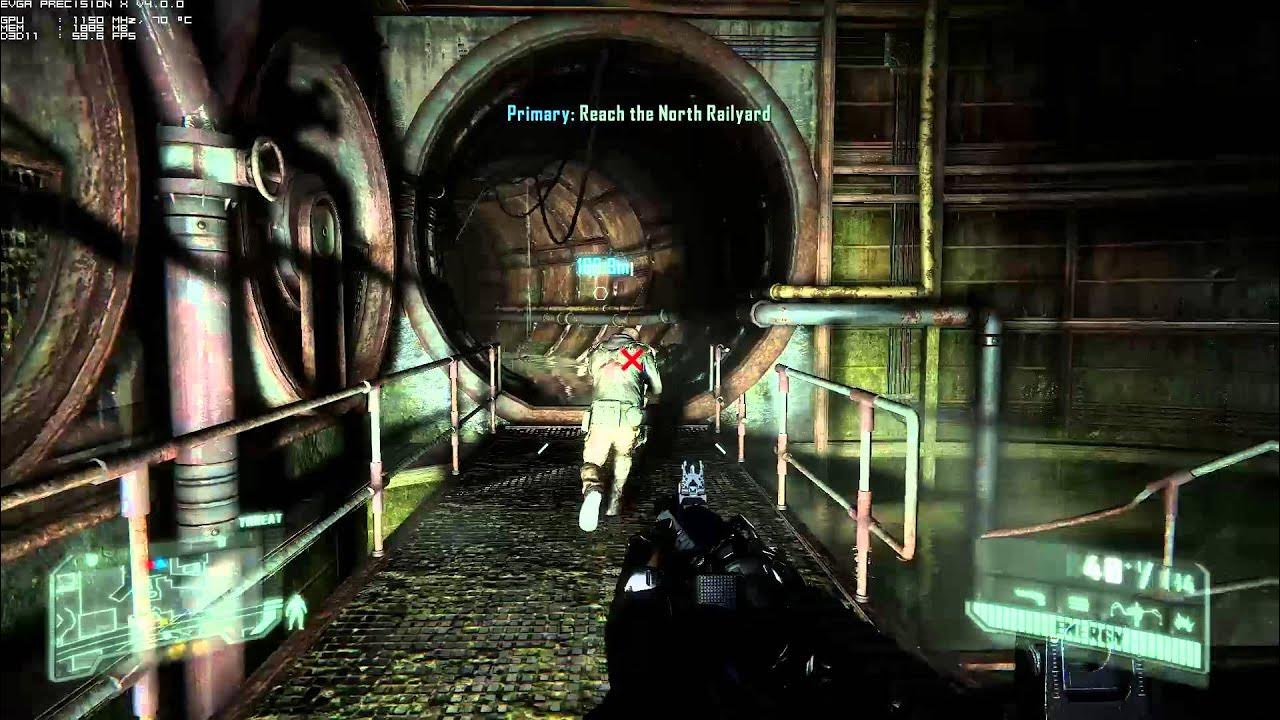
Crysis 3 Benchmarking Procedure Explanation
Your rating
Reactions
Description
You can use this as a guide for how to benchmark Crysis 3. Test your own hardware and see how it compares to what we're using! Read more & join our community forum: Read more and join our forum community: linustechtips.com See our first video card round up using this test: coming soon!
AI Overview
The video provides a practical, step-by-step explanation of how to benchmark Crysis 3, focusing on a reproducible procedure that viewers can apply to their own hardware. It presents an example run from the Welcome to the Jungle level, explaining why the test starts at a specific point and how the benchmark is structured into two parts: a passive prelude that showcases engine features like water, grass, and cloth collisions, followed by a more action-packed section with enemies, explosions, and movement. The host describes how frames per second are recorded using FRAPS to capture minimum, maximum, and average FPS, and emphasizes quick, precise execution to avoid variables such as grenade damage or turret hits that could skew results. Clear operational steps are provided, including how to approach the stairs, shoot down a turret with explosive arrows, and navigate to the final section of the train for sustained movement and shooting. The guide underlines that the exact run is adjustable, encouraging viewers to trial different segments to match their hardware performance, and hints at separate benchmark videos that will present comparative numbers for different graphics cards. In closing, the video aligns its benchmarking approach with Linus Tech Tips’ broader reviews, inviting viewers to use the demonstrated method to compare their own results against the team’s published data while acknowledging sponsorship as a context for the production.
Topics · technology · hardware · gaming · benchmarking
Questions answered
- What is the recommended starting point for the benchmark run in Crysis 3, and why?
- The benchmark starts at the top of the ramp after the initial passive segment to ensure a controlled introduction to the firefight and level geometry, providing a consistent point from which to measure frame rates.






