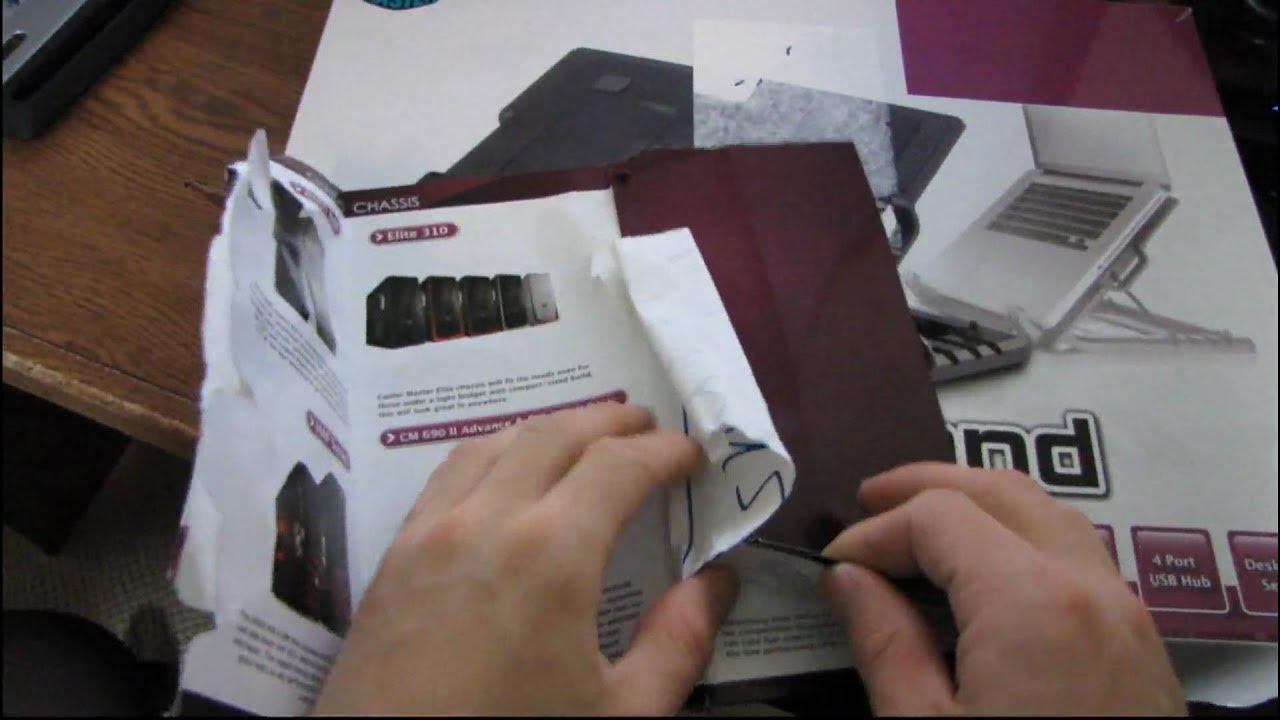
Cooler Master Notepal Ergostand 17" 140mm Notebook Cooler Unboxing & First Look Linus Tech Tips
Your rating
Reactions
Description
ncix.com I've got an actual review of it to come soon as well!
AI Overview
The video opens with an informal unboxing of the Cooler Master Notepal Ergostand designed for 9 to 17 inch notebooks. Linus uses a handheld approach to reveal the package contents and highlights the key features listed on the box, including the five adjustable angles for ergonomic comfort, a 140 mm silent fan, a four-port USB hub, and cable management options. He walks through the included accessories such as the USB A to mini USB cable, the user manual with specifications, and the product guide, noting the build quality, materials, and the weight of the stand. The host explains the stand’s construction with metal mesh, plastic, and rubber components, and demonstrates how to adjust the five different angles by manipulating a metal support bar and the bottom feet to fit a 17 inch notebook. As he assembles, he also points out the USB hub behavior, explaining how it can function as a powered or non-powered hub depending on whether a power cable is connected, and he tests a few configuration setups to ensure the notebook sits at a comfortable wrist angle for typing. The demonstration includes a practical check of port access and cable routing, with Linus adjusting the notebook on the stand and evaluating the airflow from the central fan. He teases upcoming temperature tests to quantify cooling effectiveness and concludes by summarizing the ergonomic benefits and overall impression of the Ergostand as a compact, desk-friendly laptop cooler option for larger notebooks.
Topics · technology · computer hardware · unboxing · consumer electronics
Questions answered
- What notebook sizes does the Cooler Master Notepal Ergostand support?
- The Ergostand supports notebooks from 9 inches up to 17 inches.
- Can the USB hub on the Ergostand be powered through an external adapter?
- Yes, the USB hub can be powered by connecting an external power source, turning it into a powered hub.






