HD Tutorial: Get Old Menus Back in Vista Explorer
Your rating
Reactions
Description
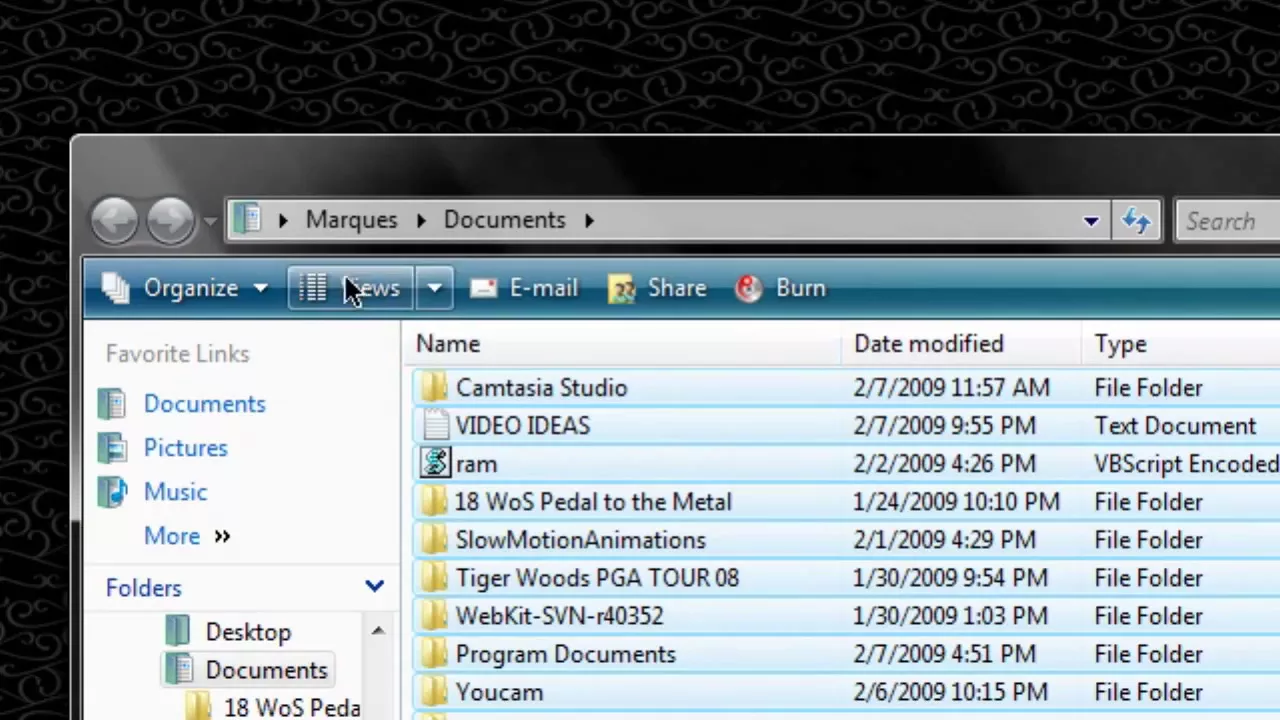
***WATCH IN HD*** This quick tutorial will show you how to get your old menus back into Windows Explorer in Windows Vista - you might've wondered why they dissapeared on the move from XP to Vista, so here I show you how to get them back - you know, "File," "Edit", "View," etc.... Enjoy - SUBSCRIBE
AI Overview
This HD tutorial explains a quick and surprisingly simple method to restore the traditional menu bar in Windows Explorer on Windows Vista. The presenter demonstrates that pressing the Alt key temporarily reveals the classic File, Edit, View, and Tools menus that were removed during the XP to Vista transition. The reveal is brief, lasting only for a moment, and users can perform actions like selecting all items by using the menu that appears. The video also notes that this Alt-key shortcut does not extend to Microsoft Word 2007, where Alt instead shows a set of keyboard shortcuts rather than the old menus. Throughout the short demonstration, the speaker emphasizes the ease of accessing common commands without extensive clicks or drag operations, making file management in Vista more familiar for former XP users. Viewers are encouraged to subscribe for more tutorials, with a friendly closing that thanks the audience for watching. The tutorial is concise, focused on a single, practical tip, and reinforces the bridge between XP workflows and Vista's interface.
Topics · tutorial · windows · how-to · operating-systems
Questions answered
- How can I restore the classic File, Edit, View menus in Windows Vista Explorer?
- Press the Alt key to temporarily reveal the classic menus; they appear for a moment and disappear after use.
- Does the Alt-key method work in Microsoft Word 2007 to show old menus?
- No, pressing Alt in Word 2007 brings up a set of keyboard shortcuts rather than the old menu bar.




