Intel Data Migration Software Walkthrough Tutorial for SSD Upgrades Linus Tech Tips
Your rating
Reactions
Description
ncix.com This is a neat little tool you can use to migrate your data from your old boot drive to your new Intel SSD.
AI Overview
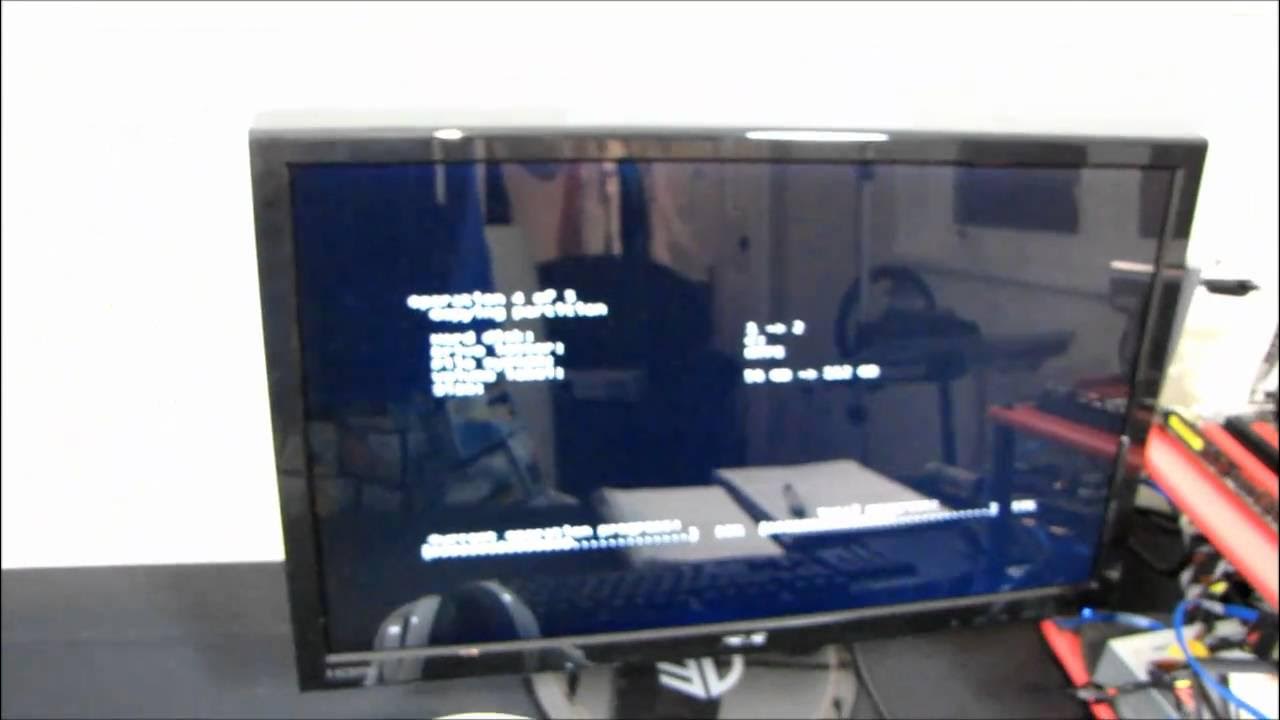
The video presents a practical walkthrough of using Intel Data Migration Software to upgrade to an SSD, powered by a light description of its ties to Acronis. The host begins by noting the existence of a full version and briefly mentions an optional 40% off upgrade, highlighting features such as continuous data protection, image backups, and archival access. In the core section, the tutorial focuses on the basic package: creating bootable media with the Intel components, the included USB and USB-to-disk drivers, and the data migration workflow itself. The host selects a source drive, in this case a Silicon Power boot drive, and an Intel 120 GB SATA 3 SSD as the target, then initiates the automatic migration process. The software prompts for a reboot, completes the copying of partitions from the old drive to the new Intel drive, and the host tests the system by booting from the new SSD to verify Windows starts normally and that the OS and drivers are functioning. The conclusion reinforces the simplicity of migrating from an old boot drive, whether SSD, HDD, USB, or SD card, to a new Intel SSD, and encourages viewers to subscribe for more NCIX Tech Tips content on unboxings, reviews, and other computer topics.
Topics · technology · how_to · hardware · data_management
Questions answered
- What is the core function of the Intel Data Migration Software in this tutorial?
- The software migrates data from a source boot drive to a new Intel SSD, using automatic parameters to clone partitions and migrate the operating system and files to the target drive.
- What additional features are mentioned in the basic package?
- The basic package includes a media Builder to create bootable media, built in drivers for USB and SATA devices, and a basic reporting feature, with options for data migration and drive management without upgrading to the full version.






