I have SO many questions - Intel $5,000 Extreme Tech Upgrade
Your rating
Reactions
AudioEnglish (original)Auto-dubbed: Dutch, French, Arabic, Bangla, Hebrew, Hindi, Italian, Korean, Malayalam, Polish+5 more
Description
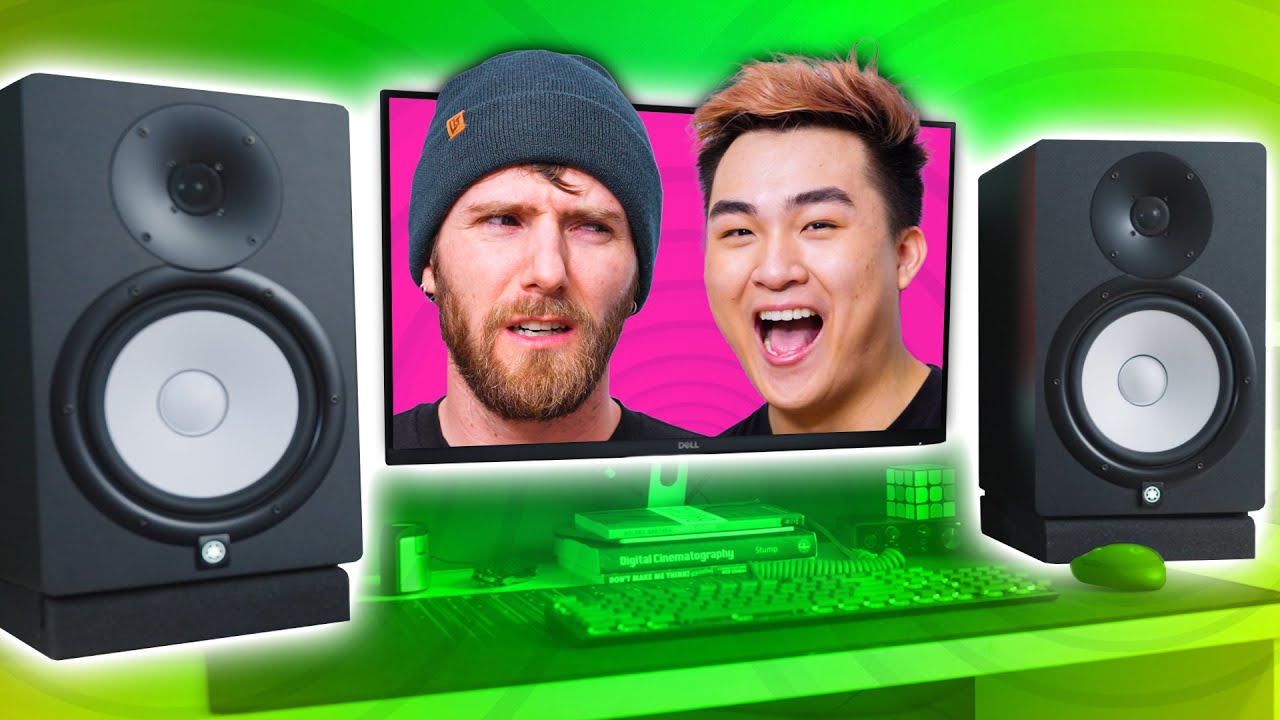
Thanks to Intel for continuing to sponsor this series! Buy an Intel Core i9-10850K: geni.us Buy an EVGA RTX 3080 XC3: geni.us Buy an EK-AIO 360 D-RGB : lmg.gg Buy a Noctua NH-D15: geni.us Buy an MSI PRO Z490-A: geni.us Buy a Ballistix 32GB 3600Mhz Kit: geni.us Buy a Samsung 970 Evo 500GB NVME: geni.us Buy a 4000D Airflow White: geni.us Buy a Corsair RMx 850W PSU: geni.us Buy an LG CX 55": geni.us Buy an IronWolf NAS 8TB: geni.us Buy a Yamaha HS8 Monitors: geni.us
Promos
Check out Unraid: lmg.gg Purchases made through some store links may provide some compensation to Linus Media Group. Discuss on our community forum: linustechtips.com ► GET MERCH: lttstore.com ► AFFILIATES, SPONSORS & REFERRALS: lmg.gg ► PODCAST GEAR: lmg.gg ► SUPPORT US ON FLOATPLANE: floatplane.com FOLLOW US ELSEWHERE --------------------------------------------------- Twitter: twitter.com Facebook: @LinusTech Instagram: @linustech TikTok: @linustech Twitch: twitch.tv MUSIC CREDIT --------------------------------------------------- Intro: Laszlo - Supernova Video Link: youtube.com iTunes Download Link: itunes.apple.com Artist Link: soundcloud.com Outro: Approaching Nirvana - Sugar High Video Link: youtube.com Listen on Spotify: spoti.fi Artist Link: youtube.com Intro animation by MBarek Abdelwassaa @mbarek_abdel Monitor And Keyboard by vadimmihalkevich / CC BY 4.0 geni.us Mechanical RGB Keyboard by BigBrotherECE / CC BY 4.0 geni.us Mouse Gamer free Model By Oscar Creativo / CC BY 4.0 geni.us Special Intro by MBarek Abdelwassaa @mbarek_abdel CHAPTERS --------------------------------------------------- 0:00 Intro 1:56 Tour 7:00 PC Build 15:42 Room Setup 19:39 Audio 24:12 TV
AI Overview
In this episode of the Intel sponsored Extreme Tech Upgrade series, the team peppered with humor and high ambition, unveils a plan that stretches the $5,000 budget to include not one but two systems: a primary PC build and a dedicated NAS. The opening moments set the tone with Hoffman arriving armed with an OLED TV, an RTX 3080, and a Core i9 CPU, while Linus frets about fitting all this gear under a strict price ceiling. The dynamic between Linus and Hoffman is playful yet practical as they map out the build sequence and assign roles, including Hoffman's role as the NAS engineer and workstation leader for the day. The collaboration kicks off with PC hardware selection, where an affordable motherboard and an i9 processor pair up in a bold, budget-conscious configuration. The team debates cooling options, opting for an air cooler for reliability versus a fancy all-in-one liquid cooler for aesthetics, and they test the airflow and maintenance implications as they go. By the end of the first big segment, the team has a working plan that supports both speed and storage for an integrated editing and gaming setup.
Topics · technology · computing · hardware_build · nas_storage · audio_video · entertainment
Questions answered
- What is the main goal of the Extreme Tech Upgrade in this episode?
- To assemble a high-performance PC and a NAS within a $5,000 budget, showcasing a cohesive, budget-conscious workstation and storage solution.
- Why is the NAS important in this upgrade?
- The NAS provides centralized storage for media and projects, enabling efficient file access and backup for the editing and gaming setup.
- What cooling solution do they choose for the PC, and why?
- They opt for an all-in-one liquid cooler for aesthetics and ease of maintenance, while acknowledging a high-end air cooler could be more rugged long term.
- What role does the TV play in the setup?
- The OLED TV acts as a high-quality display for the PC build and media viewing, contributing to the immersive workstation environment.
- How do they approach cable management and aesthetics?
- They mix practical components with decorative cable bling, using cable combs and coordinated colors to achieve a clean yet flashy build.