Popcorn Hour C-200 Networked Media Tank Unboxing Linus Tech Tips
Your rating
Reactions
Description
I'm pretty excited to bring you my Popcorn Hour C-200 unboxing. I was very impressed with the original Popcorn Hour, and I can imagine this new one is more of the same & better!
AI Overview
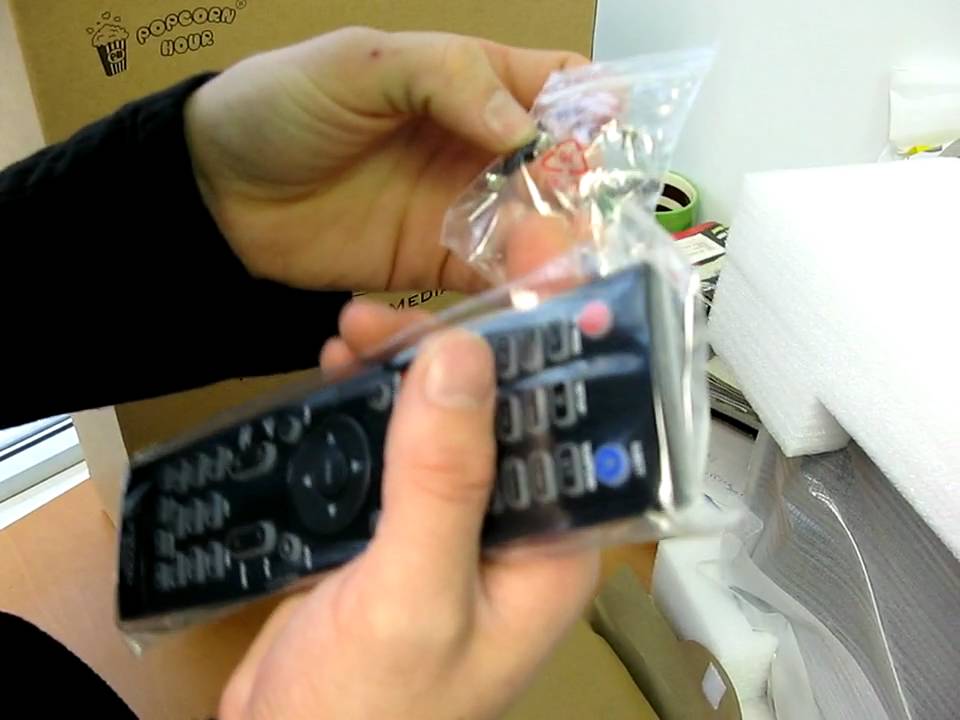
The Popcorn Hour C-200 unboxing video by Linus Tech Tips opens with Linus expressing clear enthusiasm for the brand new networked media tank, emphasizing that these units have just landed and are shipping. He provides a visual tour starting with a size comparison against an external hard drive to illustrate the unit's heft and footprint, highlighting the large packaging and protective foam used in shipping to ensure safe delivery. The presenter walks through the back of the device, calling out the Sigma Designs chipset as a key selling point and notes the extensive media format support, the inclusion of features like a user downloader, UPnP, and bit torrent support. He compares the C-200 to the older A200 and 10100 models, pointing out improvements such as gigabit Ethernet and the option to install an optical drive for Blu-ray compatibility. The unboxing continues with a look at the quick start guide, what’s included in the accessory bag, and the refined remote control with an RF receiver, indicating an attention to user experience and future firmware updates. Linus demonstrates the packing list including HDMI cables, AAA batteries for the remote, a power cable, an RF antenna, and assorted screws for drive and optical drive installation. The video closes with a hands-on look at the front and back I/O options, including hot swap bays for hard drives, front USB ports, LCD display, IR and optical/digital audio outputs, plus the ability to accept different power standards, culminating in the assertion that the C-200 represents the Cadillac of networked media players and promising a deeper menu exploration in a future tech tips segment.
Topics · technology · hardware · video_unboxing
Questions answered
- What is included in the Popcorn Hour C-200 unboxing package?
- The unboxing includes the Popcorn Hour C-200 unit, quick start guide, HDMI cable, RF remote with batteries, a power cable, RF antenna, and a bag of accessories with screws for drive and optical drive installation.
- What is a notable feature of the C-200 compared to older models?
- A notable feature is support for an optical drive, enabling Blu-ray Drive installation, along with gigabit ethernet and an RF remote, improving media handling and usability.
- What kind of remote does the C-200 use?
- The C-200 uses an RF remote with backlit buttons for use in the dark.






