Your rating
Reactions
Promos
Check out dbrand’s new Ghost cases at shortlinus.com Apple released their professional video editing software Final Cut Pro on the iPad. It shows they're serious about putting the Pro in iPad Pro. And to find out if they accomplished it, we made an LMG editor edit an entire video using it. Buy a 12.9" Apple iPad Pro M2: geni.us Buy a 14" MacBook Pro M2: geni.us Buy a 2nd Gen Apple Pencil: geni.us Buy a CalDigit Connect Thunderbolt 3 to 10G Ethernet Adapter: geni.us Buy a Sabrent Thunderbolt 3 to 10G Ethernet Adapter: lmg.gg Buy an Audient EVO 8 USB Audio Interface: geni.us Purchases made through some store links may provide some compensation to Linus Media Group ► GET MERCH: lttstore.com ► GET EXCLUSIVE CONTENT ON FLOATPLANE: lmg.gg ► SPONSORS, AFFILIATES, AND PARTNERS: lmg.gg FOLLOW US ELSEWHERE --------------------------------------------------- Twitter: twitter.com Instagram: @macaddressyt Facebook: @MacAddressChannel CHAPTERS --------------------------------------------------- 0:00 Approaching a challenge 0:36 This should be a dream 1:40 Setting the project up 3:30 A bit of history repeating? 4:44 Thanks dBrand! 5:21 Where FCP on iPad shines 6:12 A few days later... 6:48 Oh no, I feel a list incoming 9:09 Weeks later... 11:03 Who this is for
AI Overview
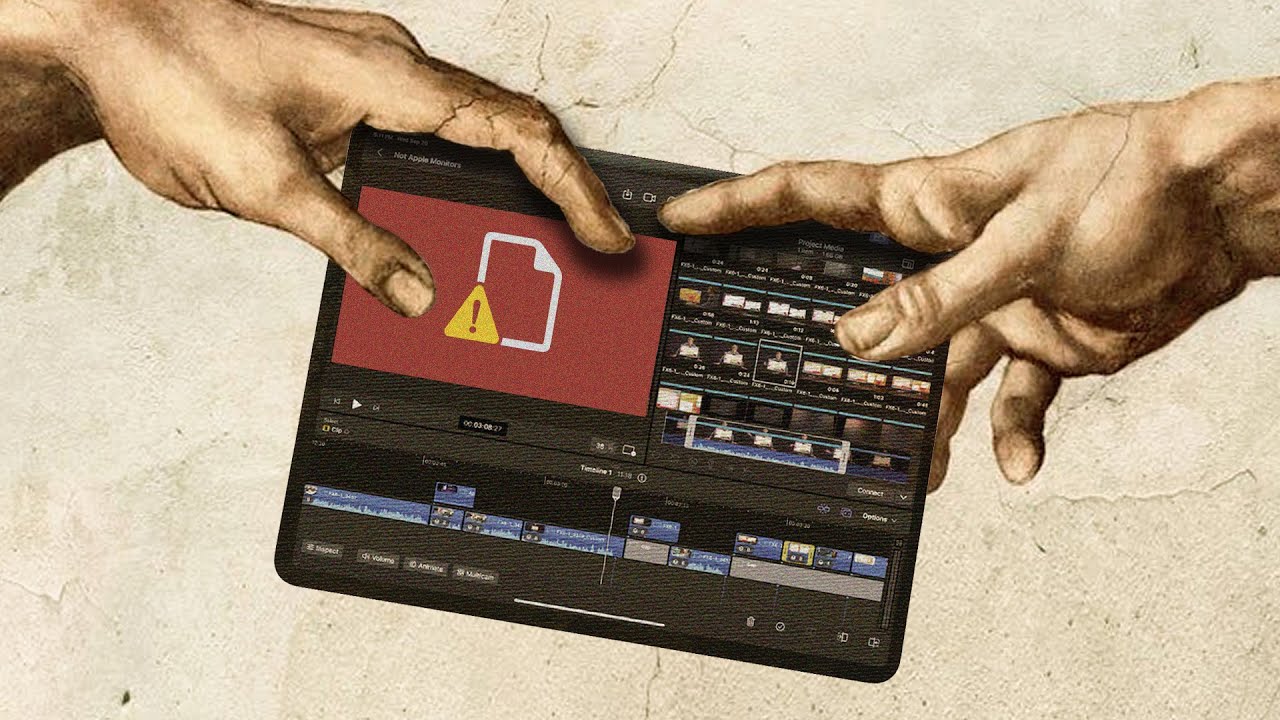
Editing on iPad is Hell documents a two-editor experiment to push Final Cut Pro on the iPad to its limits. The video opens with the team introducing the challenge of moving a mostly Mac-based workflow to a portable touch device, highlighting expectations that the iPad could become a true pro editing machine. They discuss setup hurdles, including file management, ingest from servers, and the need for high storage capacity, which immediately reveals rough edges in the iPad version. The narrative then pivots to hands-on tests, revealing critical tradeoffs: the iPad version feels optimized for touch with features like a skimming tool and markup drawings, but struggles with core professional needs like multi-channel audio management, color handling, and reliable media organization. By the end, the team contemplates finishing the project on a desktop instead, weighing tempo and reliability against the dream of true mobile editing, and they conclude that final cut pro on the ipad is not yet ready to supplant a mac for demanding workflows. The middle section digs into specific pain points, starting with ingest and file access as the team wrestles with mapping the footage from a server into the iPad, encountering storage limits and incompatible formats that require re-encoding on macOS. They compare the ipad experience to traditional mac workflows, noting a familiar but disappointing sense of history repeating itself as major professional tools evolve slowly. The video highlights the strongest iPad advantages, especially touch-driven interactions like the built-in jog dial style skim tool and drawing markup on clips, which are praised as genuinely useful for on-the-go editing. Yet these positives are consistently weighed against practical flaws: limited windowing in iPad OS, inability to access effective list views or flexible timelines, and the persistent bottlenecks around color and audio routing that hamper a clean, fully portable edit. The discussion culminates in a candid reveal that, even with workarounds like finishing on a desktop, the iPad version imposes significant friction on the editing process, raising questions about the reality of pro workflows on tablets in 2023 and beyond. In the closing stretch, the collaborators reflect on whether final cut pro for ipad truly enables professionals to drop the laptop, or if it remains a stepping stone that accelerates some tasks but slows down others. They acknowledge the novelty and potential of a touch-first editing experience while emphasizing the ongoing gaps in media management, multi-track audio handling, and color grading fidelity. The video ends with an explicit takeaway: the ipad is not yet a complete replacement for the mac for a complex project, but the discussion around final cut pro on ipad continues to evolve, leaving viewers curious about future updates and optimizations. The overall message champions honest critique and invites audience engagement to see how quickly apple can address the current limitations.
Topics · technology · software · video_production · hardware · reviews
Questions answered
- What is Final Cut Pro on iPad best at, according to the video?
- The strongest points are touch optimization and features like the skimming tool and clip markup, which feel well suited for a touch-based editing workflow.
- What are the main drawbacks of using Final Cut Pro on iPad for professional projects?
- Key issues include limited file management, trouble with multi-track audio, color handling, and workflow bottlenecks that require macOS for parts of the process.
- Does the video conclude that iPad Pro is ready for pro editing workflows?
- No, the editors conclude that while promising, the iPad version is not yet a complete replacement for a Mac for demanding projects.


