HomeFeatured videos and new releasesBrowseLatest videos, playlists, and topicsCreatorsYouTube creators and their videosNewsHeadlines from publishers' feedsHistoryResume recently watched videos
Theme
Language
AccountAccountSign in
PrivacyCookiesTermsAboutContactRemovalMethodology
Account
Sign in
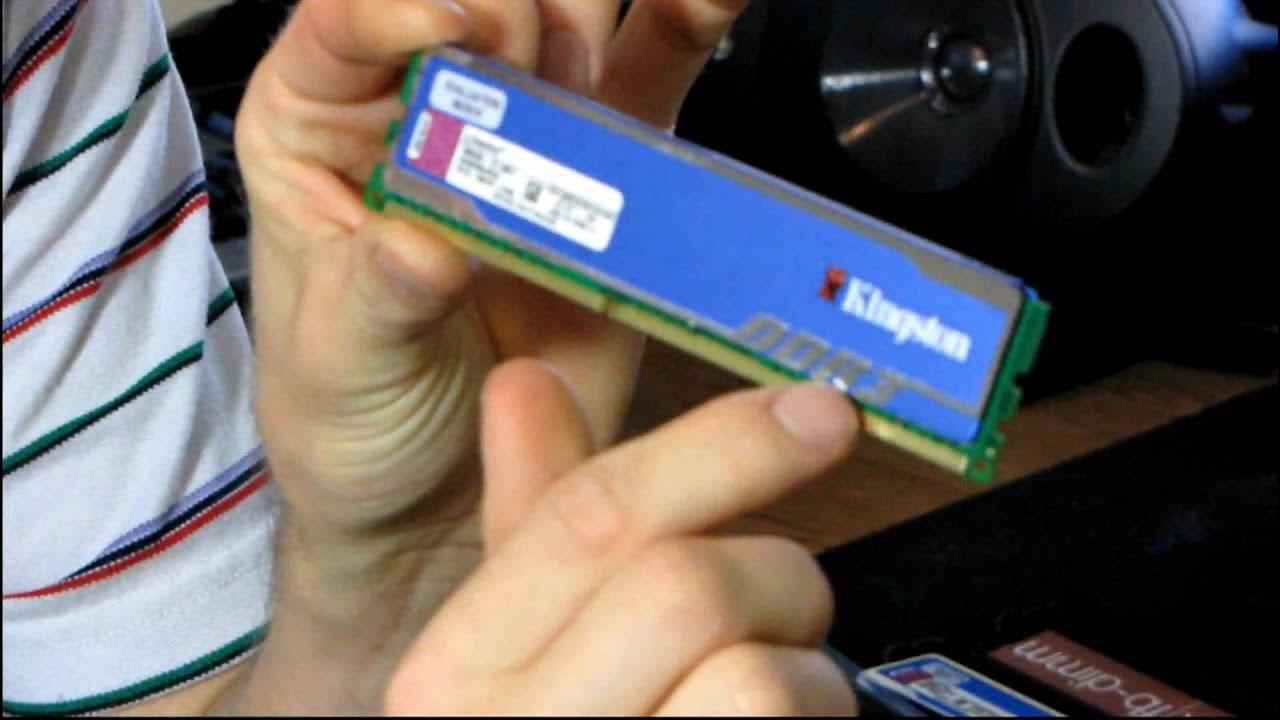
Kingston HyperX Blu DDR3 Overclocking Memory Kit Unboxing & First Look Linus Tech Tips
Video · 0:00

Kingston HyperX Blu DDR3 Overclocking Memory Kit Unboxing & First Look Linus Tech Tips

Linus Tech Tips@LinusTechTips•61.1K views•Jun 15, 2010•2:38

Your rating

Rate this video from 1 to 5

Reactions

Reactions to this video

Share

WhatsAppXReddit
Source
YT
Views
61.1K
Subscribers
16.9M
vs. channel typical
0.1x
Likes per 100
0.6
Comments
109

Description

This RAM is specially designed for overclocking headroom. When I have some time I'll see how far it'll go.

Start

AI Overview

This video from Linus Tech Tips provides an unboxing and first look at the Kingston HyperX Blu DDR3 memory kit. Linus details the packaging and distinctive design of the new HyperX Blu modules, noting the chrome accents and the blue heat spreaders. He explains that while the memory runs at standard JEDEC speeds, the emphasis is on extended overclocking headroom for enthusiasts, drawing a parallel to AMDs black edition approach where parts ship with a conservative default to allow higher overclocking potential. The host handles a dual-channel 4 gigabyte kit and describes the physical build, including how the front and back of the modules appear with different silkscreen elements. He references planned testing using a high-end overclocking platform (an unlocked Intel i7 875K) and outlines a strategy to stress the RAM separately from the CPU by leveraging multplier adjustments and turbo modes. The video closes with a brief recap that this is a 4 GB x 2 kit aimed at enthusiasts who want memory with headroom for overclocking, setting the stage for future experiments and benchmarks. The tone remains practical and focused on hardware features, with occasional commentary about the RAMs visual styling and Kingston’s branding. In sum, this unboxing emphasizes the HyperX Blu’s design cues, intended overclocking potential, and a plan to verify RAM stability and performance on a capable test platform.

Topics · technology · hardware · unboxing · overclocking · memory

Questions answered

What is the Kingston HyperX Blu DDR3 memory kit designed for beyond standard performance?
It is designed to provide overclocking headroom for enthusiasts, allowing higher memory speeds and tuning without stressing the CPU.


More from Linus Tech Tips

  • The $40 GTA 6 Gaming Setup is MUCH Better Than You'd Think
    18:45

    The $40 GTA 6 Gaming Setup is MUCH Better Than You'd Think

    534K views•2 days ago
  • My Investment is on SALE
    1:42

    My Investment is on SALE

    305K views•2 days ago
  • You Were Right About my Braces
    15:09

    You Were Right About my Braces

    582.4K views•3 days ago
  • 3 DJI M5T Features That Work Together
    0:55

    3 DJI M5T Features That Work Together

    39K views•3 days ago

Related videos

  • XMP 3.0 Memory - What To Know
    4:25

    XMP 3.0 Memory - What To Know

    249.1K views•5 years ago
  • This Motherboard Broke a Record - Colorful iGame X870E VULCAN OC V14
    20:30

    This Motherboard Broke a Record - Colorful iGame X870E VULCAN OC V14

    46.2K views•6 months ago
  • Mac Pro Unboxing & Second Impressions: The Power is Back!
    11:33

    Mac Pro Unboxing & Second Impressions: The Power is Back!

    5.1M views•7 years ago
  • Google Pixel Unboxing! (Best Android 7.1 Features)
    6:25

    Google Pixel Unboxing! (Best Android 7.1 Features)

    3M views•10 years ago
  • RED Hydrogen One Unboxing! (Houdini Edition)
    6:42

    RED Hydrogen One Unboxing! (Houdini Edition)

    2.7M views•8 years ago
  • I've never held so much graphics POWAHHH - NVIDIA RTX 3080
    8:39

    I've never held so much graphics POWAHHH - NVIDIA RTX 3080

    1.8M views•6 years ago

