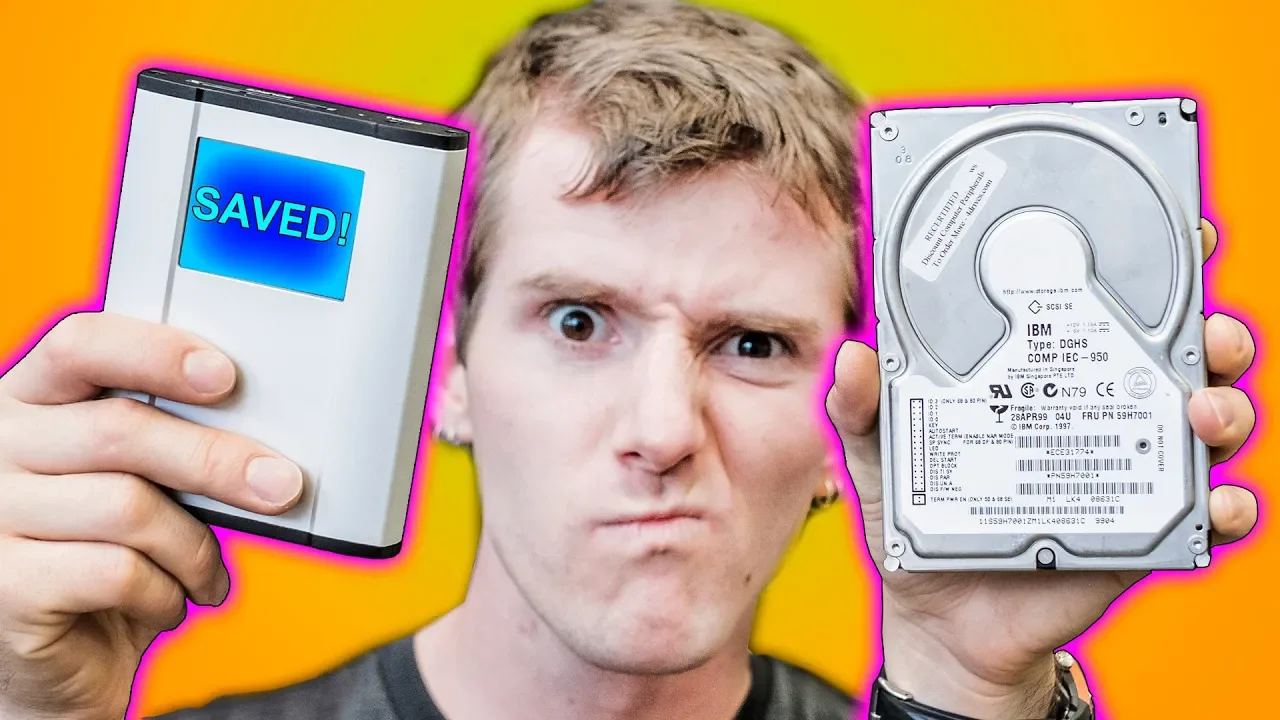
Don't Waste $1000 on Data Recovery
Your rating
Reactions
AudioEnglish (original)Auto-dubbed: Dutch, French, Hindi, Italian, Japanese, Polish, Portuguese, Ukrainian
Description
Thanks to DeepSpar for sponsoring this video!
Promos
Check out their RapidSpar Data Recovery Tool at geni.us RapidSpar is the first cloud-driven device built to help IT generalists and other non-specialized users recover client data from damaged or failing HDDs/SSDs Buy HDDs on Amazon: geni.us Buy HDDs on Newegg: geni.us Linus Tech Tips merchandise at designbyhumans.com Linus Tech Tips posters at crowdmade.com Our Test Benches on Amazon: amazon.com Our production gear: geni.us Twitter - twitter.com Facebook - @LinusTech Instagram - @linustech Twitch - twitch.tv Intro Screen Music Credit: Title: Laszlo - Supernova Video Link: https://www.youtube.com/watch?v=PKfxm... iTunes Download Link: https://itunes.apple.com/us/album/sup... Artist Link: soundcloud.com Outro Screen Music Credit: Approaching Nirvana - Sugar High http://www.youtube.com/approachingnir... Sound effects provided by freesfx.co.uk
AI Overview
Dont Waste $1000 on Data Recovery presents a detailed look at data loss scenarios and the practical options for recovering information from failing drives. The video begins by explaining how DeepSpar operates within a data recovery ecosystem, including training environments for police and government agencies, and the goal of helping both consumers and repair shops improve recovery outcomes. It emphasizes that professional recovery often involves specialized hardware and clean-room processes, but also showcases DIY techniques and tools that can salvage data in less extreme cases. Throughout the first segment, the host outlines common failure types, such as mechanical clicking noises, electronics problems, and firmware issues, and frames the decision to seek professional help against the costs involved. The narrative then follows a real-world case with a failed drive, where the team demonstrates a step-by-step approach to diagnosing electronics faults, sourcing compatible donor boards, and attempting a head swap with careful handling of ROM data and calibration. This segment highlights the importance of caution, proper tooling, and the risk of irreversible damage if amateur repairs are performed incorrectly. The middle portion shifts toward troubleshooting firmware problems, introducing the RapidSpar device as a cloud-assisted recovery solution that helps interpret firmware discrepancies and accelerate data extraction. The host shows the device in action, detailing how its diagnostics, head and media checks, and partition-level imaging can dramatically reduce recovery time and wear on fragile drives. A recurring theme is the balance between cost and likelihood of success, with explicit notes that end users may not own the expensive hardware but can seek shops that provide access to it for a fraction of the cost, often around a few hundred dollars for a plausible recovery. The tutorial-style segments include practical tips on avoiding common mistakes, such as mis-matching PCBs during a head swap, preventing additional data loss, and using diagnostic tools to map heads and sectors before attempting data extraction. The video also presents alternative, software-based recovery options for logical or partition-level issues that users can attempt at home, while clearly labeling the scenarios where professional intervention remains prudent. The closing guidance reinforces a broader data-protection mindset: backups are the best defense against costly recovery, and the ecosystem benefits when customers regularly back up data and shop owners stay honest about capabilities and limits. Overall, the video blends instructional, product-spotlight, and cautionary elements to educate viewers on how data recovery works, what tools can help, and why proactive protection matters more than ever in a digital life where data is central to personal and professional records.
Topics · data recovery · hardware repair · tech tutorials · it services · backup strategies · digital forensics





