This made me miss FPS games... - Corsair K70 PRO TKL
Your rating
Reactions
Promos
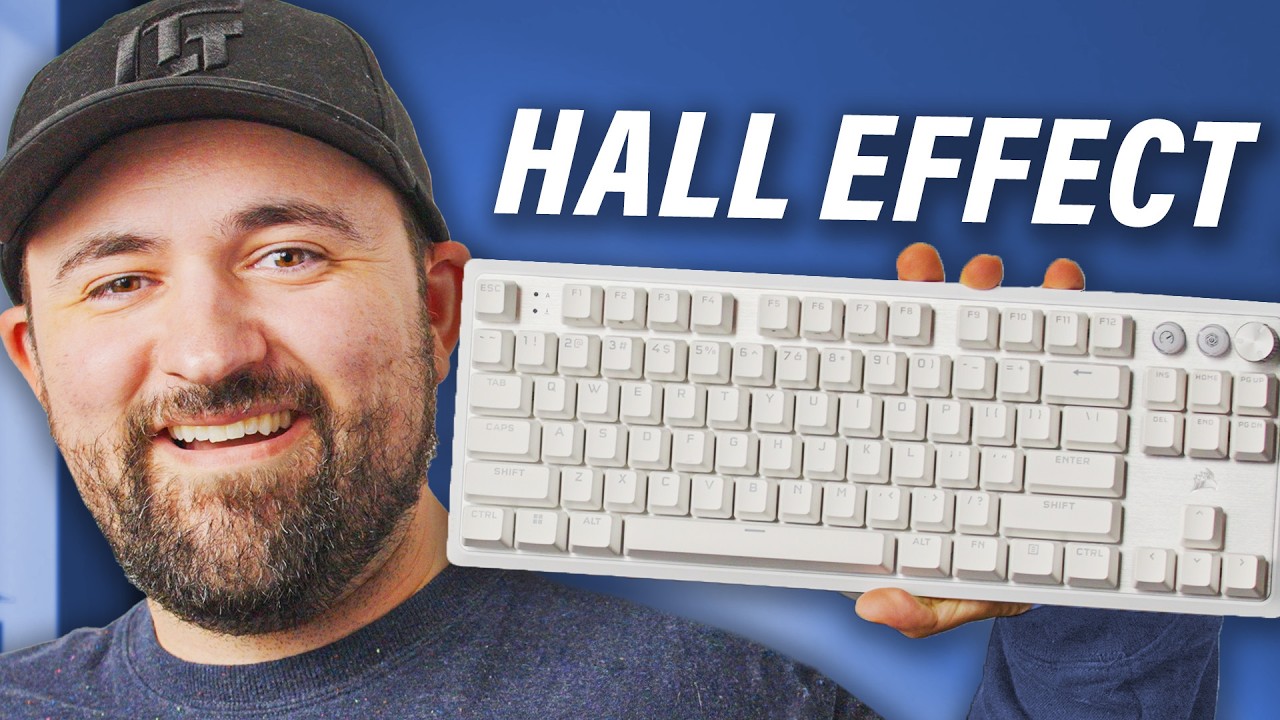
Thanks to Corsair for sponsoring this video! You can purchase the Corsair K70 PRO TKL at: corsair.com Plouffe is a big keyboard guy; he loves looking at them, building them, typing on them, and, most importantly, gaming on them. Corsair's all-new K70 PRO TKL is a match made in heaven for gaming, as it features magnetic switches so you can adjust the actuation point to your liking. Let's find out what Plouffe thinks! Purchases made through some store links may provide some compensation to Linus Media Group. Want us to unbox something? Make a suggestion at lmg.gg ► GET MERCH: lttstore.com ► GET A VPN: piavpn.com ► GET EXCLUSIVE CONTENT ON FLOATPLANE: lmg.gg ► SPONSORS, AFFILIATES, AND PARTNERS: lmg.gg CHAPTERS --------------------------------------------------- 0:00 Intro 0:18 Unboxing 1:30 Checking out the keyboard 5:13 So satisfying 6:11 Typing test and RGB 7:01 Configuring with iCUE 9:10 Key Actuations 10:29 GAME MODE 11:52 It's time to game 13:43 Outro
AI Overview
The video opens with an initial skepticism about 8000 Hz polling rate keyboards, as the host explains the Corsair sponsorship while they prepare to assess the K70 PRO TKL. The unboxing reveals the box contents including a wrist rest, the keyboard, and a long USB-C cable, with commentary on the wrist rest’s texture, comfort, and magnetized design. The host highlights hardware details such as the MX Hyperdrive magnetic switches, the ability to adjust actuation points via SnapTap style hall effect switches, and the build quality including a brushed aluminum top plate and durable rubber feet. They also compare the sound profile and stabilizers, noting two layers of silicone dampening that improve the typing and gaming experience, while acknowledging the keyboard is not the quietest option for some users. The video transitions to early impressions of typing feel, observing the stabilizers on the space bar and the overall tactile feedback, concluding that Corsair has made meaningful progress in recent years and deliver a solid baseline for most gamers who seek high performance and customization. The host then dives into RGB lighting, iCUE software integration, and the control dial, explaining how to adjust brightness and modes, and how the dynamic lighting can reflect the current actuation setup or mode. They perform a quick typing test, remarking on their improved speed over time and the bright, colorful RGB that shines through the white and gray chassis. The segment also demonstrates advanced customization like setting actuation points in fine increments, using FlashTap for rapid on-the-fly inputs, and the on-board Axon processor enabling 8000 Hz polling without adding complexity for the user. The host tests in-game capabilities, commenting on the joys and caveats of using the keyboard for competitive shooters, including potential anti-cheat considerations with FlashTap, and notes that the keyboard can be a complementary edge for FPS games rather than a guaranteed game changer. In closing, the video covers pricing options, recommending the PBT keycaps variant for a small extra investment, and reflects on whether the keyboard fits the viewer’s needs, finishing with a sponsor plug and an invitation to explore Corsair’s lineup further.
Topics · technology · gaming · hardware · unboxing · reviews · computer-accessories
Questions answered
- What is the Corsair K70 PRO TKL’s main mechanical feature that allows actuation point customization?
- It uses magnetically actuated hall effect switches with SnapTap-like technology to adjust actuation points.
- What are the two main materials used for dampening the sound in this keyboard?
- Two layers of silicone dampening are used to reduce noise and unify the typing feel.
- Why might some competitive players avoid using FlashTap in certain titles?
- FlashTap can be detected by anti-cheat systems and may trigger warnings or bans in some competitive shooters.