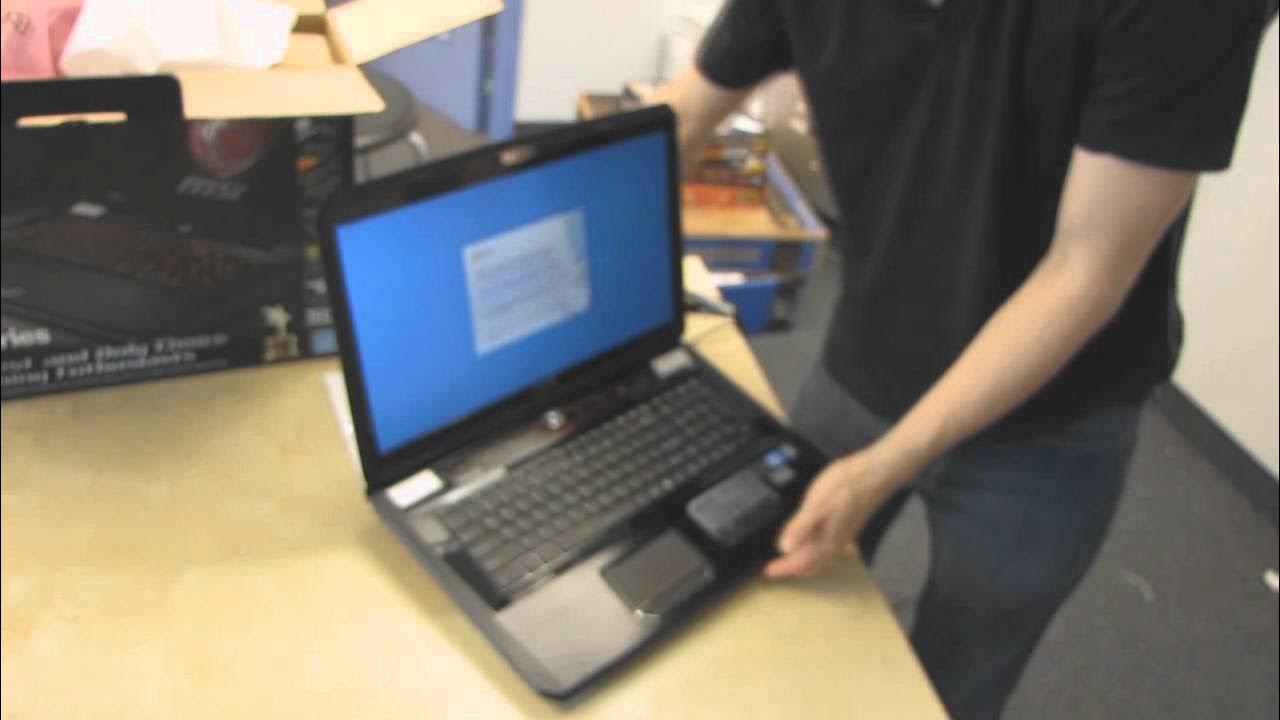
MSI GT780R Gaming Notebook With Illuminated Keyboard Unboxing & First Look Linus Tech Tips
Your rating
Reactions
Description
ncix.com Beast. That is all. 16GB of RAM :o
AI Overview
The video presents a detailed unboxing and first look at the MSI GT780R gaming notebook, emphasizing MSI's partnership with SteelSeries for a dedicated gaming keyboard. The host begins with an emphasis on the box contents and overall packaging, noting the large size of the unit and the substantial power supply. He highlights the keyboard design as a standout feature, explaining that SteelSeries’ involvement signals a shift toward higher quality input devices on gaming laptops. The unboxing continues with a tour of the notebook’s physical attributes: a matte screen, brushed back, dual drive bays in RAID 0, and a robust set of I/O options including HDMI, VGA, eSATA, multiple USB ports, and a 5.1 audio out. Practical notes on upgradeability are shared, including easy RAM and hard drive access, while a caveat about warranty voidance if the sticker is tampered with is explained. Throughout the segment, there is a focus on how the GT780R balances performance, portability concerns, and the realities of owning a large gaming notebook, including the size of the power brick and battery considerations. By the end of the first half, the host demonstrates system setup, discusses preloaded software choices, and showcases the backlit keyboard controls and touchpad behavior in gaming context. The video then dives into the keyboard and lighting software, revealing several lighting modes and zones, such as gaming mode that isolates illumination to the most used area during play, dual color cycling, breathing, and wave effects. Finally, the host shares closing impressions, praising the keyboard responsiveness, overall build quality, and the value proposition of including two free games, while inviting viewers to subscribe for more Linus Tech Tips unboxings and reviews. In the latter portion, the reviewer explains a shipping-related issue with the backlight that was quickly resolved, showing how the keyboard backlighting can be re-enabled and customized through the keyboard lighting manager app. He demonstrates the hardware controls for enabling and disabling wireless and Bluetooth, adjusting brightness, and toggling the touchpad off during gaming, highlighting the laptop’s design focus on a desktop replacement experience. The discussion covers the ports and expansion options, including VGA for projector compatibility and a dedicated cooling behavior toggle via a function key, which is presented as essential for maintaining performance during intense gaming sessions. The host concludes with practical guidance on future upgrades, notes about warranty considerations, and final thoughts on the GT780R’s place in the gaming notebook market of its time, reiterating that it targets users seeking strong performance with a high-quality input experience rather than maximum portability. Overall, the video blends hands-on hardware analysis with a practical assessment of what makes the GT780R distinctive, especially the SteelSeries keyboard, full HD display, and upgrade-friendly chassis. The unboxing is framed as a practical resource for prospective buyers who want a clear picture of what comes in the box and how the notebook behaves out of the box, with an eye toward real-world usage and expansion options.
Topics · technology · computers · hardware · laptops · unboxing
Questions answered
- What makes the MSI GT780R keyboard special for gamers?
- The GT780R uses a SteelSeries designed keyboard with full color backlighting, distinct gaming modes, and dedicated game-oriented zones to optimize key illumination and responsiveness during play.
- How upgrade-friendly is the GT780R chassis?
- The whole bottom panel can be removed to access RAM and hard drives easily, enabling straightforward upgrades while noting that warranty may be voided if the sticker is tampered with.
- What are the key ports and connectivity options on the GT780R?
- The notebook includes HDMI and VGA outputs, eSATA, LAN, multiple USB ports, an SD card reader, a 5.1 audio jack, and a built-in optical drive, offering broad compatibility for peripherals and displays.
- Does the video discuss battery life for gaming notebooks?
- Yes, the host acknowledges that gaming notebooks typically have limited battery life and emphasizes using the power adapter for gaming sessions, while noting the trade-off for portability.






