Joystick Like CONTROL On A Keyboard?! - Wooting two HE Analog
Your rating
Reactions
Promos
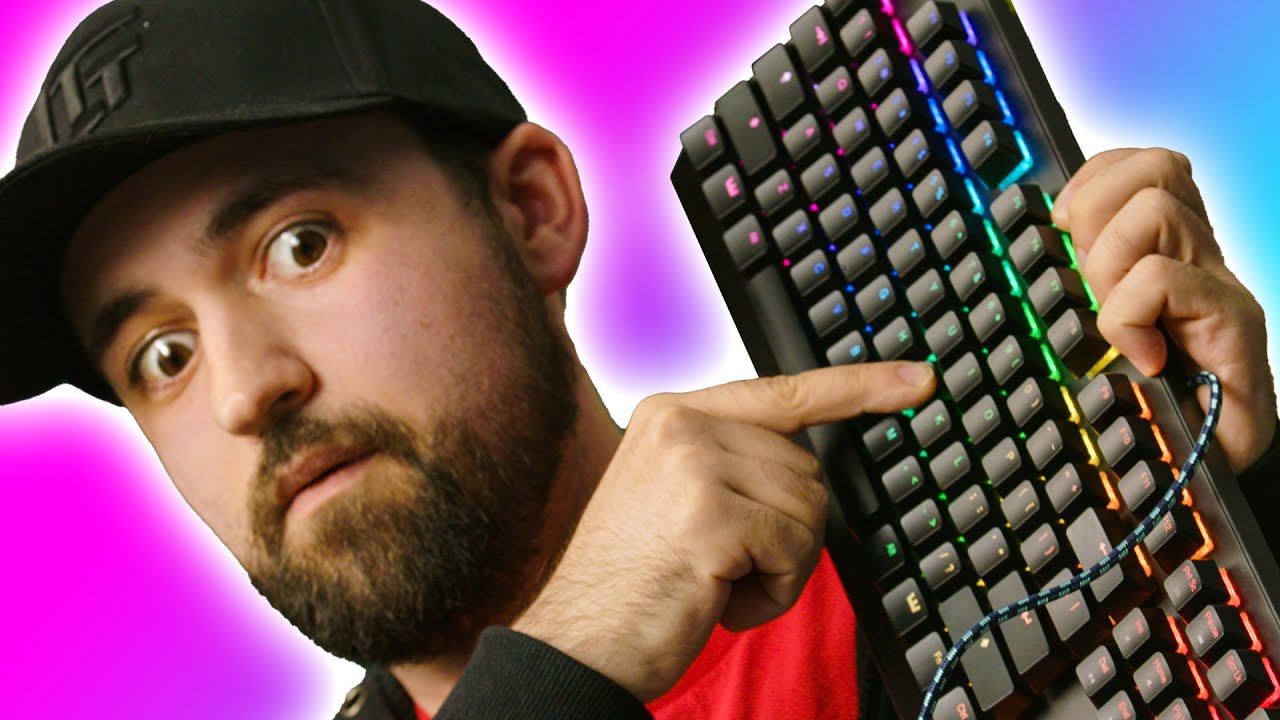
Save 10% and Free Worldwide Shipping by using offer code CIRCUIT at ridge.com The Wooting two HE Analog keyboard simulates gradual movement and control like a joystick. It's not 100% perfect but it's something that can make driving and flying a bit easier in games if you only have a mouse and keyboard.
Check out the Wooting two HE Analog Keyboard at lmg.gg Buy Microsoft Xbox Series X Controller On Amazon (Paid Link): geni.us On Best Buy (Paid Link): geni.us On BHPhoto (Paid Link): geni.us On NewEgg (Paid Link): geni.us Purchases made through some store links may provide some compensation to Linus Media Group. ►GET MERCH: lttstore.com ►SUPPORT US ON FLOATPLANE: floatplane.com ►LTX EXPO: ltxexpo.com AFFILIATES & REFERRALS --------------------------------------------------- ►Affiliates, Sponsors & Referrals: lmg.gg ►Private Internet Access VPN: lmg.gg ►Our Official Charging Partner Anker: lmg.gg ►MK Keyboards: lmg.gg ►Nerd or Die Stream Overlays: lmg.gg ►Official Game Store: nexus.gg ►Amazon Prime: lmg.gg ►Audible Free Trial: lmg.gg ►Our Gear on Amazon: geni.us FOLLOW US ELSEWHERE --------------------------------------------------- Twitter: twitter.com Instagram: @shortcircuityt Facebook: @ShortCircuitYT FOLLOW OUR OTHER CHANNELS --------------------------------------------------- Linus Tech Tips: lmg.gg TechLinked: lmg.gg Mac Address: lmg.gg Techquickie: lmg.gg LMG Clips: lmg.gg Channel Super Fun: lmg.gg Carpool Critics: lmg.gg CHAPTERS --------------------------------------------------- 0:00 - Intro 0:33 - Unboxing and overview 1:49 - Assembly 2:39 - First impressions 3:22 - Sponsor - Ridge Wallet! 3:44 - RGB and typing impressions 4:32 - Wootility software impressions 5:37 - Playing games 6:46 - Conclusion
AI Overview
The video exploring the Wooting two HE Analog keyboard opens with the host contrasting traditional keyboards with analog control, highlighting how a joystick-like feel could offer finer input than tapping keys. The unboxing and assembly portion reveals a magnet-based bottom, interchangeable Lekker switches, and a compact accessory pack including a cable, keycap puller, and spare switches. The host discusses initial impressions of sound, key feel, and stability, noting that stabilizers on the spacebar are surprisingly solid and that the overall acoustic character sits in a mid-to-high pitch range. A major focus is the Wootility software, which enables RGB customization and the creation of digital and analog profiles, including adjustable actuation points per key. The video demonstrates how the analog actuation can be repositioned, and describes practical testing like driving and racing game scenarios where feathering the keys becomes a factor. The host evaluates the feel at various actuation distances, noting that the travel is short and that precise feathering is challenging, especially compared to traditional thumbstick analog control. In conclusion, the keyboard is deemed not perfect for all users, with meaningful appeal for enthusiasts who want an intentional analog experience, but potential buyers should weigh the learning curve, profile flexibility, and the Lekker-only switch compatibility against their needs for feathering control and broader key feel options.
Topics · technology · peripherals · gaming
Questions answered
- What is the main selling point of the Wooting two HE Analog keyboard?
- The main selling point is its analog input capability that simulates gradual movement and control, similar to a joystick, through adjustable actuation points and dedicated profiles in the Wootility software.
- Can you change the actuation distance per key on this keyboard?
- Yes, via Wootility you can adjust the actuation point for keys, with examples mentioning ranges down to 0.1 mm and up to 4.0 mm. You can create multiple analog profiles for different scenarios.