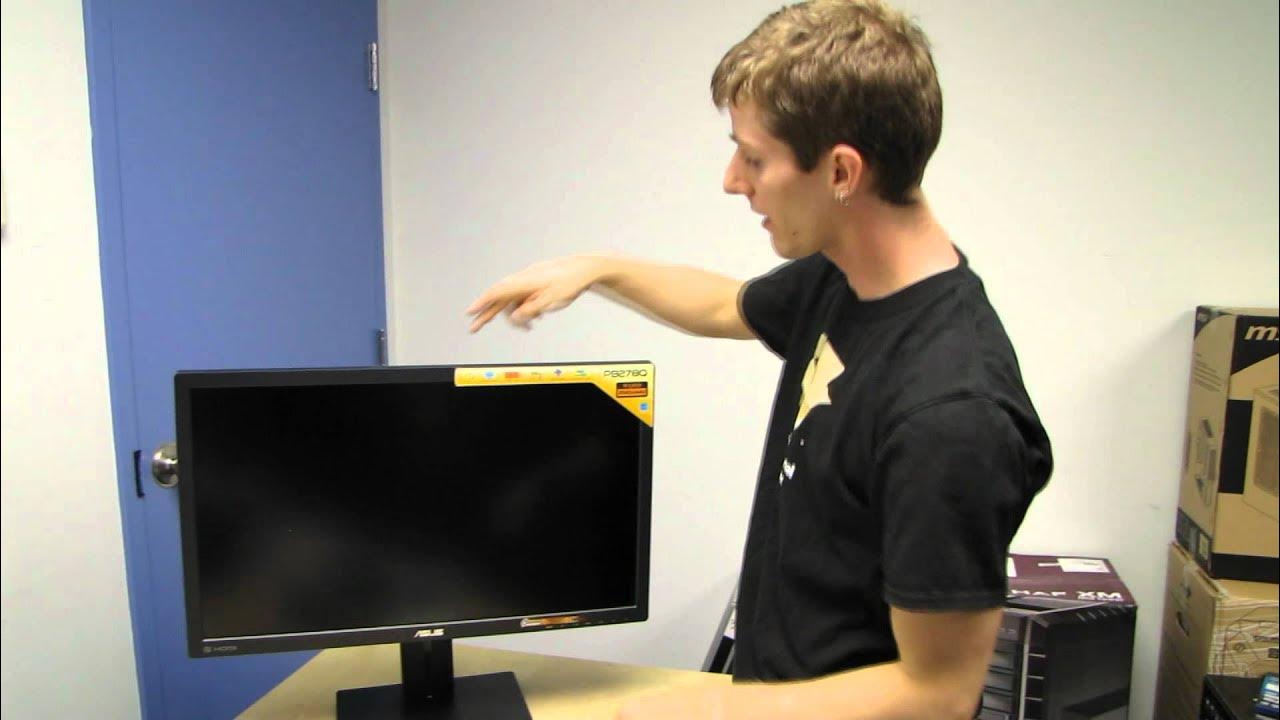
ASUS PB278Q PLS LED LCD Monitor Unboxing & First Look Linus Tech Tips
Your rating
Reactions
Description
It's BIG. It's BAD. It's... Actually I can't find a single bad thing about it.... CA: ncix.com US: http://www.us.ncix.com/search/?categoryid=0&q=pb278qt....
AI Overview
This unboxing and first look video presents the ASUS PB278Q PLS LED LCD monitor, a 27-inch display that Linus Tech Tips characterizes as offering an excellent balance of high resolution and screen real estate. He emphasizes the 2560 by 1440, 16x9 resolution as a core draw, noting that value comes from the increased workspace that reduces visible pixelation and enhances image sharpness. Throughout the video, he highlights color fidelity and the Pro Art branding, explaining that the panel is a PLS type, which he associates with rich, vibrant colors and wide viewing angles. He walks through the unboxing process, pointing out included accessories such as DisplayPort, HDMI, VGA, DVI, audio cables, and built-in 3-watt speakers, while recommending digital connections like DisplayPort or DVI to achieve the full 2560x1440 at 60 Hz and avoid bandwidth limitations of HDMI. The setup discussion covers the monitor’s stand and cable management design, including a rotating base and removable stand to route cables neatly along the back for a clean desk aesthetic. He calls out the monitor’s hard button OSD controls, praising the Quick Fit overlay feature that helps with aligning and printing layouts, and he notes the large color gamut coverage including full sRGB, wide viewing angles, and an impressive contrast ratio. In closing, Linus clarifies naming distinctions within ASUS’s ProArt lineup, reiterates key specs like matte semi-gloss finish and zero bright dot policy, and invites viewers to subscribe for more unboxings and computer content.
Topics · technology · consumer electronics · hardware · reviews
Questions answered
- What are the key specifications of the ASUS PB278Q monitor discussed in the video?
- The monitor is 27 inches with a 2560x1440 resolution, uses a PLS panel, and supports multiple inputs including DisplayPort, HDMI, DVI, VGA, and audio in/out. It features a matte semi-gloss screen, built-in 3-watt speakers, cable management, a rotatable base, and an OSD with a Quick Fit grid overlay.
- What connection is recommended to achieve the native 2560x1440 resolution at 60 Hz?
- Use a digital connection such as DisplayPort or DVI to ensure the full 2560x1440 at 60 Hz, as HDMI may not provide sufficient bandwidth on all versions.






