La Dynamic Island en iPhone es MEJOR de lo que CREES... ¡Activa esto!
This video also has English audio (auto-dubbed). In the player, open Settings → Audio track and choose English.
Your rating
Reactions
AudioSpanish (original)Auto-dubbed: English, Arabic, Portuguese
Channels and socials
Te explico cómo usar la Dynamic Island del iPhone de una manera correcta. La Isla Dinámica es muy útil. En este vídeo te enseño trucos, gestos y funciones para sacarle el máximo partido, descubrir todo lo que puedes hacer con ella y aprender a utilizarla para aprovechar mejor tu iPhone. Desde controlar actividades en directo, consultar información sin salir de tus aplicaciones y descubrir funciones que probablemente no conocías de la Dynamic Island. Espero que te guste. ___ ENLACES DEL VIDEO: 1. Errores de principiantes en iPhone - youtu.be 2. Canal WhatsApp - whatsapp.com 3. Lock Launcher - apps.apple.com 4. Widget Flow - apps.apple.com 5. Flight Radar - apps.apple.com ___ MI EQUIPO DE GRABACIÓN Y CREACIÓN - amzn.to MI OTRO CANAL SOBRE REALIDAD VIRTUAL/MIXTA - @NextManu_ ___ MIS REDES SOCIALES: Instagram - @geniusmanu_ X - x.com Amazon - amzn.to ___ LÍNEA DE TIEMPO: 00:00 - Dynamic Island utilidades y trucos 00:15 - Compatibilidad 00:46 - Gestos básicos 01:38 - Apps útiles del sistema 02:07 - AirPods 02:26 - Llamadas 02:50 - Grabación de llamadas 03:16 - Temporizador 03:35 - Notas de voz 03:51 - Ejercicio 04:14 - Traducción 04:28 - Apple Maps y Google Maps 04:52 - Siri AI 05:15 - Deportes 05:49 - Vuelos 06:11 - Lock Launcher 07:44 - Widget Flow 08:40 - Conclusión ___
Contact
CONTACTO: Correo -
contacto @geniusmanu.com ___ *Algunos de los enlaces en esta descripción son enlaces de afiliados. Si compras a través de ellos, puedo recibir una pequeña comisión sin coste adicional para ti. ¡Gracias por tu apoyo! *Este vídeo puede incluir contenido protegido por derechos de autor cuyo uso no ha sido expresamente autorizado por su titular. Dicho material se utiliza con fines de crítica, comentario, análisis, educación y/o información, conforme a lo establecido en el artículo 107 de la Ley de Propiedad Intelectual de EE. UU. (uso legítimo o “fair use”), así como bajo principios similares contemplados en la normativa europea. Si eres el propietario de los derechos de alguna de las obras utilizadas y consideras que su uso no es adecuado, puedes ponerte en
contacto con nosotros para intentar resolverlo de forma amistosa.
AI Overview
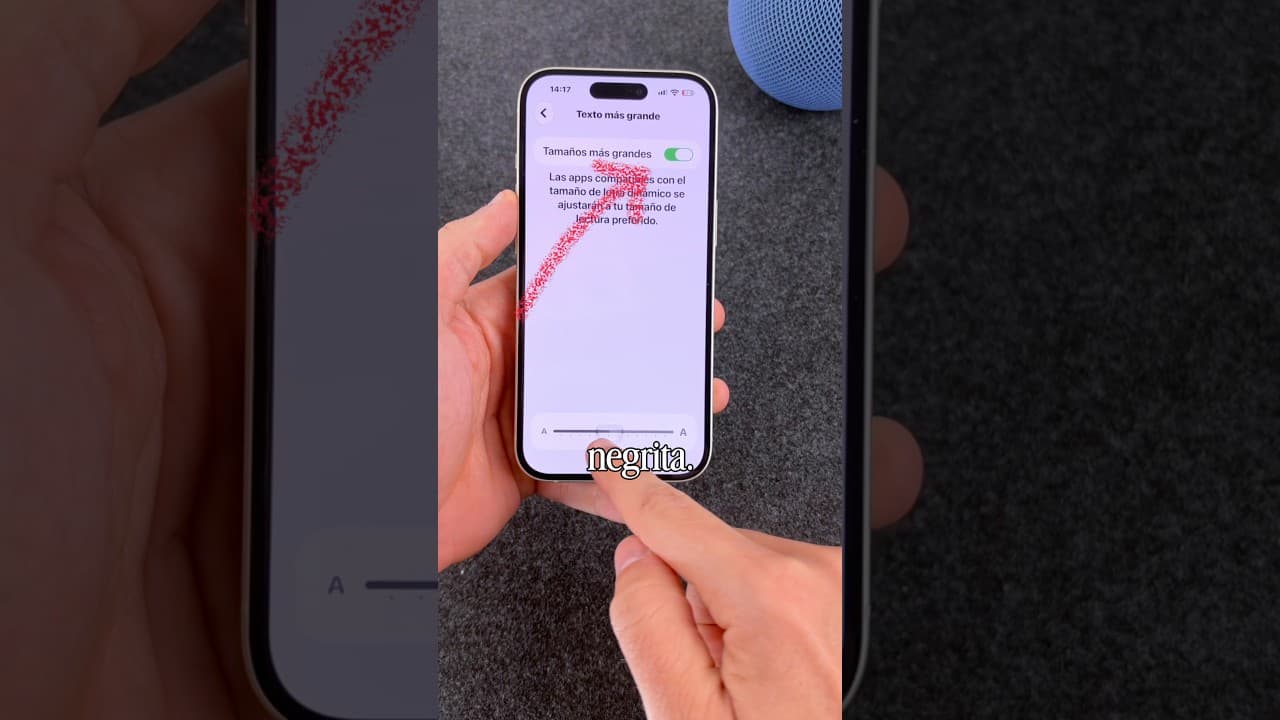
The Dynamic Island is available on iPhone 14 Pro and later, and the video explains how to use it for live activities and app shortcuts. When two activities are active, swiping can hide one while leaving it running in the background, and a long press can reveal options. The built-in examples include adjusting flashlight brightness, checking AirPods battery, and managing calls or screen recordings from the Island. The video also demonstrates timer controls, voice memo activity, workout details, translation, and navigation directions from Apple Maps or Google Maps. It says that starting with iOS 27, users can adjust a timer from the Dynamic Island. These features make the Island useful for checking information and controlling activities without reopening their full apps. The video recommends Apple Sports for live sports updates, FootMob for following soccer, and Flyy for flight information such as delays and gate changes. Lock Launcher can display information such as battery percentage, weather, or system usage, and can pin a photo, QR code, text, or app shortcut to the Island. Widget Flow offers customizable icons and animations, including calendar and weather information. Both Lock Launcher and Widget Flow are described as free. The main takeaway is that built-in features and third-party apps can make the Dynamic Island more useful for everyday tasks.
Topics · science & technology · dynamic island · iphone tips · mobile apps
Questions answered
- Which iPhone models support the Dynamic Island?
- The Dynamic Island is available on iPhone 14 Pro and later.
- How can you hide a live activity from the Dynamic Island without stopping it?
- Swipe to hide the activity. It continues running in the background even when it no longer appears at the top of the screen.
- What can the Dynamic Island show when using AirPods?
- It can show the AirPods' charge level, with a larger battery view available by tapping or holding.
- Which apps can show navigation directions in the Dynamic Island?
- Apple Maps and Google Maps can show route information in the Dynamic Island.
- How can Lock Launcher customize the Dynamic Island?
- Lock Launcher can display items such as weather, battery percentage, or system usage, and can pin photos, QR codes, text, or app shortcuts.