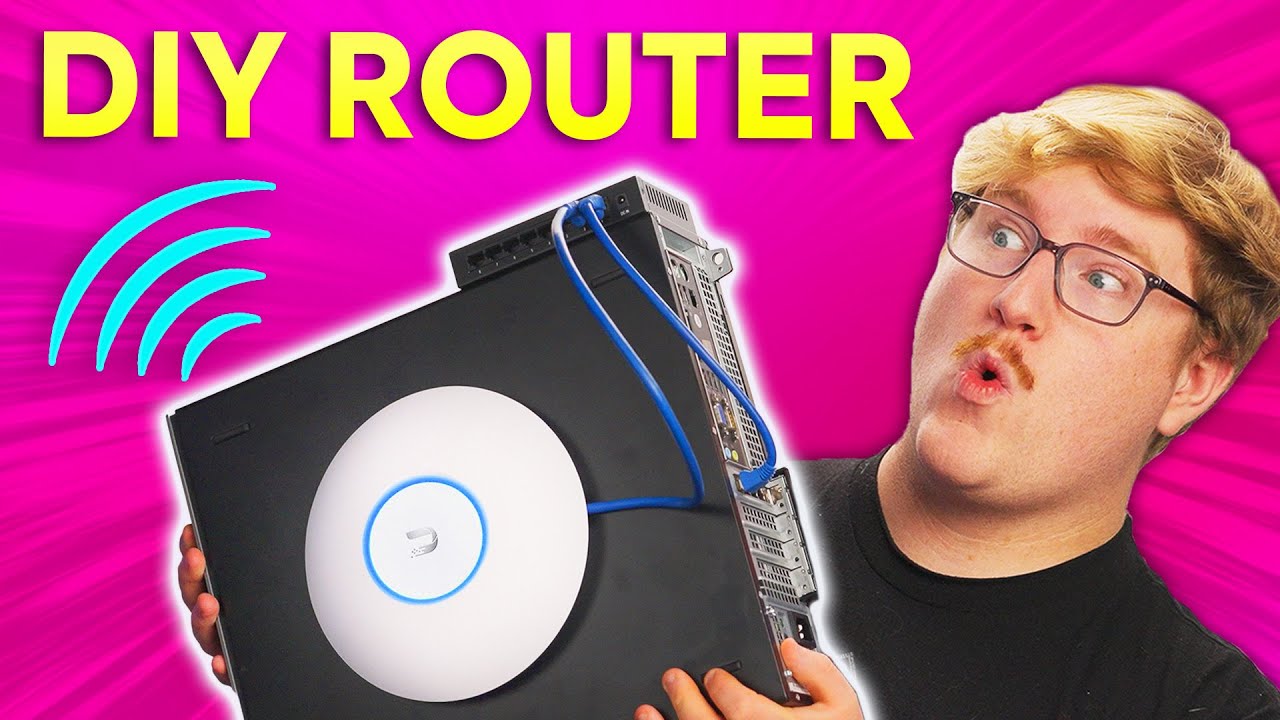
Your Router Sucks. Build Your Own Instead!
Your rating
Reactions
AudioEnglish (original)Auto-dubbed: Dutch, German, Spanish, Bangla, Indonesian, Japanese, Malayalam, Polish, Portuguese, Punjabi+2 more
Promos
Save 59% on a year of Bitdefender Premium Security at: lmg.gg Did you know that you can build your own router that can perform better than off-the-shelf products? It’s easier than you might think to build your own opnSense or pfSense router, and we’ll show you how! Discuss on the forum: linustechtips.com Purchases made through some store links may provide some compensation to Linus Media Group. ► GET MERCH: lttstore.com ► SUPPORT US ON FLOATPLANE: floatplane.com ► AFFILIATES, SPONSORS & REFERRALS: lmg.gg ► PODCAST GEAR: lmg.gg FOLLOW US --------------------------------------------------- Twitter: twitter.com Facebook: @LinusTech Instagram: @linustech TikTok: @linustech Twitch: twitch.tv MUSIC CREDIT --------------------------------------------------- Intro: Laszlo - Supernova Video Link: youtube.com iTunes Download Link: itunes.apple.com Artist Link: soundcloud.com Outro: Approaching Nirvana - Sugar High Video Link: youtube.com Listen on Spotify: spoti.fi Artist Link: youtube.com Intro animation by MBarek Abdelwassaa @mbarek_abdel Monitor And Keyboard by vadimmihalkevich / CC BY 4.0 geni.us Mechanical RGB Keyboard by BigBrotherECE / CC BY 4.0 geni.us Mouse Gamer free Model By Oscar Creativo / CC BY 4.0 geni.us CHAPTERS --------------------------------------------------- 0:00 Intro 0:45 The problem with ISP Routers 1:26 What hardware do I need? 3:37 How about software? 4:01 Installing and configuring opnSense 6:01 DHCP settings 6:34 Updating your system 6:44 Changing interface assignments and other settings 7:06 Thanks Bitdefender for sponsoring! 8:12 Why do I need a switch? 9:01 The last thing we need: Wi-Fi 9:45 Lets run a speed test! 10:29 Power efficiency options 10:59 Conclusion
AI Overview
The video argues that consumer and ISP routers are often unreliable because they combine multiple functions in a single box, making upgrade paths limited and performance inconsistent. The host demonstrates building a custom router using an older Dell Optiplex PC, a PCIe NIC, and pfSense or OpenSense as the router OS. The process is laid out step by step, starting with selecting hardware that provides at least two network ports, choosing Intel-based NICs for compatibility, and adding a small SSD to host the system. The software portion focuses on OpenSense as the preferred option due to its GUI and frequent updates, including bootable USB installation, initial network port labeling, and essential post-install configuration such as DHCP ranges and DNS settings. The video then covers practical setup details like updating the system, reassigning interfaces, enabling Google Drive backups for configs, and the importance of firewall rules for security, before evaluating performance with a speed test and discussing power efficiency and cost. Finally, the host recommends adding a separate network switch and a dedicated access point to achieve better performance and flexibility, highlighting Bitdefender Premium Security as a sponsor and drawing a parallel between DIY network customization and strong ongoing security hygiene.
Topics · technology · networking · hardware · DIY · privacy · security · home-lab
Questions answered
- Quelles sont les raisons principales pour remplacer un routeur ISP par une solution DIY comme OpenSense ou PFsense?
- Les routeurs fournis par les ISP sont souvent des systèmes composites difficiles à mettre à jour ou à remplacer partiellement. En séparant les fonctions (routeur, switch, point d’accès), on peut optimiser chaque composant pour de meilleures performances, sécurité et évolutivité.
- Quel matériel est recommandé pour assembler le routeur DIY et pourquoi l’acheteur est-il conseillé d’utiliser des NIC Intel?
- Utiliser un PC compact ancien avec un slot PCIe et au moins deux ports réseau est recommandé. Les NIC Intel sont privilégiés car leur compatibilité et performance sont mieux supportées par les OS OpenSense/PF Sense.
- Quelles mesures post-installation sont importantes pour sécuriser le réseau DIY?
- Configurer le DHCP et les plages IP, régler les DNS, apprendre à mettre à jour le système, assigner correctement les interfaces, et activer des sauvegardes de configuration; surveiller et configurer le pare-feu et le port forwarding avec prudence.
- Comment le vidéo compare-t-il le coût total et l’efficacité énergétique d’un routeur DIY par rapport à une solution tout-en-un commerciale?
- Le montage DIY peut coûter autour de 100 USD pour le PC d’occasion, 20-100 USD pour un switch, et un point d’accès dédié, avec une consommation d’énergie potentiellement plus faible que certains combos tout-en-un, et des gains en efficacité énergétique selon l’usage et le hardware utilisé.






