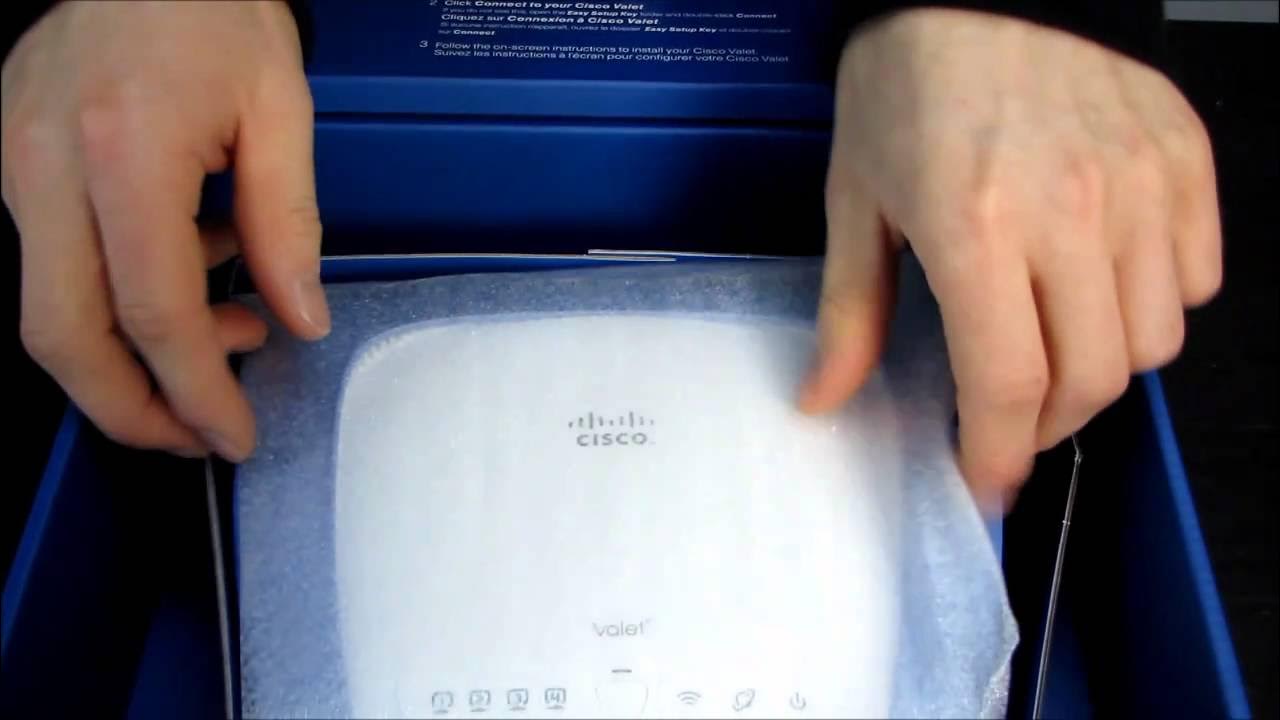
Valet by Cisco M10 Wireless N Router With Easy Setup Unboxing & First Look Linus Tech Tips
Your rating
Reactions
Description
ncix.com Coming soon is the test of exactly HOW easy it is to set up!
AI Overview
The video provides a detailed unboxing and first impressions of the Cisco Valet M10 Wireless N Router. The host begins by noting the box has seen some wear and introduces the Valet as a home wireless solution designed for easy setup, emphasizing features like 802.11n wireless performance, guest access, and parental controls. The unboxing reveals several components including an easy setup key, a small valet USB key, cables, and the router itself, which is white with a blue accent and multiple LED indicators on the front. The host examines the router’s physical design, ports, and ventilation, describing the quiet convection cooling and the layout of the four LAN ports, WAN port, reset button, and power jack. He discusses the packaging contents and expresses curiosity about how easy the setup process will be, hinting at a follow-up video to test real-world configuration and user-friendliness, including whether this is a product a non-technical user could set up for a family member. The host also teases practical considerations like whether a grandparent could successfully configure a home network and invites viewers to subscribe for updates. Overall, the video blends hands-on hardware examination with expectations about the purported “easy setup” experience, while setting up future content to evaluate ease of use in practice. It also references the cat-bite anecdote as a humorous aside, giving a light, personable tone to the unboxing experience. The software side, including the browser-based or USB-assisted configuration, is mentioned as the core test to come in a potential follow-up, making clear the video aims to assess both the hardware design and the user experience. The presentation concludes with a prompt to stay tuned for more testing and a call to subscribe for the upcoming setup walkthrough.
Topics · tech unboxing · wireless networking · consumer electronics · setup and configuration






