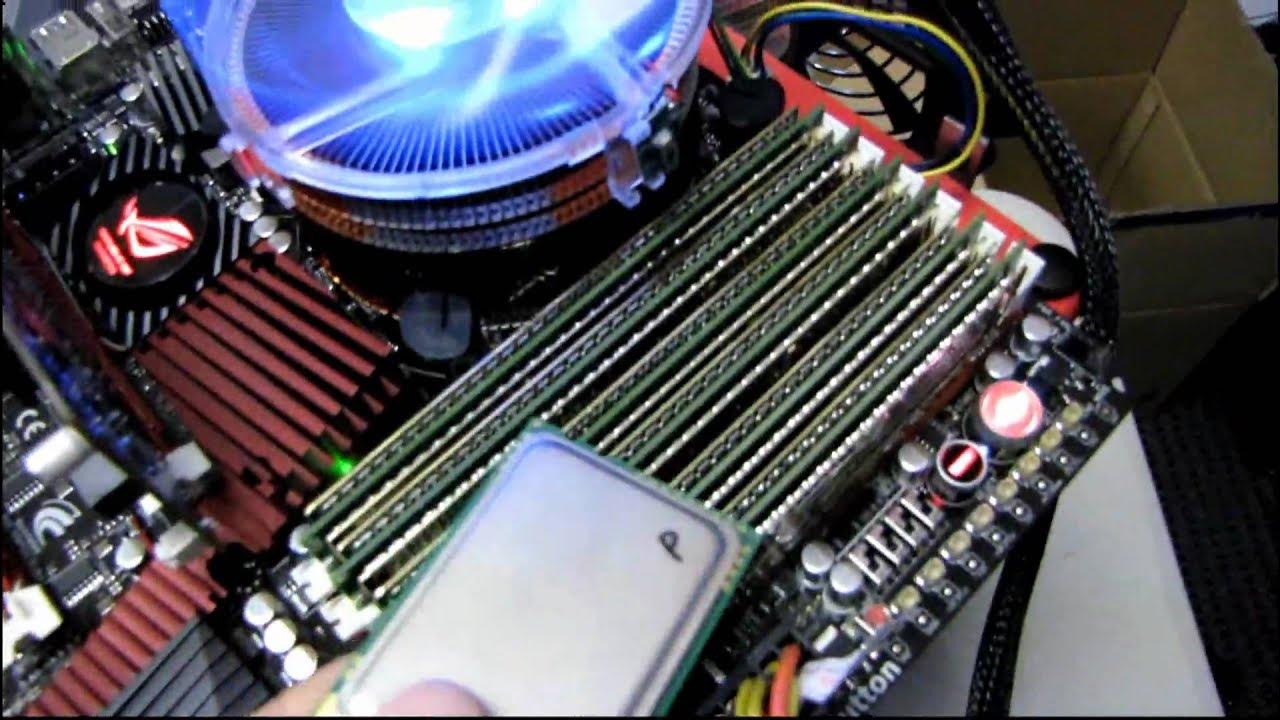
Rampage III Extreme 24GB RAM Core i7 980X SUCCESS!! Linus Tech Tips
Your rating
Reactions
AudioEnglish (original)Auto-dubbed: Dutch, French, German, Spanish, Arabic, Hebrew, Hindi, Indonesian, Italian, Japanese+8 more
Description
Figured out what the problem was (sorta). Looks like it was related to the graphics card. That aside, I end up running into a new problem getting all 24GB detected by the OS!
AI Overview
The Rampage III Extreme motherboard video follows Linus as he tackles a challenging hardware experiment: getting 24GB of DDR3 RAM to function correctly with an Intel Core i7-980X in a high-end Rampage 3 Extreme board. After initial posting troubles, he isolates the issue by swapping the graphics card and removing problematic modules, eventually achieving a successful POST in BIOS with a working video card and RAM installed. The host walks through RAM timings, voltage expectations, and the default 1333MHz setting, considering whether the modules could be overclocked within their rated voltage. He demonstrates the system’s detection of 24GB in CPU-Z while Windows reports only 16GB, presenting the core mystery: the OS or BIOS might not address all the memory. Throughout, Linus tests stability with Prime95 and analyzes Windows 7 memory limits, offering practical troubleshooting steps and BIOS navigation tips. He also references real-world constraints like 32-bit Windows memory addressing and the implications for utilizing all installed RAM, inviting viewers to propose solutions in the comments. The video culminates in an open-ended conclusion that the exact cause remains elusive, but the exploration provides valuable diagnostics for enthusiasts working with old high-end hardware. By exploring multiple hardware angles, the video educates viewers on how memory configurations, BIOS settings, and operating system limits interact on legacy platforms. Linus documents concrete steps such as removing modules, testing different GPUs, observing POST LEDs, and using CPU-Z to verify detected memory. He emphasizes the difference between what the hardware reports and what the OS can utilize, highlighting the practical challenges of 24GB RAM on a 64-bit era setup. The narrative combines hands-on experimentation with commentary on iterative troubleshooting, showing how even a well-supported motherboard can struggle with maxed RAM in real-world usage. Viewers gain insight into how 32-bit OS limits can cap usable memory despite hardware availability, and the video ends with an invitation for further community input to resolve the remaining discrepancy.
Topics · technology · hardware · pc_hardware · overclocking · computing · diy · electronics
Questions answered
- Why did the system only show 16GB of RAM in Windows despite CPU-Z reporting 24GB?
- Because Windows 7 Ultimate on a 32-bit or limited-configuration setup cannot address all installed RAM, and BIOS/OS settings can restrict usable memory even when hardware detects more.
- What was the final takeaway about enabling 24GB RAM on the Rampage 3 Extreme with the i7-980X?
- The exact cause wasn’t conclusively identified in the video; the RAM was detected by CPU-Z, but the OS or BIOS limits prevented full utilization, and viewer input was invited to suggest fixes.






